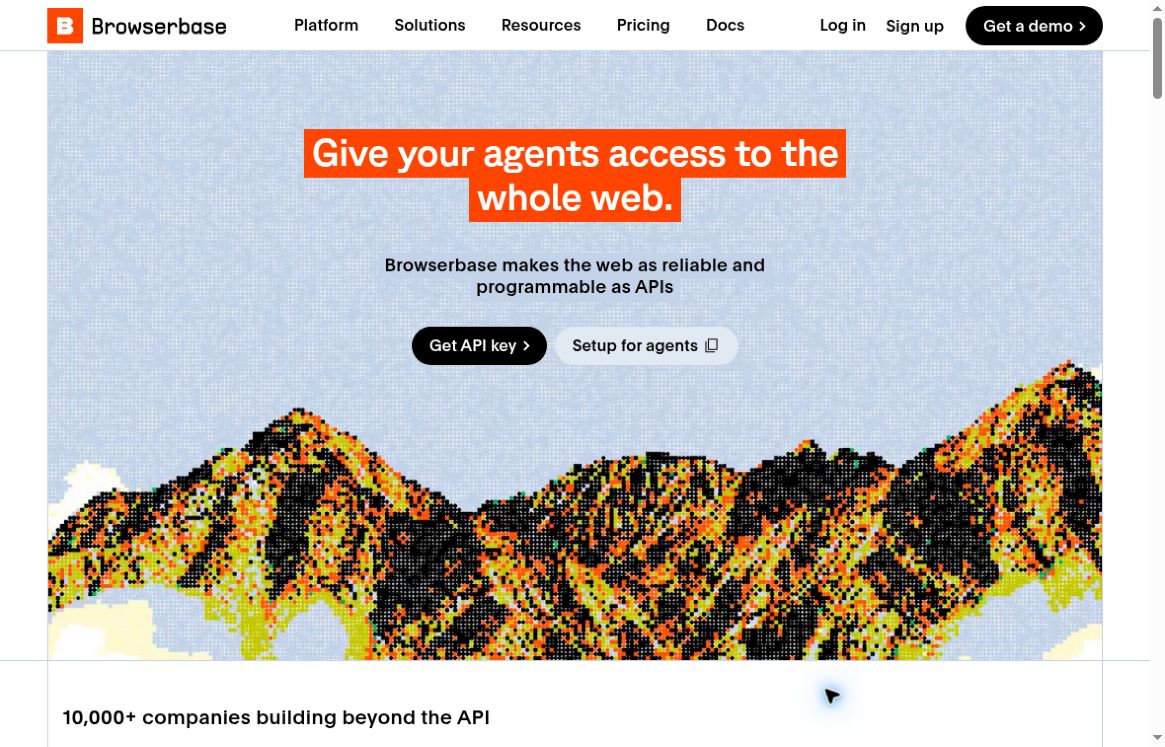
Featured image: Browserbase official homepage, captured October 20, 2026. Claims and figures shown in the screenshot are the provider’s presentation, not independent test results.
Browserbase provides managed cloud browsers for applications that interact with websites. Teams can use it for browser agents, web-data collection, authorized form workflows, and end-to-end testing. The platform supports Playwright, Puppeteer, and Selenium, alongside services for search, page fetching, and hosted functions. Its introduction explains how these components fit together.
How Browserbase works
A typical integration creates a remote session, connects an automation framework, performs the required steps, and closes the browser. Browserbase’s Playwright quickstart shows Node.js and Python workflows using the session’s connection URL. Stagehand, developed by Browserbase, is another supported way to build browser-agent behavior.
The service also makes runs inspectable. Its Session Inspector exposes live views, replays, console messages, and network activity, which can help explain why a task failed. Recordings have retention limits, so teams needing longer-lived evidence should plan exports. See the observability documentation.
A practical first automation
Consider a scheduled check that confirms whether a company’s own product pages display expected information. Begin with one page and one clearly defined result before adding more sites or parallel sessions.
- Define success precisely. Specify which fields to read and how the result should be stored. Decide whether a missing value counts as an error or an expected state.
- Build a short session. Open the page, wait for the relevant content, read the fields, and close the connection. Use a bounded timeout so an unsuccessful run does not remain active unnecessarily.
- Save useful evidence. Capture the observed values and enough context to investigate a failure. Avoid collecting unrelated personal data.
- Review repeat runs. Check pages with delayed content, unavailable items, and changed layouts. Classify failures so you can distinguish a site problem from an automation mistake.
- Scale after validation. Increase throughput gradually while tracking session duration, failure rates, and proxy traffic. Keep a clear owner for exceptions.
This approach makes cost and reliability easier to assess than starting with a broad instruction to browse many sites and hoping the final output is correct.
Authentication and access limits
Browserbase Contexts preserve cookies and application data between sessions; without a reused context, sessions start with fresh user data. This can simplify recurring authenticated workflows. Treat context access as sensitive and use it only for accounts and actions the application is authorized to handle. The Contexts guide explains persistence.
CAPTCHA support can help with supported challenges, but it is not a promise that every website will allow automation. Browserbase requires authorized use and respect for access controls in its CAPTCHA documentation. Expect site changes and verification requirements to remain part of maintenance.
Pricing and budgeting
Published monthly plans include Free at USD 0, Developer at USD 20, Startup at USD 99, and custom Scale pricing. Developer includes 100 browser hours, with additional time at USD 0.12 per hour; Startup includes 500 hours, then USD 0.10 per hour. Browser time is rounded by minute with a one-minute minimum per session. Proxy usage has separate allowances and charges. See the plan documentation; Browserbase specifies U.S. dollar billing.
Model usage and additional Search or Fetch calls can also affect the total. Check the current pricing page for the complete configuration. Browserbase is most relevant when a team needs managed browser execution and debugging; explore more automation tools in GPTOnline’s AI tools directory.