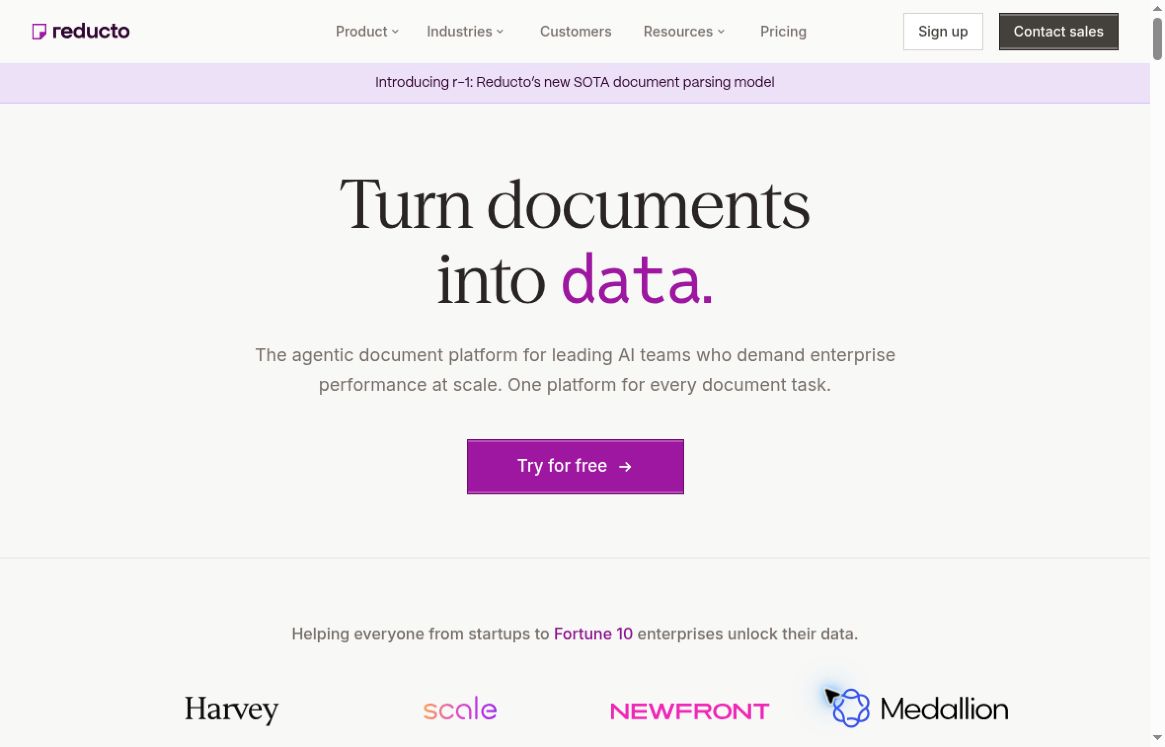
Featured image: Reducto official homepage, captured October 20, 2026. Claims and figures shown in the screenshot are the provider’s presentation, not independent test results.
Reducto is a document-processing platform for teams building extraction systems, knowledge bases, and document workflows. Its tools can parse files, classify documents, split combined packets, extract selected fields, and edit supported documents. Developers can use APIs and SDKs, while Studio provides a visual workspace for configuring workflows. The platform overview covers formats including PDFs, scans, images, spreadsheets, and presentations.
Choose the output your workflow needs
Parse prepares document content for downstream applications, preserving structure such as text and tables. Extract focuses on fields defined by a schema, returning structured JSON. The Extract product guide describes schema-based output and source citations that help teams inspect where values came from.
That distinction is useful when planning a project. A searchable manual needs content that can be retrieved in context. An invoice importer needs specific values that match its accounting fields. Decide what the next system expects before choosing configurations or measuring success.
A practical invoice-processing pilot
- Build a representative sample. Include different suppliers, layouts, scans, multi-page invoices, and documents with missing information. Keep expected answers for comparison.
- Define a small schema. Start with supplier, invoice identifier, date, currency, total, and line items. Agree on how missing fields should be handled instead of filling gaps with guesses.
- Inspect the result against the source. Reducto’s API quickstart documents a Studio link for visual review. Check the difficult examples first, particularly totals and table boundaries.
- Add application-side validation. Flag duplicate invoice identifiers, inconsistent totals, unexpected currencies, and missing required fields. These checks belong to your workflow design.
- Route exceptions for review. Keep uncertain records out of automatic downstream actions until someone resolves them. Expand coverage after the pilot reveals which document types need special handling.
Measure both field accuracy and the time needed to correct exceptions. A single overall score can conceal a recurring error in the one field your business process depends on most.
Using Reducto for document search
For retrieval-augmented generation, Reducto documents chunking, header/footer filtering, and embedding-oriented output. Its content field preserves extracted material for display, while embed supports embedding preparation. Your application still supplies storage, retrieval, and answer generation. Result URLs can expire, so save needed outputs promptly. See the official FAQ for output handling and retention details.
Model configuration also matters. Reducto’s r-1 cookbook says API requests must explicitly select r-1 through the V3 Parse API; omitted model settings use legacy Parse. Carry the tested configuration into production rather than assuming the defaults match a Studio experiment.
Pricing and limitations
Reducto meters document operations by endpoint and pages processed, with published rates per 1,000 pages. Spreadsheet processing is cell-based. Current Extract pricing includes parsing, while optional parsing enhancements and unusually dense extractions can add charges. Check the usage and pricing guide against your chosen configuration.
The plan page lists introductory Standard usage and custom Growth and Enterprise arrangements. Retention agreements and deployment options vary by tier. Budget for validation, storage, and exception handling alongside API consumption. Reducto is worth evaluating when document structure and reviewable extraction matter to a larger application; compare related options in the GPTOnline AI tools directory.