Updated October 19, 2026. Reviewed and revised for current information.
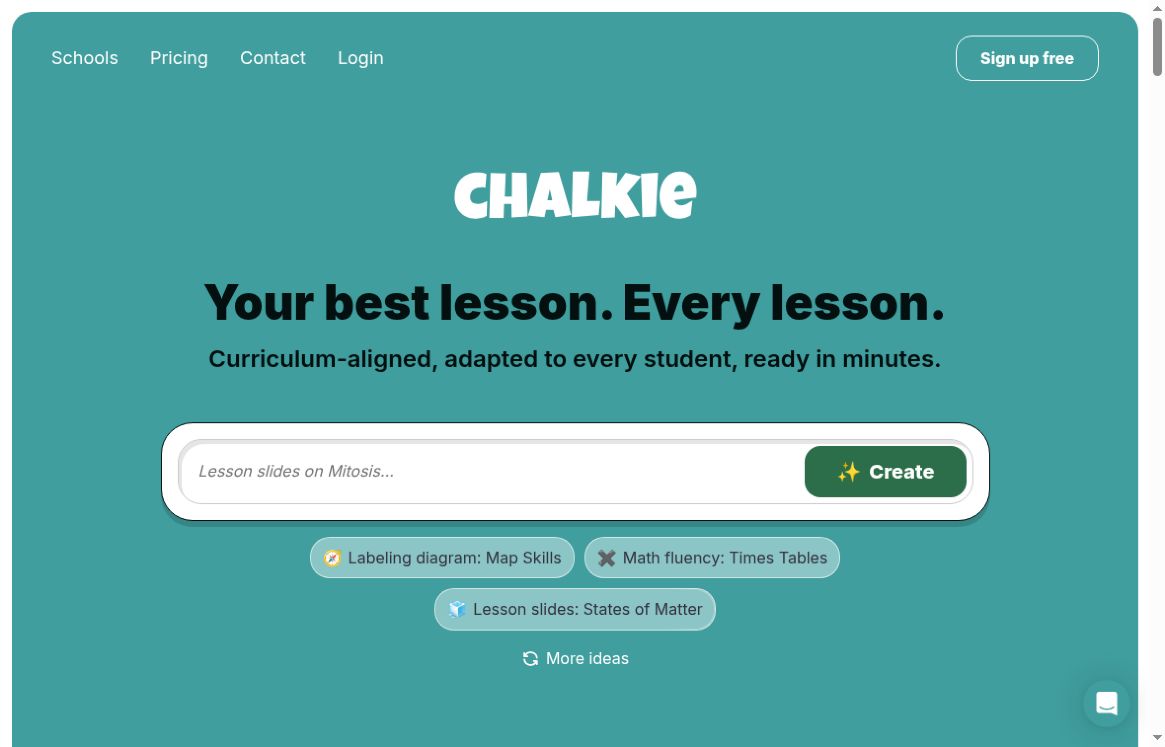
Image: Official Chalkie homepage with an empty lesson-topic field and public topic suggestions, captured October 19, 2026. The headline and curriculum wording are provider marketing; no lesson was generated or evaluated and no student information was entered.
Chalkie AI is a browser-based teaching-resource platform for generating lesson slides, worksheets and sequences of lessons. Its official website lets teachers start with a topic, an existing lesson plan, a file or a website URL, then adapt material for their class.
What can teachers create with Chalkie?
- Lesson presentations: the lesson planner describes editable slides with learning objectives, vocabulary, images and classroom activities. Lessons can be taught in Chalkie or exported to Google Slides, PowerPoint or PDF.
- Multi-lesson units: the unit planner builds an editable sequence from a topic and lesson count, with an outline teachers can review before generating individual lessons.
- Worksheets and practice: the worksheet generator supports question styles such as multiple choice, short answers and gap fills, with editing and printable/exportable output.
- Adaptation: adjust level, language and content for different learners. Chalkie’s FAQ describes support for UK, Australian and US curriculum frameworks, including Common Core and NGSS. Standards alignment is listed as a paid-plan feature.
Who is Chalkie for?
Classroom teachers, early-career teachers and substitute teachers may find the structured starting point useful. Department teams can also consider it when preparing a consistent sequence of resources across classes.
The practical question is how much editing a generated resource needs for your students. A polished deck may still need a clearer example, a different reading level or a change to the lesson sequence. Start with one familiar topic so you can judge the content against your own subject knowledge.
Pricing and generation limits
Checked October 19, 2026: the official pricing page displayed these plans. The paid prices below are annual-billing offers in US dollars, not month-to-month charges:
- Free: US$0 per month, five resources per week, with no payment card required.
- Pro: US$79.80 paid yearly, shown as US$6.65 per month equivalent. Includes 200 resources per month, lesson series up to 12 lessons and lessons up to 25 slides.
- Max: US$155.88 paid yearly, shown as US$12.99 per month equivalent. Includes 400 resources per month, series up to 25 lessons, lessons up to 35 slides and custom themes/fonts.
- Schools: tailored pricing with linked accounts, administrative controls and centralized billing.
Some feature pages still describe generation as unlimited; use the current plan allowances when budgeting. Monthly-billing rates, taxes and final checkout were not verified. Review the live billing selection before subscribing.
What should a teacher review?
- Set a clear learning objective, age range and curriculum requirement.
- Review the outline before generating or extending a whole unit.
- Check facts, worked examples, questions and answer keys yourself.
- Confirm that reading level, examples and any videos suit the class.
- Test the exported slides or printed sheet before the lesson.
This checklist is editorial guidance, not a measured classroom test. Neither curriculum labeling nor a professional layout guarantees factual accuracy, accessibility or suitability for an individual learner.
Student-data considerations
The current FAQ says students do not create accounts for Live Activities, but lesson display names, answers and scores are stored. Ending a session does not automatically delete its results. Schools should review their authorization and deletion procedures before using those activities, and teachers should avoid putting unnecessary identifying information into prompts.
Our assessment
Chalkie is most relevant when you want an editable first version of teaching materials and are prepared to review it. Use the free allowance to examine the editing and export workflow on a real planning need. Evaluate whether the finished resource saves you work after correction, rather than relying on generic hours-saved claims.