Updated October 19, 2026. Reviewed and revised for current information.
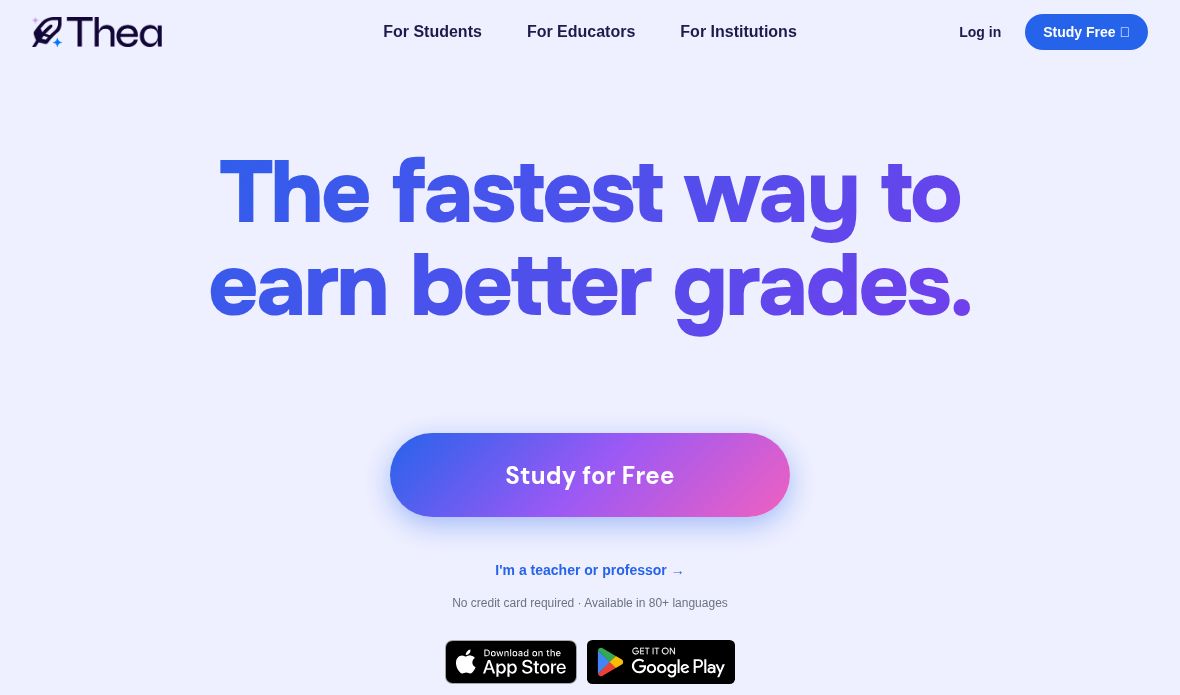
Image: Official Thea homepage with study-access and app-store links, captured October 19, 2026. The grade-improvement headline and free-access wording are provider marketing, not a verified learning outcome or unlimited-plan promise; no account, course material, study kit or app was tested.
Thea AI is a study assistant that turns course materials into practice tools. It is built around reviewing and recalling what you are learning: upload notes, slides or other material, then study with generated guides, flashcards, questions and tests. It is aimed at learners preparing for classes, exams and professional certifications.
What does Thea do?
- Study kits: Create a set of study resources from your own materials.
- Study guides and summaries: Organize a topic into material you can review and download.
- Flashcards: Generate cards based on the content you provide.
- Smart Study: Answer questions instead of only rereading notes. Thea describes using active recall, spaced repetition and varied question formats.
- Practice tests and games: Review through exam-style practice and interactive activities.
- Progress tracking: See which areas you have mastered and which need more review.
The official features page explains its study workflow. Generated materials should still be compared with your course sources, especially for technical terminology, calculations and assessment requirements.
Supported material and platforms
Thea says it accepts more than 90 file types. Examples include PDFs, PowerPoint presentations, Word documents, lecture notes, images and videos; the homepage also lists YouTube links and audio. Its student FAQ says more than 80 languages are supported.
You can use Thea through its web app, and the official FAQ confirms dedicated iOS and Android apps. It also supports sharing study kits, assignments and games; recipients receive their own copies with separate progress.
Free Thea and Thea+
The core service is free. According to the official Thea+ page, the free tier includes study-kit creation, flashcards, study guides and games. Smart Study and Practice Tests are included with daily question limits.
Thea+ removes those question limits and advertises no wait times and premium features. Monthly and annual subscriptions are available, but the vendor says prices vary and directs users to My Profile after logging in for current amounts. No exact subscription price or daily question count is stated here.
Who is it useful for?
Thea may suit students who want to turn a lecture deck into revision resources, learners checking their understanding before an exam, and professionals studying for a certification. Review the generated resources against your class material and exam requirements.
Product information checked against official Thea pages on October 19, 2026. Features, limits and subscription offers can change.