
Updated October 24, 2026: Product identity, documented learning features and current verification limits reviewed.
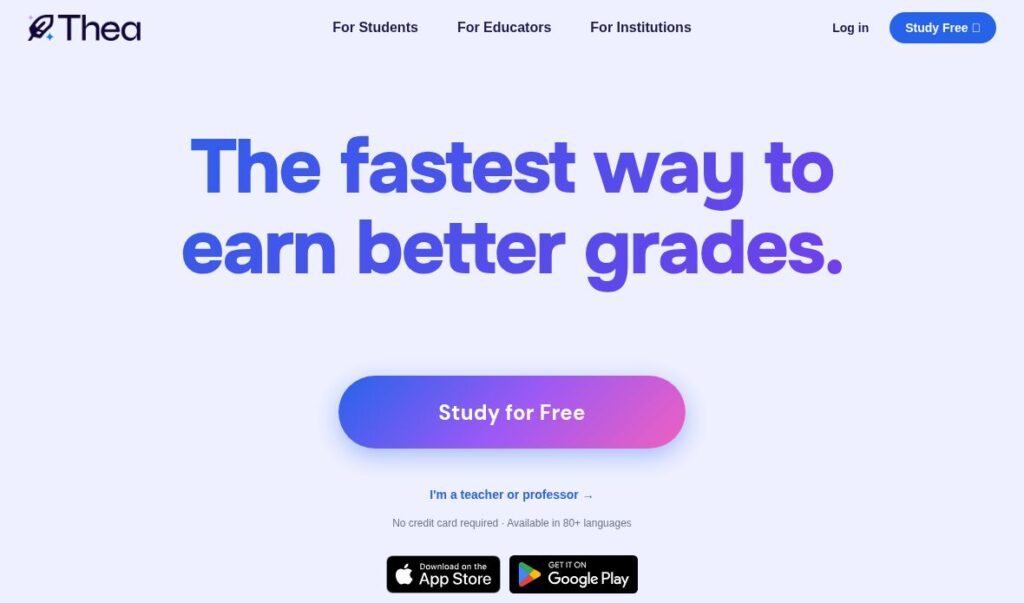
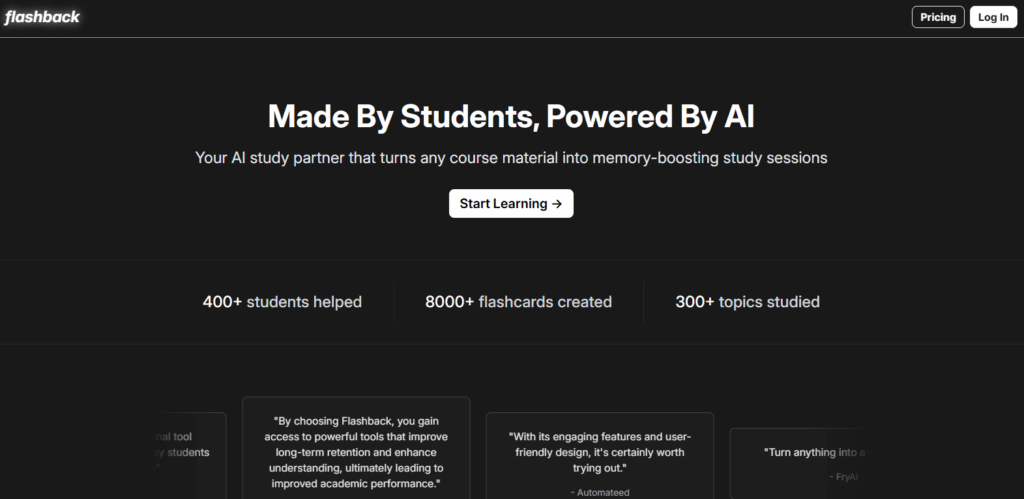
Historical Studify website screenshot with a learning headline and app-store buttons. Capture date is unknown; the buttons do not confirm current app availability.
| Name | Studify AI |
| Overview | Studify AI is a student learning app associated with studi-fy.co and developer Simcoder. In a September 2024 developer account, its creator describes a quiz-based approach to studying. A historical App Store listing for the same app describes AI answer explanations and topic progress tracking. Current website access, app availability and feature entitlements could not be verified for this review. The earlier description of an essay-writing and citation suite is not supported by the primary sources checked. |
| Key features & benefits |
The following functions are documented historically, not confirmed as a current feature inventory:
|
| Use cases and applications |
Study applications consistent with the documented learning features, subject to current access:
For essays and research papers, write your own argument and verify references. Paraphrasing alone does not remove the need to cite sources. |
| Who uses? |
Potential learning audiences, not verified user demographics or support for every curriculum:
Confirm topic coverage, age eligibility and current access before relying on the app for a course or learner. |
| Pricing | A historical App Store listing showed a free download with in-app purchases. Current prices, free allowances and paid entitlements were not verified. Check the exact app and its purchase screen before agreeing to charges; this review does not establish a current freemium plan or unlimited access. |
| Tags | AI Study Tool, Quiz Practice, AI Tutor, Learning Progress, Student Productivity |
| App available? | The historical iOS listing uses app ID 6670405467. It could not be retrieved during this check, and current Android availability was not verified. These access limits do not establish that the product has closed. |
Before using it for coursework
First confirm that the app is accessible and supports your subject. Try one practice question, compare the explanation with your course material, and keep source notes for any idea you reuse. Follow your school’s rules on AI assistance; AI output is not a substitute for checking an answer or citation.
Sources: developer account (September 2024); historically indexed App Store listing; Purdue OWL guidance on paraphrasing and attribution. The linked product website and store pages were not retrievable in this review; historical descriptions are not confirmation of current access.