Updated on October 20, 2026.
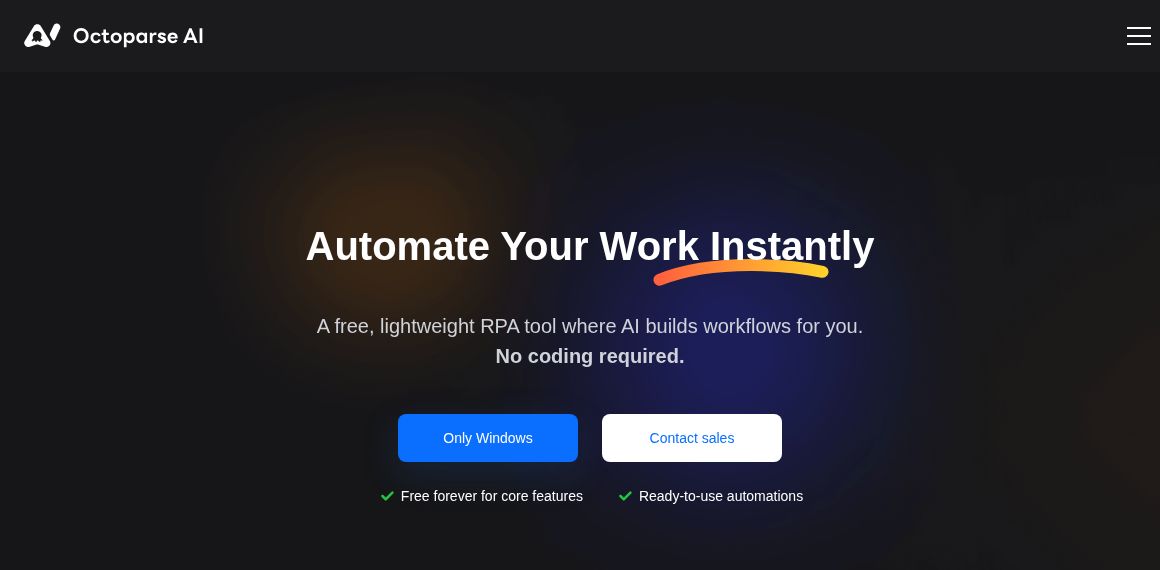
Featured image: screenshot of Octoparse AI’s official website, captured October 20, 2026. Vendor presentation, not a hands-on test.
Octoparse AI is a Windows robotic process automation (RPA) platform from Octopus Data. It connects website actions, Excel processing, files, and desktop applications into workflows. Web data collection is one use case, but the product is broader than a scraping assistant.
The official homepage explicitly distinguishes Octoparse AI from Octoparse, the company’s web-data-extraction product. This matters when comparing downloads, features, and subscriptions: the two names do not describe identical products.
Features and current platform limits
- Workflow building: use natural-language instructions, a visual editor, or advanced custom logic. Python can extend a workflow when no-code steps are insufficient.
- AI Copilot: currently supports web and Excel automation. AI-generated desktop workflows are labelled coming soon; this does not mean all manual desktop automation is unavailable.
- Reusable apps: templates cover data transfer, e-commerce, productivity, and other repetitive tasks.
- AI and OCR: text processing and document recognition can be incorporated into a workflow, with resource charges separate from basic software use.
- Team operations: paid plans add bot instances, shared workspaces, webhooks, and support options.
The public download is labelled Windows only. A browser-based website, shared workspace, or enterprise service should not be interpreted as a verified Mac client or a complete browser-only substitute for the Windows application.
Plans, bots, and usage costs
The pricing page and plan guide list these dollar amounts. Confirm the currency and final tax-inclusive charge before purchase.
| Plan | Subscription | Included allowance |
|---|---|---|
| Free | $0 for basic use | Unlimited custom basic workflows; first $5 of platform usage, then pay as you go |
| Starter | $29 monthly | 1 bot instance, 2 workspace seats; first $10 platform usage |
| Team | $69 monthly; annual information is inconsistent | 3 bot instances, 4 seats; first $30 platform usage |
| Enterprise | Custom quote | Negotiated capacity, controls, and support |
Annual-price discrepancy: Team’s card advertises $49 per month billed annually, while its comparison and help guide show $599 per year. These figures do not reconcile exactly. Obtain the actual annual total at checkout rather than assuming a $588 commitment.
Initial platform credits are not described as a recurring monthly grant. Listed extra costs include $0.50 per AI workflow wizard run, AI commands from $0.004 per 1,000 tokens, OCR at $1 per 1,000 pages, extra RPA bots at $20 each monthly, and organization seats at $15 each monthly. Basic free use therefore does not mean unlimited free AI processing.
The current Free card includes time triggers, but the help comparison excludes them. Confirm scheduling eligibility before depending on a free unattended task. The pricing page also advertises a five-day refund for “Business level” plans without clearly matching that label to every tier; check the applicable refund conditions rather than assuming all purchases qualify.
Practical uses and a careful first workflow
Analysts, researchers, operations staff, and e-commerce teams could use it to collect permitted public product data, clean a spreadsheet, and prepare a recurring report. The original article’s price monitoring, metadata collection, and research examples remain plausible tasks to evaluate, rather than guarantees that every target site can be automated.
- Choose one repetitive task and define its input, expected output, and failure conditions.
- Build with a small, non-sensitive sample and inspect each step before execution.
- Check data accuracy, duplicates, file paths, and what the bot will submit or change.
- Respect site permissions, account restrictions, and applicable data-handling rules.
- Measure usage costs and review effort before scheduling a larger run.
Website layouts and application interfaces can change, so unattended workflows need monitoring and exception handling. This overview does not establish error-free operation or round-the-clock reliability. No automation was installed or run for this review. Sources checked: October 20, 2026. Explore related automation tools.