Updated October 30, 2026
AYCD offers several software products rather than only the older OneClick suite described in this listing. Its current homepage presents Inbox, ServerManager, TabSentry and ProfileBuilder. This overview focuses on authorized email and administrative workflows, not bypassing another service’s safeguards.
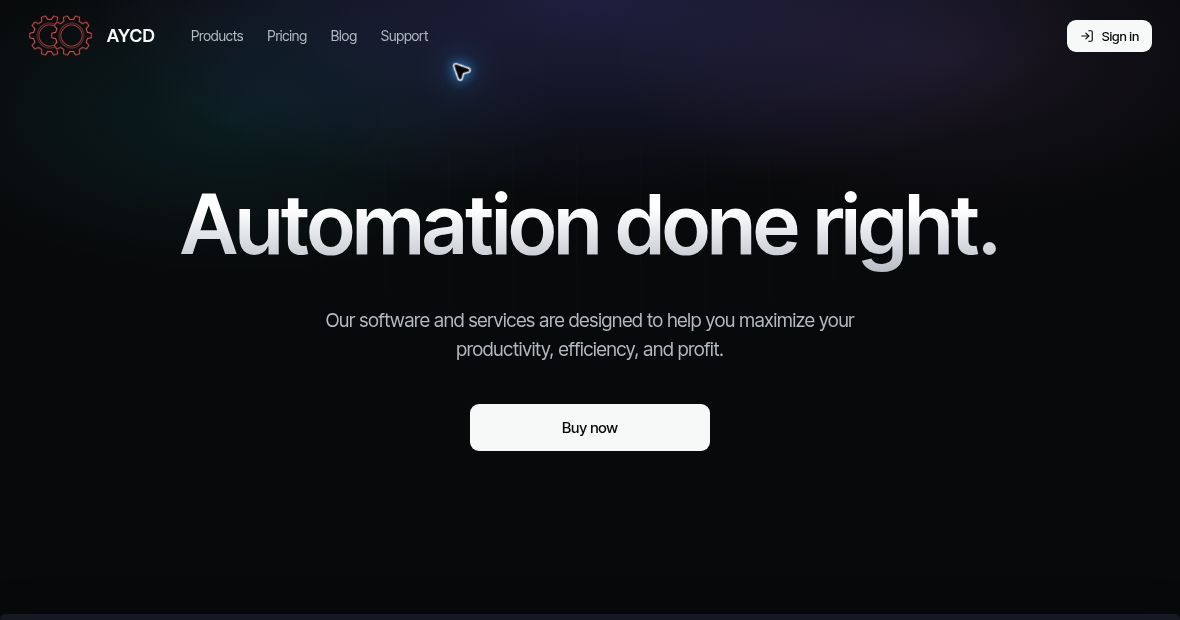
Image context: Screenshot of AYCD’s public homepage at https://aycd.io/, captured October 30, 2026. The productivity, efficiency and profit wording is the provider’s marketing, not a guaranteed outcome or a result of our testing. The image identifies the website; it does not imply endorsement or permission to automate third-party accounts. A small pointer-shaped browser overlay near the top is not part of the product interface.
| Field | Details |
|---|---|
| Name | AYCD |
| Overview | AYCD advertises tools for managing mailboxes, remote servers, browser sessions and profile data. Functions and allowances depend on the chosen package. Product descriptions do not establish improved profits, maximum anonymity, faster access or permission to automate activity on third-party services. |
| Key features & benefits |
Use only accounts, systems and data you own or are explicitly authorized to administer. |
| Use cases and applications |
Automatic unsubscribe behavior and the older account-activity claims were not verified in the current overview. |
| Who uses? | Authorized mailbox administrators, support teams and users managing their own email or remote infrastructure. The software does not itself authorize access to someone else’s accounts. |
| Pricing | The homepage lists Resell Pass at US$30 per month, Queue Pass at US$35 per month and Ultimate Pass at US$65 per month, billed monthly. Packages include different products and services. The older Captcha Pass offer was not shown in the retrieved plan list. Taxes, licence counts, refund conditions and any additional third-party costs were not verified. |
| Tags | Email Management, Administrative Tools, Remote Server Management, Workflow Software |
| App available? | AYCD supplies software applications; its homepage describes ServerManager’s RDP client for macOS and Windows. A standalone mobile app and current installation compatibility were not verified. |
Example and authorization boundaries
A hypothetical support team could organize receipts from a shared mailbox it is authorized to access, then review an export before adding approved information to its internal records. This is an example, not a task performed with AYCD.
The provider also lists challenge-related services in some packages. Their availability is not permission to bypass CAPTCHA, create deceptive accounts, evade quotas or access restrictions, or conceal abusive activity. This article provides no instructions for those uses. Respect the rules and permissions of each connected service.
Review what mailbox, credential and customer data a connected application can access. The retrieved AYCD terms and privacy pages showed headings but no substantive policy text, so retention, sharing and security protections were not verified. The retained social links are legacy destinations; their current affiliation and accessibility were not fully established.
Sources reviewed October 30, 2026: official products and monthly pricing, terms page and privacy page. No account, mailbox connection, installation, automation or purchase was tested.