
Updated on October 20, 2026.
Featured image: browser screenshot of the official Cognition icon asset, linked from its homepage and captured October 20, 2026 for company identification. Provider branding, not a hands-on product test.
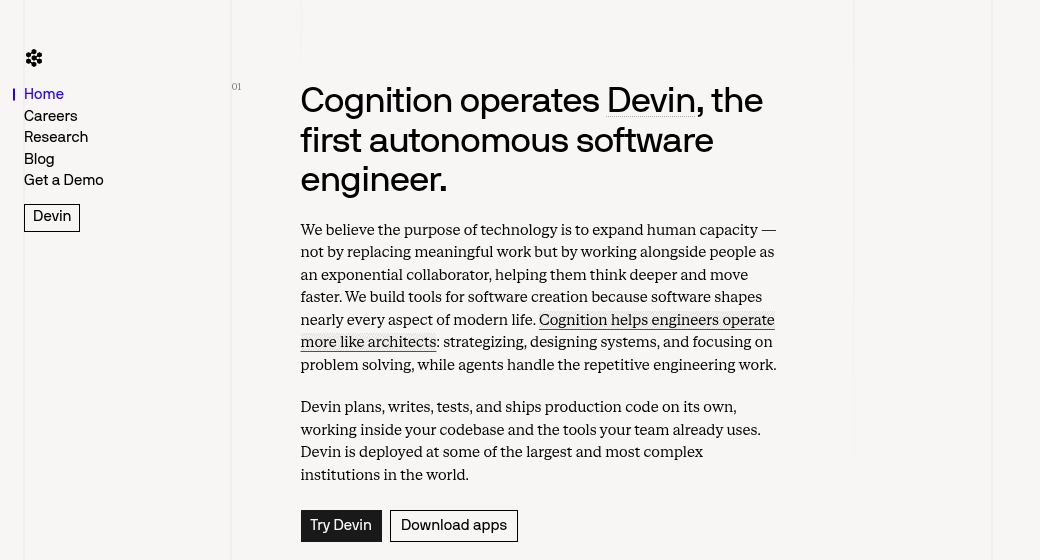
Homepage screenshot: screenshot of Cognition AI’s official website, captured October 20, 2026. Vendor presentation for editorial identification; no hands-on product test. The “first autonomous software engineer,” production-code and deployment wording are provider claims, not independent benchmark findings.
Cognition is the AI company behind Devin and the Windsurf-derived Devin Desktop. Its product family combines agents that work on software tasks in the cloud with an IDE for local development, agent management, and human review. This overview explains the company and product relationship; see our separate Devin review for the cloud-agent workflow.
How Cognition’s products developed
- March 2024: Cognition introduced Devin, describing an agent with a shell, editor, and browser for planning, coding, and testing.
- April 2025: Devin 2.0 introduced a cloud IDE, interactive task planning, parallel sessions, and code search and documentation features. Its $20 Core entry point belongs to that historical pricing model.
- July 2025: Cognition announced an agreement to acquire Windsurf, including its IDE, intellectual property, brand, and team.
- June 2026: the company introduced Devin Desktop as the next generation of Windsurf. Its agent manager sits within a full IDE that remains backward-compatible with Windsurf.
The earlier article’s “no app” description is therefore outdated. Our Windsurf overview covers that editor lineage separately. Cognition also names Goldman Sachs among its customers in its own 2025 performance review; that is a provider-reported customer example, not evidence of a guaranteed result for another team.
What the product family does
Cloud Devin can investigate a repository, plan a bounded task, edit code, run commands and tests, and prepare work for review. The current documentation describes integrations with GitHub, GitLab, Bitbucket, Slack, Teams, Linear, and Jira, alongside API and CLI access. These interfaces support engineering workflows; they do not make every repository change safe to merge automatically.
Devin Desktop brings local and cloud agents, pull requests, and context into an Agent Command Center. Spaces group related agents and their context, while Agent Client Protocol support allows compatible external agents. Developers retain the editor, terminal, extensions, and other IDE tools for direct inspection and edits.
Potential uses include small bug fixes, migration work, test preparation, codebase onboarding, documentation, and data-engineering tasks. Start with explicit requirements and a verifiable result. Cognition’s own performance review acknowledges that unclear outcomes and changing requirements can require substantial human involvement.
Current pricing and important distinctions
The Devin pricing page lists Free, Pro at $20/month, Max at $200/month, Teams, and custom Enterprise plans. The page uses a dollar sign without an explicit currency code; confirm currency and the charged total at checkout. These current self-serve plans should not be confused with the older Core and Team ACU offers discussed in Devin 2.0 coverage.
Teams needs a checkout clarification: the pricing page says $80/month for the team plan plus $40 per full developer seat. The billing documentation instead describes an $80 monthly minimum, with $40 full seats counting toward it and any shortfall purchased as shared credits. Because those official descriptions differ, confirm the actual seat total before subscribing.
Pro and full Teams seats have daily and weekly allowances; Max has a weekly allowance without a daily cap. Extra use can consume purchased credits, so a subscription is not unlimited compute. Enterprise contracts still use ACUs at the order-form rate, distinct from self-serve quota and credits.
Review before deployment
Check repository permissions, secrets handling, allowed commands, spending controls, and organizational data rules before connecting an agent. Review diffs, tests, dependencies, and deployment changes before acceptance. This company overview is based on official information; no repository task, benchmark, paid plan, or customer deployment was tested. Sources checked: October 20, 2026.