Updated October 15, 2026. This guide is based on Scholarcy’s public product documentation, help pages and policies. We have not tested a paid account or measured summary accuracy. The example below is fictional.
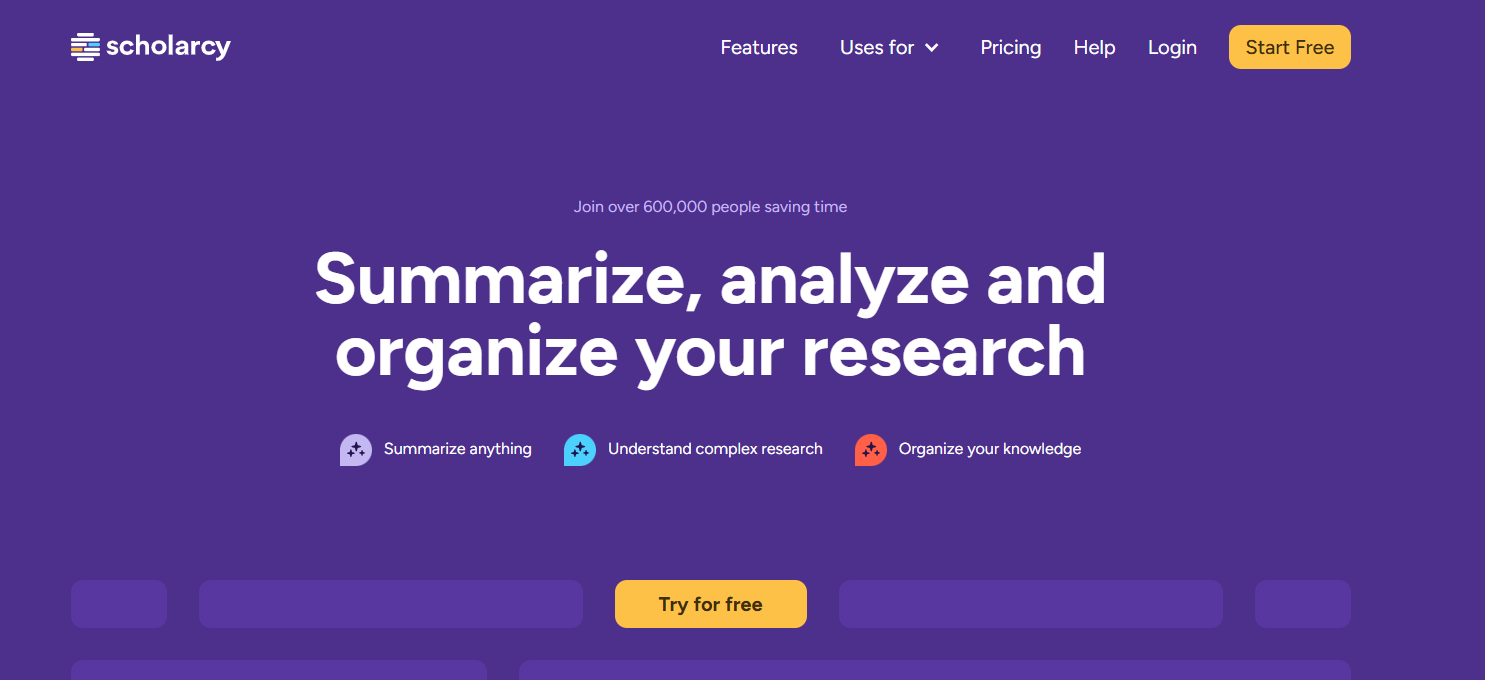
Image note: The archived Scholarcy homepage image is retained from this article’s August 2025 publication. Its free-access and user-count marketing was not verified for this update. It is not a screenshot of our testing.
Scholarcy is a web-based reading tool that turns research material into structured summary flashcards. Its practical appeal is having an overview, important passages and reference information together while deciding which papers deserve closer reading. For a student preparing a seminar or a researcher organizing a reading list, that can provide a useful starting structure. It does not remove the need to examine methods, check quotations or read the original evidence.
What Scholarcy offers
Scholarcy’s current feature page lists enhanced summaries, questions through Dig Deeper, research comparisons, research-quality indicators and navigation from important points into the full text. Treat any quality indicator as a prompt for your own appraisal, rather than a verdict that a study is reliable.
The reading guide explains flashcard sections for concepts, highlights, summaries, references, tables and figures. Enhanced summaries offer different reading styles. Extracted tables can be downloaded to Excel when available. These are ways to reorganize a source; they do not establish that every finding or table was captured correctly.
Supported sources and import limits
The import guide lists PDF, Word, PowerPoint, HTML, XML, LaTeX and plain-text files, alongside open-access article URLs. It documents a maximum of 64 documents per import batch. The separate file-size policy gives an 11 MB limit for free accounts and 50 MB for premium subscriptions.
Access and document structure matter. Scholarcy’s import troubleshooting guidance says scanned PDFs require OCR first. A university login in your browser does not give Scholarcy access to a paywalled URL; upload an authorized PDF instead. Complex files can fail, and the guidance recommends splitting books into chapters or disabling figure/table extraction when necessary. Figure extraction is off by default, according to the FAQ.
Zotero and Mendeley: different workflows
There is a documented direct Zotero connection: link your Zotero online account from the Scholarcy profile, then select saved papers to import. Scholarcy’s integrations page describes Mendeley compatibility through reference files such as BibTeX and RIS. That should not be read as a promise of continuous, two-way Mendeley synchronization.
The export guide covers Word, Excel, Markdown, PowerPoint and reference-manager formats. Check authors, dates, titles and identifiers against the original before citing. A transferred citation alone is not evidence that Scholarcy obtained and analyzed the complete paper.
A practical reading example
Imagine a postgraduate student comparing three open-access studies about urban tree cover and summer street temperatures. This is an illustrative workflow, not a test result.
- Define the question. Ask whether each paper measures street-level temperature, satellite surface temperature or residents’ reported comfort. Those outcomes are different, even if a short summary calls all three “cooling.”
- Import the sources separately. Keep each original PDF beside its flashcard. Record the city, study dates, measurement method and comparison group in your own notes.
- Check the decisive passage. If a summary suggests a temperature reduction, return to the results and limitations. Establish whether the number is an average, a maximum or an association with other neighborhood features.
- Build a cautious comparison. Mark missing information as unknown. Do not fill gaps by guessing or combine unlike measurements into one headline number.
The useful outcome is a clearer reading trail and a list of unresolved questions. It is not an automatically validated conclusion about how much any particular city would cool.
Free access, billing and refunds
The pricing page offers a free summarizer and monthly/yearly paid subscriptions, with a seven-day trial. Paid features include saved flashcards, notes, collections and exports of up to 100 flashcards at once. Its free allowance is inconsistent: the plan card lists 10 summaries, while the FAQ on that page says one per day. Check the allowance shown in your account rather than assuming either is a guaranteed quota.
In the U.S.-dollar display checked for this update, the paid plan was US$9.99 per month or US$90 billed annually. The annual option is a yearly charge, not a monthly-payment plan. Confirm your displayed currency, applicable tax, total and renewal period before subscribing.
The Library terms, sections 5–8, specify automatic renewal and advance billing. They describe sterling, euros or dollars, with taxes additional unless stated otherwise. Cancel before the trial ends to avoid its subscription charge, or before renewal to prevent the next charge. Subscription fees generally are not refunded, including unused or partial periods, unless legally required.
Platform and privacy checks
Scholarcy runs in a browser. Its extension page provides installation links for Chrome, Edge and Firefox. A browser-accessible library should not be confused with a verified native mobile app.
Scholarcy says imported files are deleted after processing; that does not mean saved summaries disappear. Its privacy policy describes logging IP addresses and processed filenames or URLs, and retaining invoice records for seven years.
There is also a documentation mismatch: the security page states encryption at rest and in transit, while Library terms section 9.8 allows for unencrypted transmission. These statements do not establish what happens to a particular upload. Obtain clarification and institutional approval before submitting confidential or restricted research.
Who is it worth considering for?
Scholarcy is worth evaluating when your main task is reading and organizing papers you can legitimately access. Start with a familiar article and compare the flashcard against its methods, results and limitations. If you cannot trace an important claim back to the source, leave it out of your own work. Choose a subscription only after confirming that your files, reading workflow and current account limits fit. For another source-centered reading workflow, see our updated NotebookLM guide, covering the Gemini Notebook name.