Updated: October 25, 2026
| Name | ClassPoint AI |
| Overview | ClassPoint AI is a sophisticated tool powered by artificial intelligence, specifically designed to streamline the creation of quiz questions directly from PowerPoint slides. Its one-click workflow analyzes slide content and drafts questions for educational contexts; teachers should check the answers, wording and suitability before use. Question formats include multiple choice, short answer and fill-in-the-blank; interactive activity availability depends on the selected ClassPoint plan. The tool aligns with Bloom’s Taxonomy Levels, allowing for customization of question difficulty and cognitive challenge. Moreover, it offers multilingual capabilities, broadening accessibility and inclusivity for educators worldwide. ClassPoint AI seamlessly integrates with PowerPoint, enabling users to generate additional questions, review suggested answers and save questions as slides. This innovative tool is ideal for educators, presenters, trainers, and webinar hosts striving to enhance learner engagement through interactive quizzes. |
| Key features & benefits |
|
| Use cases and applications |
|
| Who uses? | Teachers, educators, trainers, instructional designers. |
| Pricing | Basic is free, with 25 students per class, three saved classes and five activities per presentation. Pro is USD 96 billed annually, displayed as USD 8 per month equivalent—not month-to-month billing—and supports 200 students, unlimited classes and activities. Premium is custom-priced for up to 500 students. The current comparison lists unlimited AI quiz generation and a presenter web app in all three plans; activity types remain tier-dependent, with fill-in-the-blanks available in Pro and Premium. |
| Tags | AI tools, Education, Interactive quizzes, PowerPoint integration. |
| App available? | ClassPoint offers PowerPoint add-ins and web access. The traditional Windows installer and the newer Inknoe Microsoft add-in are distinct routes. The Microsoft listing supports PowerPoint on the web, iPad, Mac 2016 or later and Windows 2013 or later; check the chosen version’s requirements and features. Participants join through the web rather than needing that presenter add-in. |
Practical use: Start with a clear slide, choose a question format and Bloom’s level, then check the proposed question against the lesson. AI drafting does not establish that an answer is correct or that a quiz is an appropriate assessment for every learner.
Sources: ClassPoint AI overview; Plans and feature comparison; Windows download; Microsoft add-in platform support.
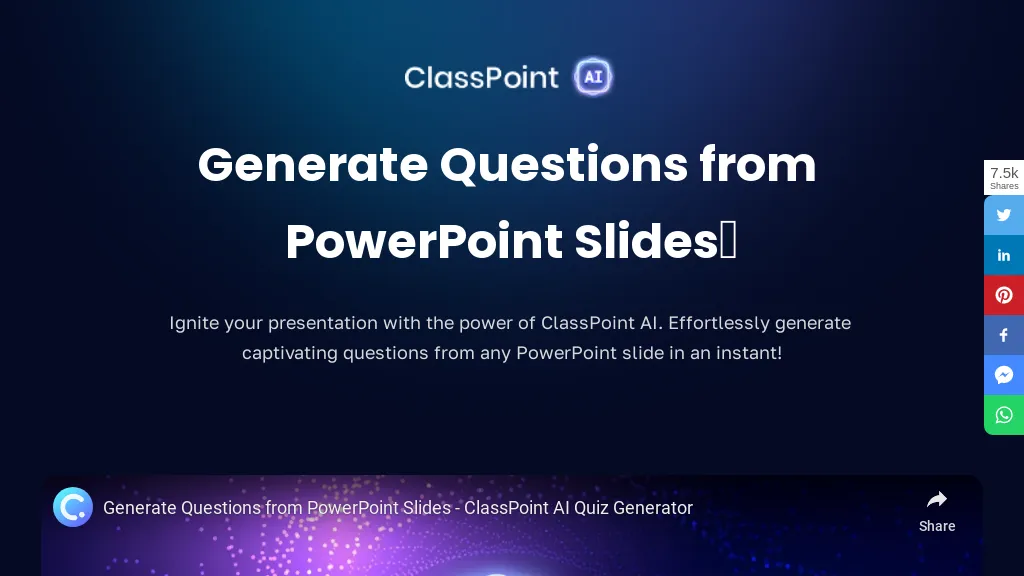
Image context: The existing image shows an earlier ClassPoint AI public page about generating questions from PowerPoint slides, with a video preview and social-sharing controls. Its capture date is unknown; it is not a quiz accuracy test or a demonstration of every current platform version.