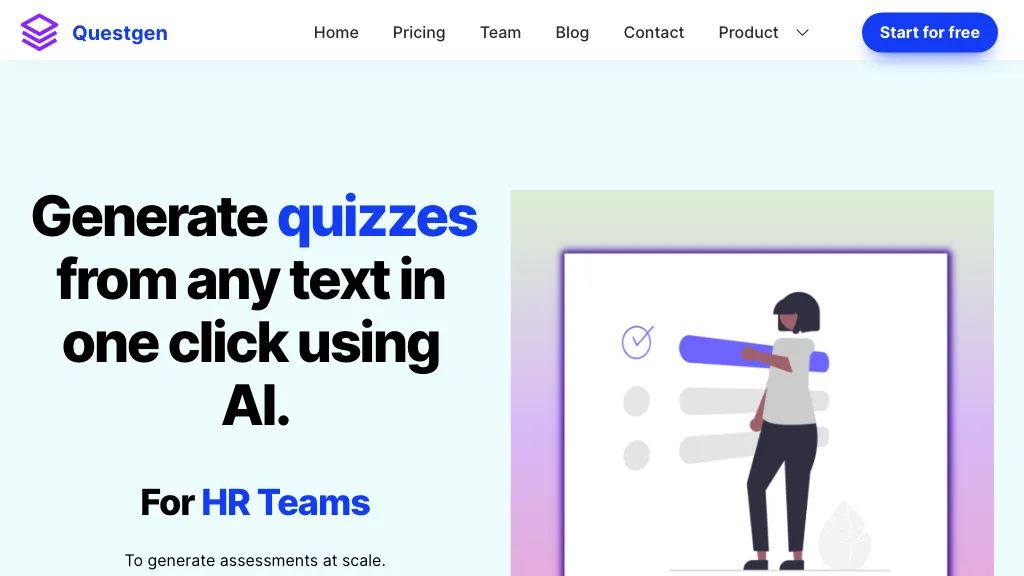
questgen
Quiz Generator

Questgen

Visit website

Explore Questgen quiz types, editable worksheets and export formats, with 20 free runs, Pro fair-use limits and a practical answer-review workflow.

questgen

Updated October 24, 2026. Based on official documentation; no hands-on product test was performed.

Name Questgen
Overview Questgen is an AI-driven tool for creating assessments, including multiple-choice, true/false, higher-order and Bloom’s taxonomy questions. Users can edit generated worksheets before exporting them. Documented exports include text, JSON, PDF, CSV, QTI 2.1, Moodle XML and GIFT. It is intended for educators, schools, HR teams and textbook publishers; review generated questions and answers before using them.
Key features & benefits
  • ✔️ Creation of multiple-choice questions
  • ✔️ Generation of true/false questions
  • ✔️ Development of higher-order questions
  • ✔️ Quizzes tailored to Bloom’s taxonomy
  • ✔️ Easy export options for generated assessments
Use cases and applications
  • Teachers can design assessments for their students.
  • HR teams can formulate assessments for job candidates.
  • Textbook publishing companies can create assessments for their educational material.
Who uses? Teachers, schools, HR teams, textbook publishing companies
Pricing Questgen offers a free starting allowance and a paid Pro plan.

  • Basic: 20 free runs to try the service.
  • Pro: $15 per month, or $100 billed yearly. Unlimited runs are subject to fair use.

Confirm current billing terms on the official pricing page. The annual payment is not a monthly charge.

Tags Assessment generation, AI tools, Quiz maker
App available? Browser-based application available through the official website. Native mobile-app availability was not independently verified.

From source material to a reviewed quiz

  1. Provide material you have permission to use. The website documents text, URLs, PDF and Word inputs, alongside other dedicated input tools.
  2. Select the question type and learning objective; generate a small sample first.
  3. Check each answer against the source. Remove ambiguous wording, duplicate questions, implausible distractors and unsupported answers.
  4. Edit the worksheet, choose the required export format and test a sample in your learning platform before distributing the full quiz.

The official feature overview lists supported question types and export formats. This is an editorial workflow, not a tested accuracy or time-saving claim. The web service should not be assumed to have the same features or licensing as a separate open-source library.
KEEP EXPLORING

More tools to discover.

gizmo

Gizmo AI offers flashcards, quizzes and spaced-repetition study tools. Compare free limits, paid options and mobile apps, and verify generated study material.

Quiz GeneratorExplore
classpoint ai

Explore ClassPoint AI quiz generation in PowerPoint, including question formats, Bloom’s Taxonomy, annual pricing, platform support and teacher review needs.

Quiz GeneratorExplore
quizgecko

Quizgecko creates editable quizzes, flashcards and study notes from your material. Compare free and paid plans, mobile apps and plan-specific export options.

Quiz GeneratorExplore
quizwhiz

Explore QuizWhiz’s text, PDF and URL quiz tools, question formats, current monthly plans and conflicting free-tier wording before choosing study access.

Quiz GeneratorExplore
magic form

Create quizzes with MagicForm from text, PDFs and other sources. Compare free limits, annual Pro pricing and the Google Forms add-on before choosing a…

Quiz GeneratorExplore
aistote

Unlock efficient studying with Aistote, the AI-powered tool for creating flashcards and quizzes on-the-go. Perfect for students and teachers alike!

Quiz GeneratorExplore
Find your next starting point