
OmniSets AI is a browser-based study tool for making flashcards and practising recall. It combines AI-assisted card creation with quizzes, matching, spelling practice and review scheduling. Its free, ad-supported service can suit personal study, while an optional Patron subscription adds specific benefits.
Updated October 16, 2026. This guide is based on public product documentation and policies. We did not test a logged-in account or measure learning outcomes.
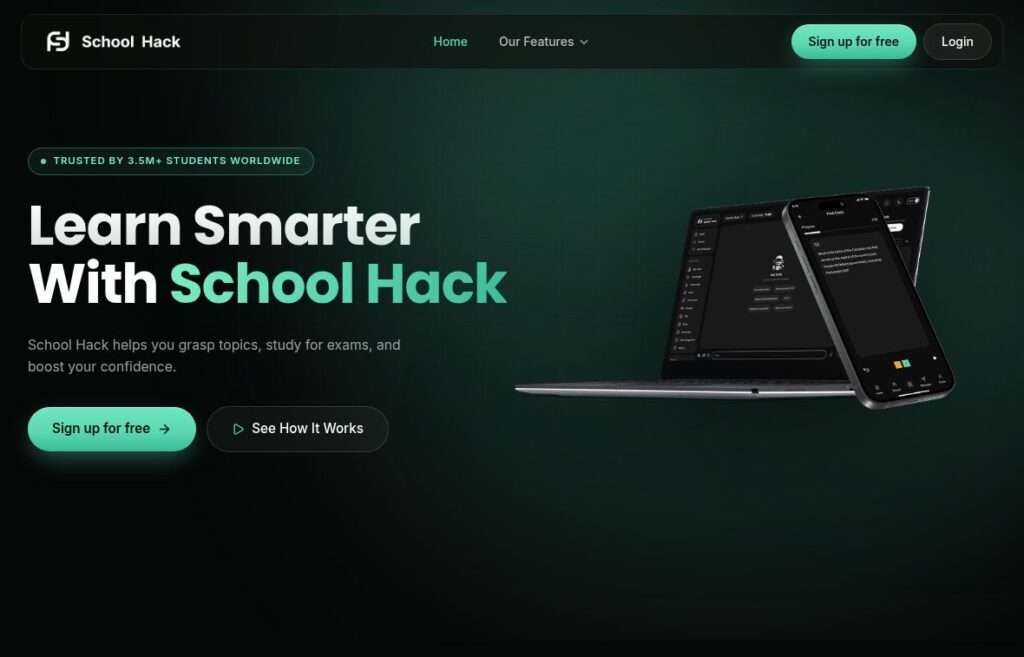
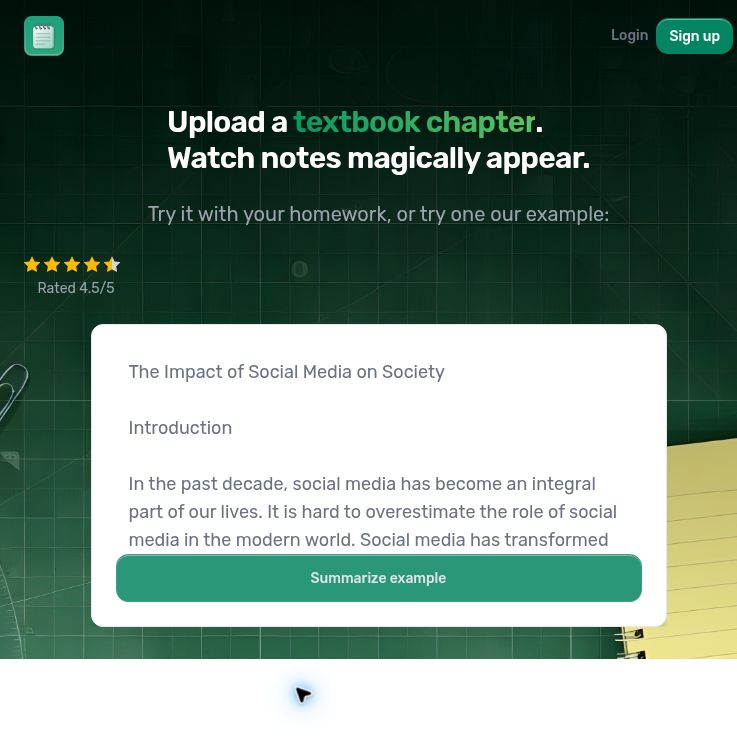
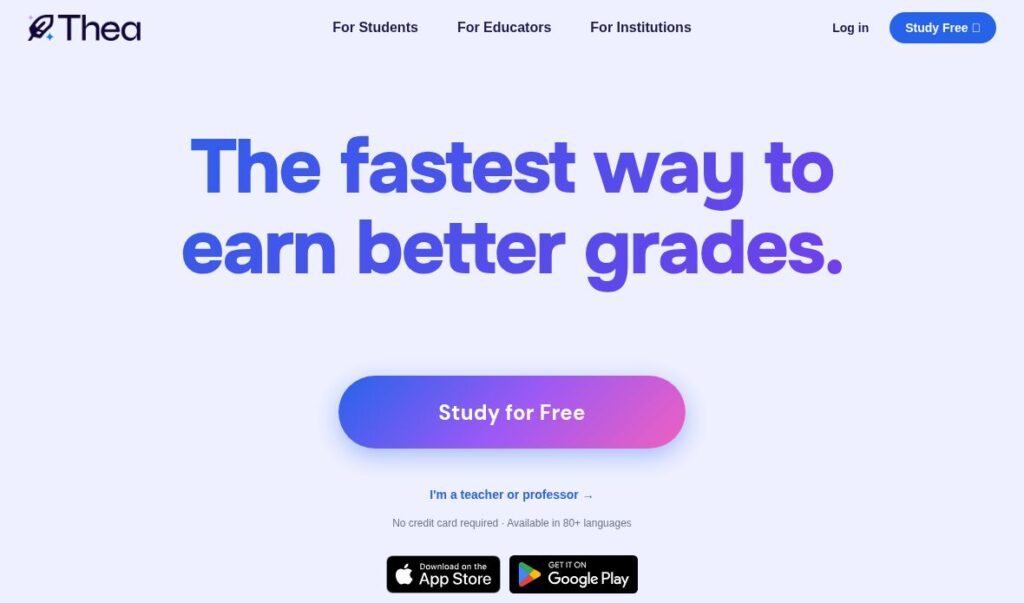
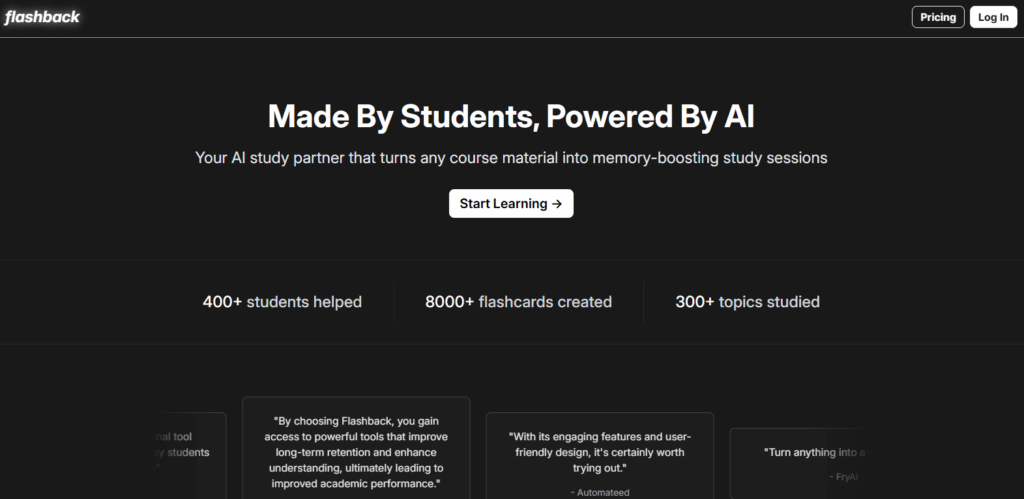
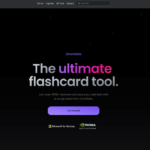
Historical OmniSets homepage screenshot. Visible learner counts, promotional claims and partner-program logos belong to the captured page; they are not verified current figures, outcomes or endorsements.
Build flashcards
You can start with a topic prompt, paste notes or upload a document. The creation guide describes question-and-answer cards, missing-word cards, translations and example sentences. Cards can include rich text, maths and images on either side; images must have accompanying text.
The official changelog records support for DOCX and PPTX files, plus OCR for scanned PDFs and handwritten notes. It lists image-upload limits of 0.5 MB for regular users and 2.25 MB for Patrons. These are documented capabilities, rather than a guarantee that every scan, handwriting sample or layout will convert correctly.
For video-based study, the Patron guide says YouTube-to-flashcard conversion is available to all users. Uploading your own video or audio files is a Patron benefit. Check that you have permission to use any course recording or document before uploading it.
Choose a study mode
- Study: practise with multiple-choice, written-response and true-or-false questions. Settings include starred-card selection, adaptive questions and different review intensities. AI hints and explanations are available, and you can mark an answer correct if grading is wrong. See the Study guide.
- Quiz: choose question formats and a question count, then review missed cards. The Quiz guide warns that AI grading of written answers can make mistakes.
- Spell and Match: practise typed wording or pair terms with definitions. The product page also lists exercise problems.
- StudyPlans: combine sets in a spaced-repetition plan that uses an exam or end date, daily study time and your responses. These scheduling features are described in the StudyPlans guide; they do not establish a guaranteed improvement in grades or retention.
Move and share cards
The documented Quizlet import workflow uses copied export text and matching separators between terms, definitions and rows. This is a manual transfer, not evidence of live syncing. The export guide offers delimited text or CSV and requires you to be signed in. Keep a separate copy of important study materials.
According to the sharing guide, sets start private; visibility can be changed to link-sharing or public access. The March 15, 2026 release note also describes sharing with named groups of users. Review the audience before distributing a set, especially when it contains class material.
Free and Patron plans
The pricing page lists:
- Free: ad-supported access with 50 AI uses per reset. Resets occur every few days; the exact interval is not specified.
- Patron: $3.99 per month. Benefits include ad removal, custom video/audio uploads, larger image uploads and AI limits resetting twice as often. This is a recurring monthly subscription, not an unlimited-AI promise.
You can cancel in Settings. Study sets remain in your account, while paid benefits end after the billing period.
Prices are in USD and exclude VAT and other local taxes, according to the billing disclaimer. Check the checkout total before paying.
The refund policy says Patron purchases are eligible for a refund within 24 hours of purchase, by contacting support. Cancellation alone does not request a refund.
OmniSets advertises web and mobile access. We could not verify an official native iOS, Android, Windows or macOS app from the pages checked; use the website rather than assuming a third-party wrapper is an official app.
A study workflow
Fictional example: Mai, an adult learner, has a Spanish vocabulary quiz in ten days. The following is an illustrative routine, not a test result:
- Prepare a short list of course-approved words and definitions, removing names, grades and other personal details.
- Turn the notes into cards, then inspect every translation against the course material. Split cards that ask two unrelated questions.
- Try Spell for exact vocabulary and a short Quiz for recall. If an answer seems wrongly graded, check the source before accepting the score.
- Add the corrected set to a StudyPlan with the quiz date and a realistic daily time allowance.
- Revisit unclear cards with a teacher or trusted reference, and export a backup after important edits.
The useful checkpoint is whether each card matches the material you need to learn. A completed session or high in-app score does not establish readiness for an exam.
Privacy and eligibility
The acceptable-use policy allows personal education and permitted educational-institution use. Corporate learning and employee training require an enterprise agreement; corporate-email registration needs prior authorization. A personal Patron subscription should not be treated as a corporate licence.
The terms require users to be at least 13, with parental permission where they are minors. However, the signup page says users must be above 13. Families considering an account for a 13-year-old should ask support to clarify eligibility.
Sections 8–9 of the terms say covered Contributions may be treated as non-confidential and grant OmniSets broad, perpetual reuse rights, including commercial use. Review these permissions before posting or sharing material.
The privacy policy describes account, device and usage-data collection, cookies, and sharing with hosting, analytics and advertising providers. Retention depends on the stated purposes and legal requirements; backup copies can remain isolated until deletion is possible. This is not a fixed deletion deadline for every upload.
OmniSets names OpenAI, Anthropic and Google among its AI providers. The policies reviewed did not establish a clear promise that uploaded study content is excluded from model training, or a specific retention period for each provider. Ask for those details before uploading confidential material.
The account guide documents a deletion-request process that can take up to seven days. School users should also check their institution’s data and classroom-tool rules before uploading student information.
Is it a good fit?
OmniSets is worth considering when you want several ways to practise a self-checked flashcard set and can work within the published AI allowance. Start with a small, non-sensitive topic before paying. If your priority is corporate training, verified native apps or a documented no-training commitment, resolve those requirements with the provider first.
If language practice is your main goal, our Lingolette overview offers separate reading on a conversation-focused tool. Review each service’s limits and privacy terms for your own needs.