AudioCut was described in this earlier listing as an AI audio-editing tool with an Adobe Audition extension. Current access, compatibility, editing performance and pricing have not been verified.
Verification note: The earlier article’s claims are summarized below with their limits. They are not independently established historical capabilities or current offers. No new provider verification or editing test supports this correction.
| Name | AudioCut |
| Earlier description | The previous listing claimed automatic detection of audio start and end times, with word- or sentence-level trimming for podcast and professional audio work. Those were editorial claims, not documented test results. |
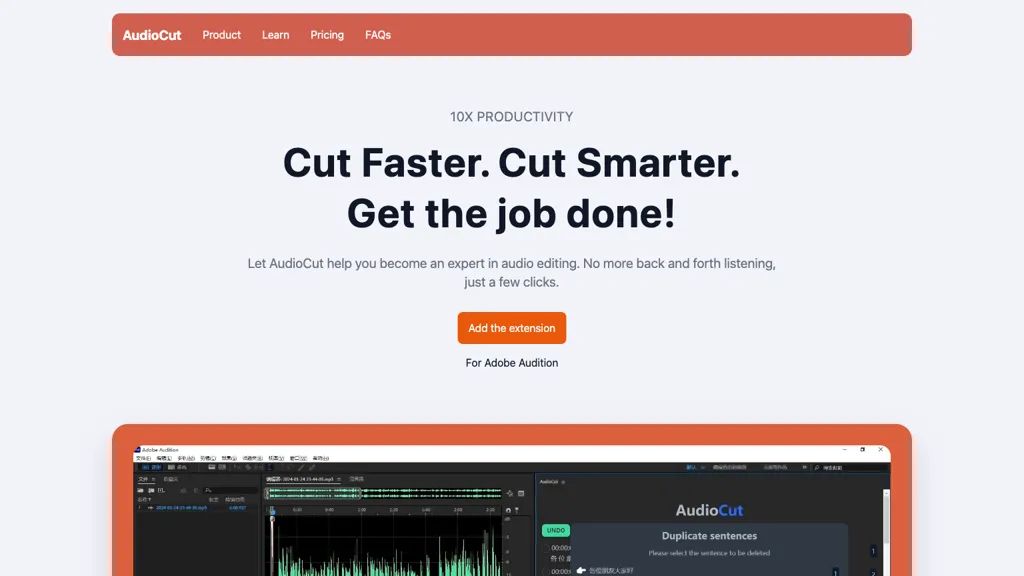
| Adobe integration | The article and retained image advertised an Adobe Audition extension. A working download, installation route, supported Audition version and present compatibility have not been verified. The image does not establish Adobe endorsement. |
| Editing outcomes | Claims of precise cuts, less repeated listening, improved sound quality and greater productivity remain unverified. No accuracy, speed, quality or time-saving guarantee is supported here. |
| Suggested uses | The earlier listing proposed podcast trimming and audio-editing assistance for podcasters and audio professionals. Treat these as proposed uses, not confirmed current functions or a tested workflow. |
| Pricing | The earlier Free, Early Access and Enterprise offers are not verified current plans. No current price, billing currency, allowance, trial or enterprise terms have been established. The previous free-version invitation is withdrawn. |
| Platforms and apps | Current operating-system support, standalone-app availability and requirements are unverified. The earlier categorical “No” app answer should not be treated as a present platform fact. |
| Listed website | The earlier listing linked to audiocut.app. Keeping that reference does not confirm current service access, offers or support. |
Review an audio edit before export
As general editing guidance, keep the original recording and listen around each cut for missing words, changed meaning, abrupt transitions and background sound. Check the final export rather than relying on a timing marker or a speed claim. This guidance does not confirm how AudioCut processes audio or which editing controls it currently provides.
Image note: The retained image shows AudioCut marketing, “10X PRODUCTIVITY,” an “Add the extension” button, “For Adobe Audition” text and a cropped audio-editor preview. These visible claims do not establish measured performance, working compatibility, current interface details or image reuse rights.
Editorial correction, November 9, 2026: qualified unsupported claims and clarified verification limits.