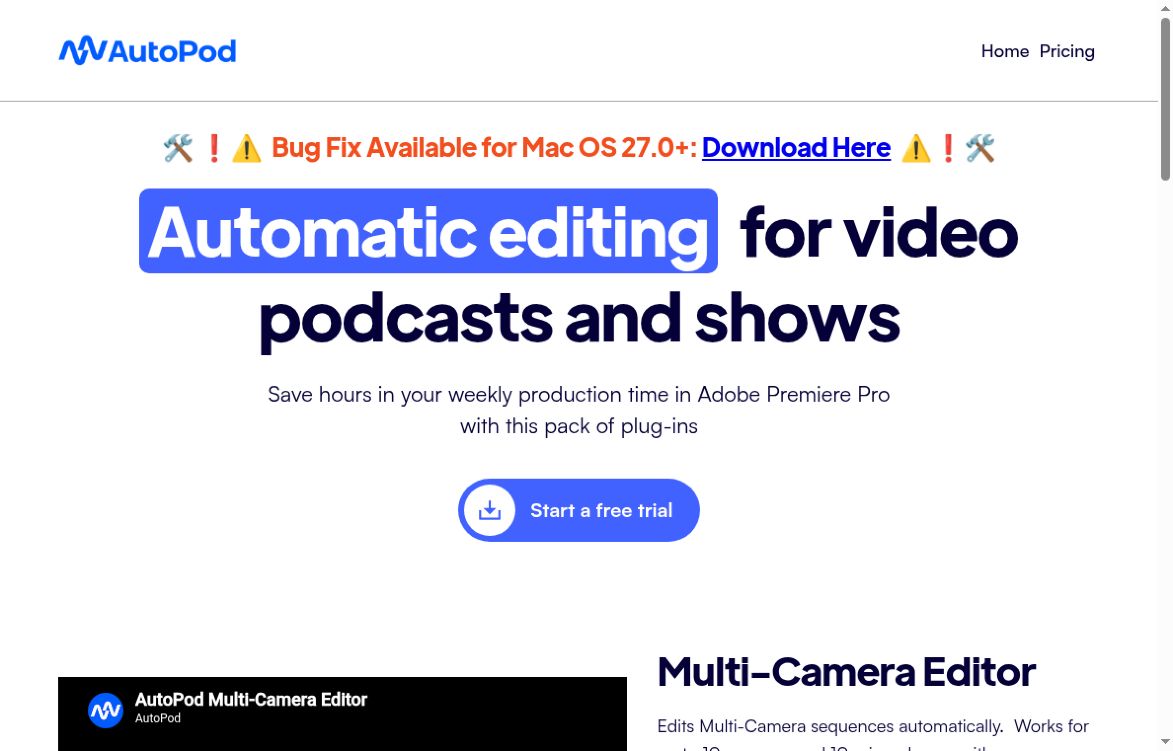
AutoPod official homepage showing its video podcast editing headline and free-trial button.
Audio editing

AutoPod

Visit website

Learn how AutoPod automates multicamera edits, social clips and silence cuts, with pricing, trial conditions and editing software requirements.

AutoPod official homepage showing its video podcast editing headline and free-trial button.

Updated October 23, 2026.

Field Details
Name AutoPod
Overview AutoPod is an advanced AI tool specifically designed to enhance the podcast editing process within Adobe Premiere Pro. This innovative tool comes packed with a suite of plug-ins that automate various editing tasks, including the handling of multi-camera sequences and the creation of social media clips in multiple aspect ratios. The Multi-Camera Editor supports up to 10 cameras and 10 microphones; review the generated edit before delivery. Additionally, it includes a jump cut editor that creates jump cuts based on detected silence in the audio. It is an ideal solution for podcast editors striving for efficiency and productivity in their workflows.
Key features & benefits
  • ✔️ Automated editing of multi-camera sequences to streamline the editing process.
  • ✔️ Creation of social media clips in various aspect ratios to enhance content distribution.
  • ✔️ Supports up to 10 cameras and microphones for versatile editing capabilities.
  • ✔️ Jump cut editor for seamless and engaging social clips based on silence detection.
  • ✔️ Customizable editing workflows to suit individual user preferences.
Use cases and applications
  • Efficiently automate editing of multi-camera sequences in Adobe Premiere Pro, allowing editors to switch between camera angles effortlessly.
  • Quickly produce social media clips in various formats to repurpose podcast content for broader audience reach.
  • Use the jump cut editor to cut around silence, then review pacing and context before exporting.
Who uses? Podcast editors
Pricing Monthly billing is per license and starts with a 30-day free trial. Annual billing offers one month free per year; it is not a free annual plan. All three editors are included. See official pricing and requirements for current terms.
Tags podcast editing, AI tools, video editing, automation
App available? Installed plug-ins for Adobe Premiere Pro (2023 or newer). AutoPod also offers a DaVinci Resolve downloader. Check the relevant version and requirements before buying; Final Cut Pro and Avid are not supported.

Check your recording setup first

The Multi-Camera Editor needs separate audio tracks to decide who is speaking. It is not designed for a single speaker or one mixed audio source. Each license is for one computer, with an official process for switching machines. Resolve support is listed by AutoPod, but this overview does not establish identical features or version compatibility across editors.

A practical social-clip workflow

Select an in and out point for a useful exchange in your recording. The Social Clip Creator can create landscape (1920×1080), portrait (1080×1350), or vertical (1080×1920) sequences. Review framing, speaker changes and cut timing before batch export. Automatic formatting is not a guarantee that the selected moment will attract viewers.

Checked on October 23, 2026 against AutoPod’s product information and pricing and FAQ. Pricing and compatibility may change; no hands-on benchmark is claimed.

Image: official AutoPod homepage screenshot, captured October 23, 2026, for product identification. It is not a hands-on test.
KEEP EXPLORING

More tools to discover.

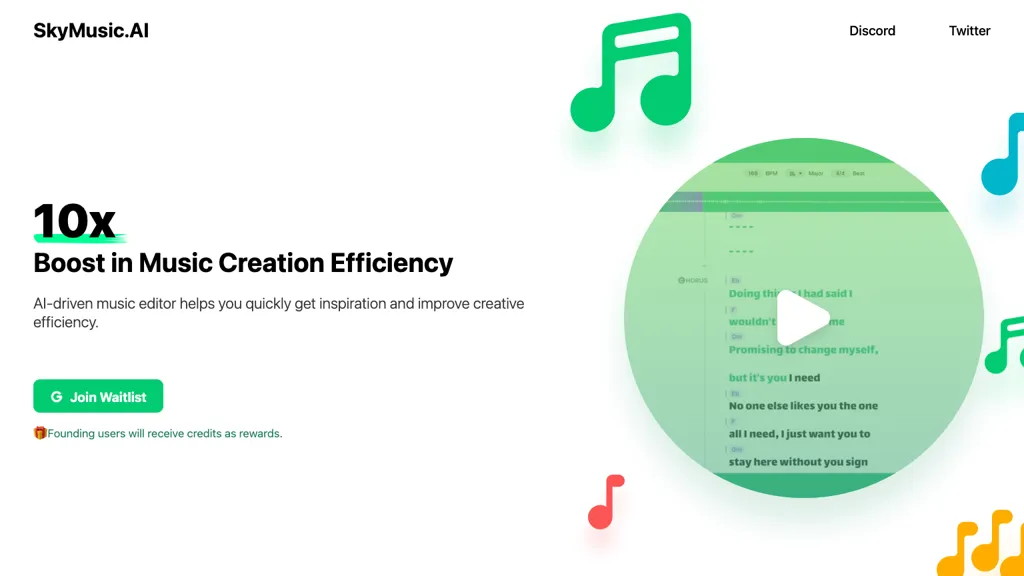
skymusic

Discover SkyMusic, the AI music editing tool that boosts creativity and streamlines music production workflows. Explore powerful features designed for musicians, producers, and audio…

Audio editingExplore
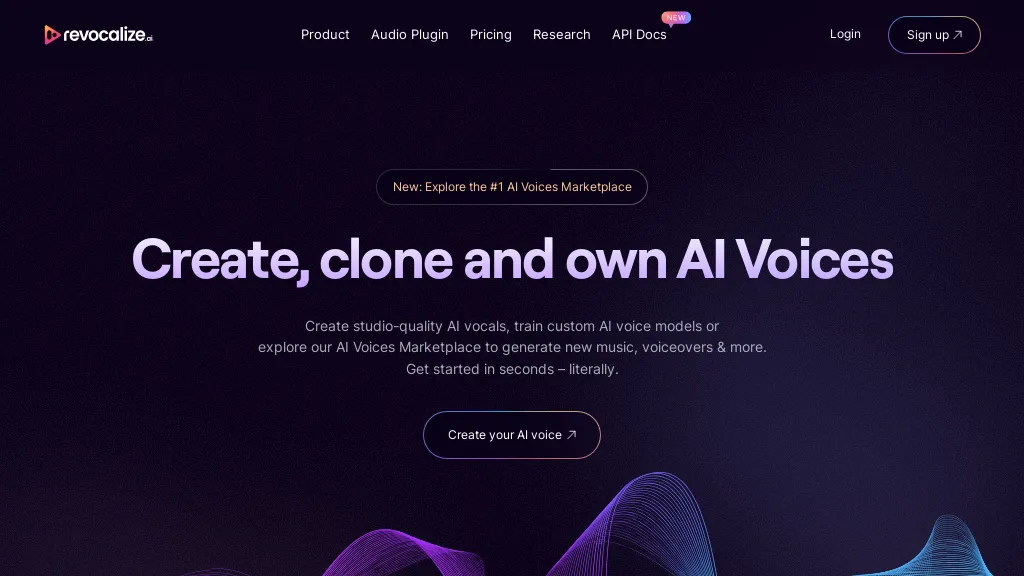
revocalize ai

Revocalize AI offers voice conversion, voice training and a VST plugin. Compare minute allowances, export formats and the permissions needed for commercial use.

Audio editingExplore
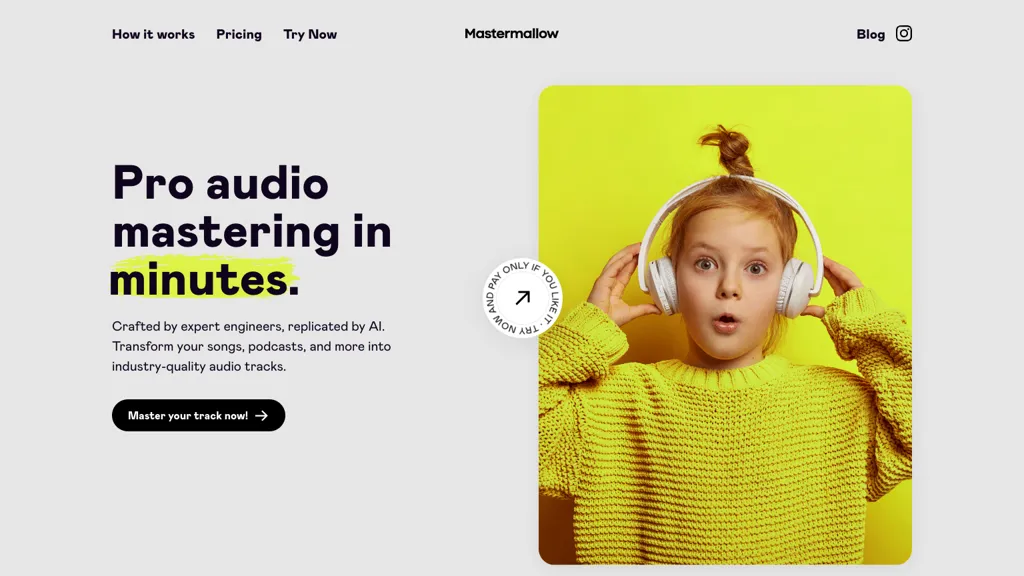
mastermallow

Discover Mastermallow, the AI-powered audio mastering tool that enhances your audio tracks effortlessly. Perfect for musicians, podcasters, and filmmakers looking for professional sound quality…

Audio editingExplore
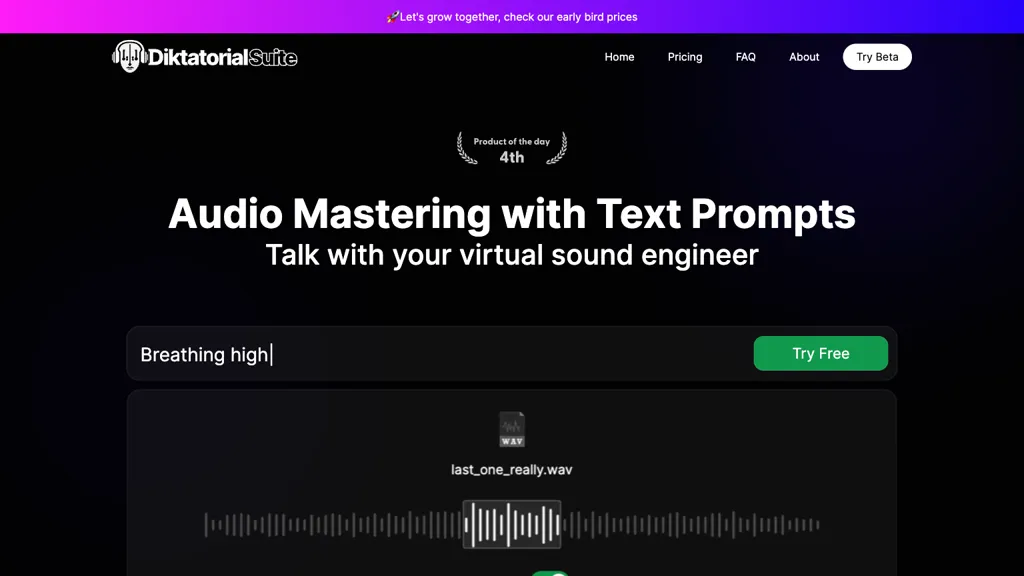
Historical Diktatorial Suite homepage showing text-prompt audio mastering and a waveform.

Diktatorial Suite is now SoundBoost, offering prompt-guided audio mastering on web and mobile. Review plan limits and compare results before exporting.

Audio editingExplore
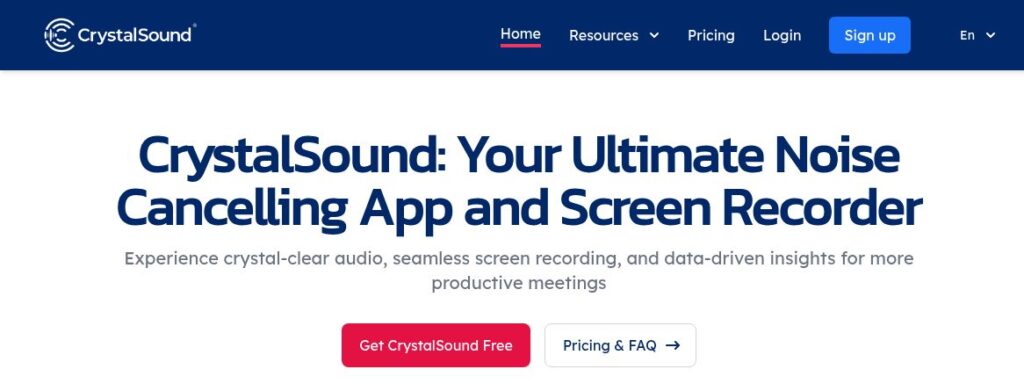
CrystalSound public homepage introducing its noise-cancelling app and screen recorder.

Explore CrystalSound noise reduction, audio-file enhancement and screen recording, with desktop downloads, trial terms and planned transcription features.

Audio editingExplore
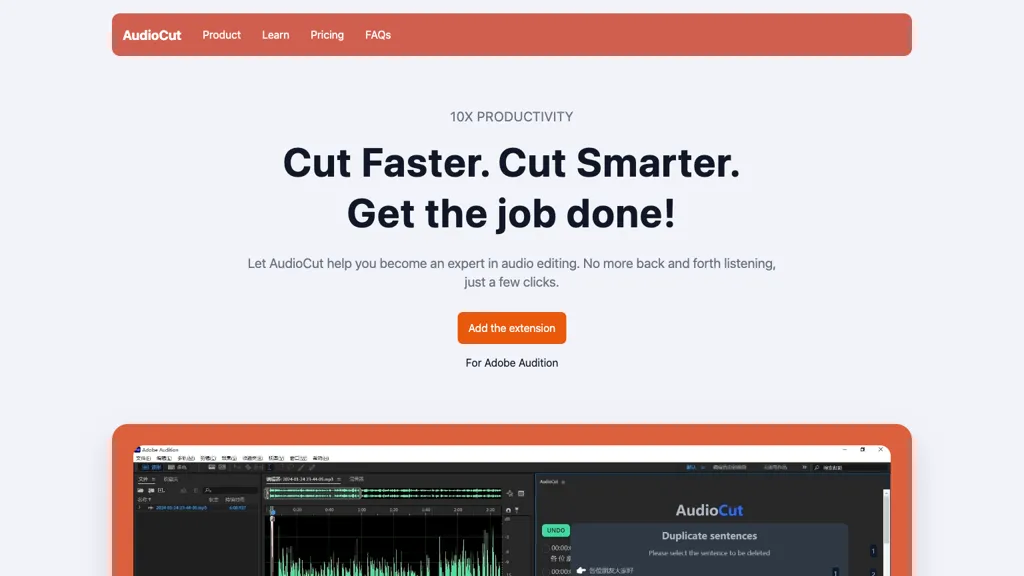
audiocut

Discover AudioCut, the AI-powered audio editing tool that streamlines podcast production with precise edits and seamless integration with Adobe Audition. Try the free version…

Audio editingExplore
Find your next starting point