| Name |
Trae AI |
| Overview |
Trae AI is an adaptive Integrated Development Environment (IDE) designed to enhance software development through AI-powered assistance. It offers features like intelligent code completion, real-time suggestions, and project scaffolding, enabling developers to write code more efficiently and effectively. |
| Key Features & Benefits |
- Intelligent Code Completion: Provides context-aware code suggestions to speed up development.
- Real-Time Suggestions: Offers immediate feedback and recommendations as you code.
- Project Scaffolding: Automatically generates project structures based on natural language descriptions.
- Multimodal Input: Accepts various input types, including text and images, to better understand developer intent.
- Integrated Chat Interface: Allows conversational interactions for code explanations and assistance.
|
| Use Cases and Applications |
- Software Development: Streamlines coding tasks for various programming languages.
- Rapid Prototyping: Quickly generates project templates and structures.
- Educational Purposes: Assists learners in understanding coding concepts through interactive guidance.
|
| Who Uses? |
- Software Developers: Seeking to enhance productivity with AI assistance.
- Educators and Students: Looking for tools to facilitate learning and teaching programming.
- Tech Startups: Needing rapid development and prototyping capabilities.
|
| Pricing |
- Free Plan: Access to core features with limitations on usage.
- Premium Plan: Offers additional features and higher usage limits.
Note: Specific pricing details can be found on the Trae AI Pricing Page. |
| Tags |
AI IDE, Code Completion, Project Scaffolding, Software Development, Programming Assistant |
| App Available? |
Yes. TRAE is a downloadable desktop application for Windows and macOS. The official download center also lists Linux .deb/.rpm packages; check the current installer and system requirements for your device. |
KEEP EXPLORING
More tools to discover.
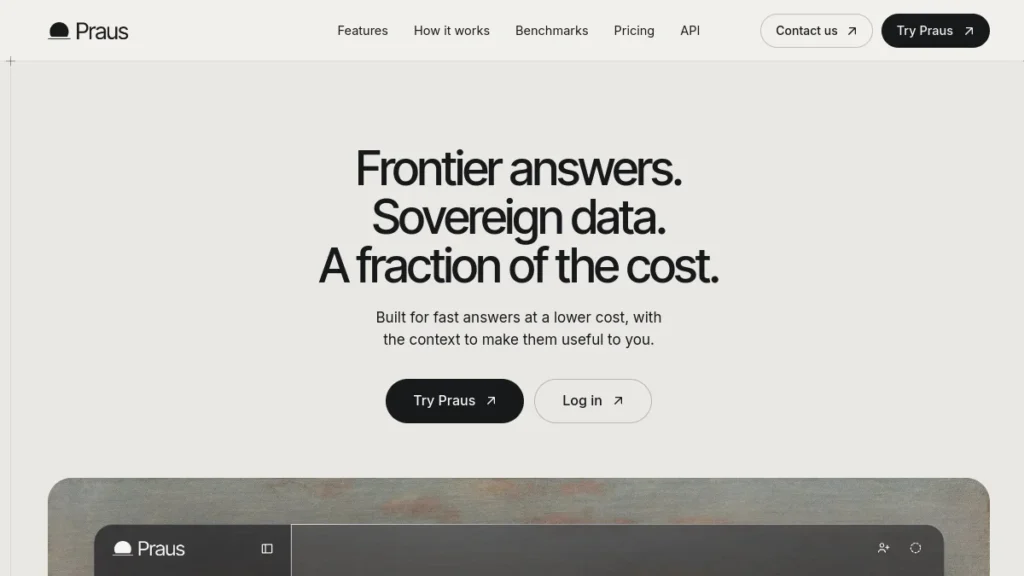
Praus is a sovereign AI harness by Ortelan that routes each request across open-source models with answer verification. Free tier available.
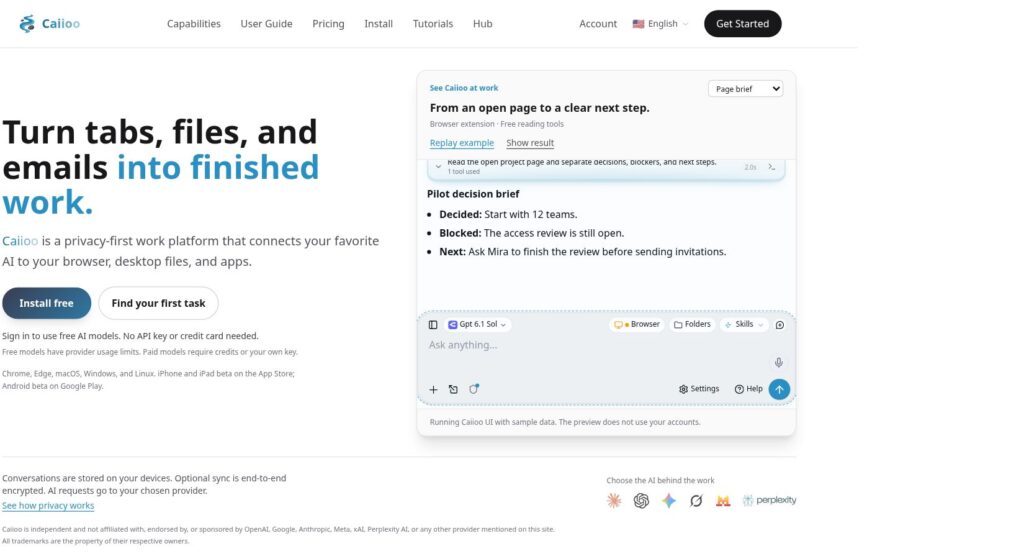
Explore Caiioo’s browser and file workflows, October 29 update, free and Pro access, model costs, and privacy limits before connecting your accounts.
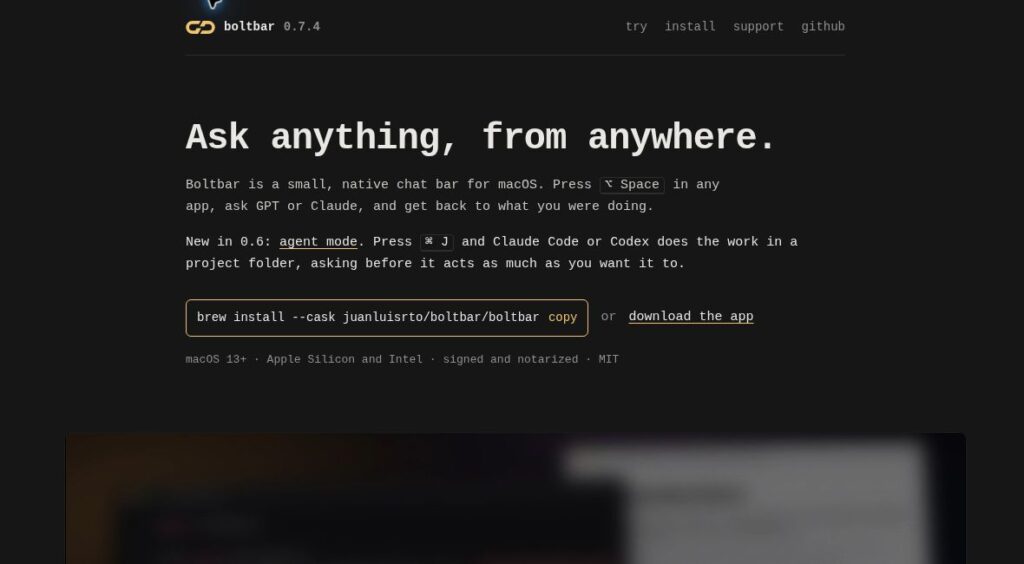
Explore Boltbar’s free Mac AI chat bar, Claude Code and Codex agent modes, optional supporter license, privacy details and connection limits.
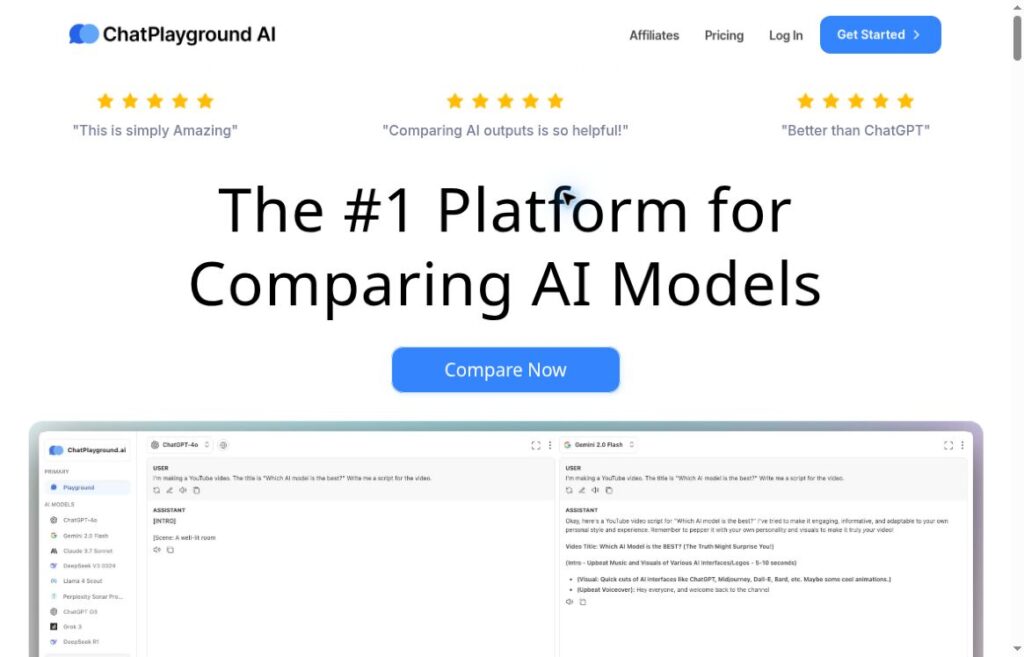
Explore ChatPlayground AI's multi-model comparisons, document tools, plan limits, privacy caveats, and the renamed BrowserCopilot extension.
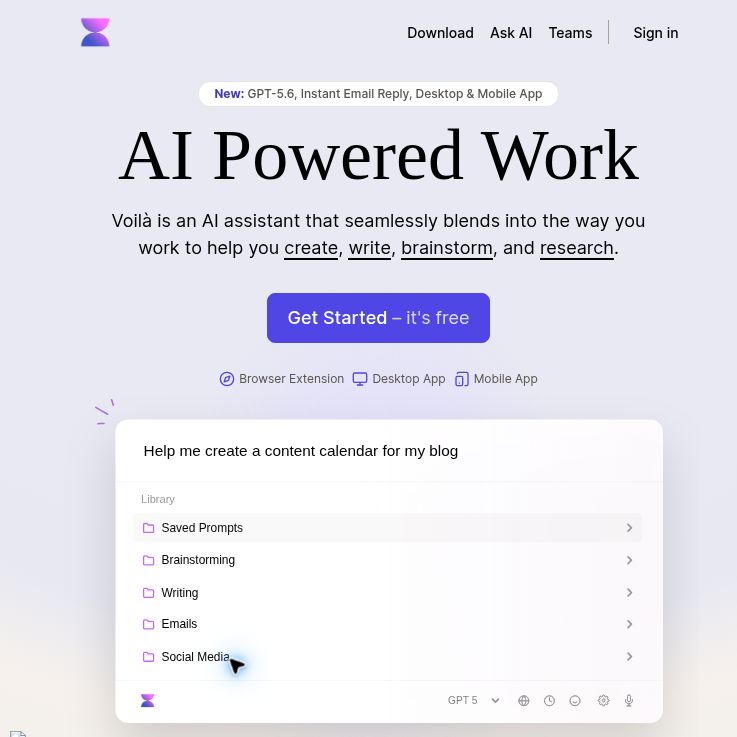
Explore Voila AI for writing and source summaries, with free-request limits, model fair usage, BYOK, platform differences and practical privacy checks.

Explore Cabina AI for multi-model chat, files, images and cloud agents. See current plans, token costs, key limits and checks before using it.