Updated October 25, 2026
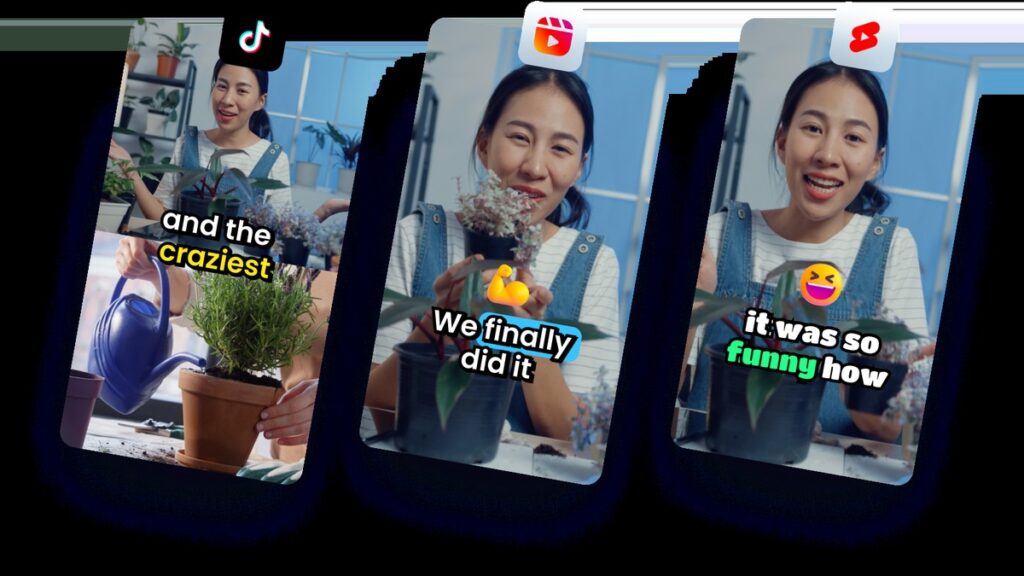
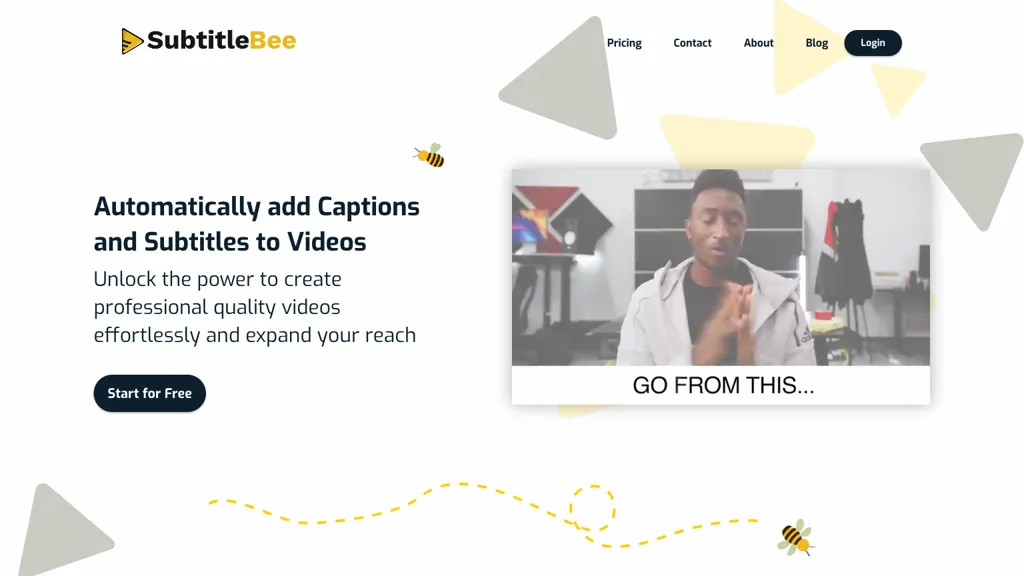
The existing image shows an earlier SubtitleBee homepage with a free-start promotion and a video preview. Its capture date is unknown; it does not establish current free-download rights or demonstrate a transcription test for this profile. Source: official website.
| Name | SubtitleBee |
| Overview | SubtitleBee is an AI-powered tool designed to automatically add captions and subtitles to videos, supporting accessibility when the generated text and timing are checked. It enables users to add subtitles in multiple languages, download generated captions, and apply customized subtitle styles that align with their branding. With support for over 120 languages for transcription and translation, with results requiring review, SubtitleBee caters to diverse global content creation needs. The platform also features capabilities such as automated audio transcription, the use of supertitles for enhanced visual experiences, and advanced cropping options for optimizing videos for various social media channels. Its editor lets creators correct words and timing before export; engagement and transcription accuracy are not guaranteed. |
| Key features & benefits |
|
| Use cases and applications |
|
| Who uses? |
|
| Pricing |
The earlier $199/year amount is Starter annual billing, not a separate “Popular” plan. Paid plans list watermark-free exports; translation counts and other limits vary by tier. The page displays dollars without an ISO currency code in the reviewed text; tax/VAT may be added at checkout. Confirm the billing period and final charge. Official pricing. |
| Tags | AI Tools, Video Editing, Subtitle Generation, Video Accessibility |
| App available? | Browser-based upload, subtitle editing and export workflow. The official site offers video exports and separate SRT, ASS, VTT or TXT subtitle files; a standalone mobile or desktop app was not verified. |
Review the transcript and translated subtitles with someone who understands the language, especially for names and consequential information. Upload only content you are entitled to process. Sources: official workflow and supported formats and terms. No video-generation or transcription test was performed for this profile.