
Updated on October 20, 2026.
Featured image: browser screenshot of the official Kin icon asset, linked from its homepage and captured October 20, 2026 for product identification. Provider branding, not a hands-on product test.
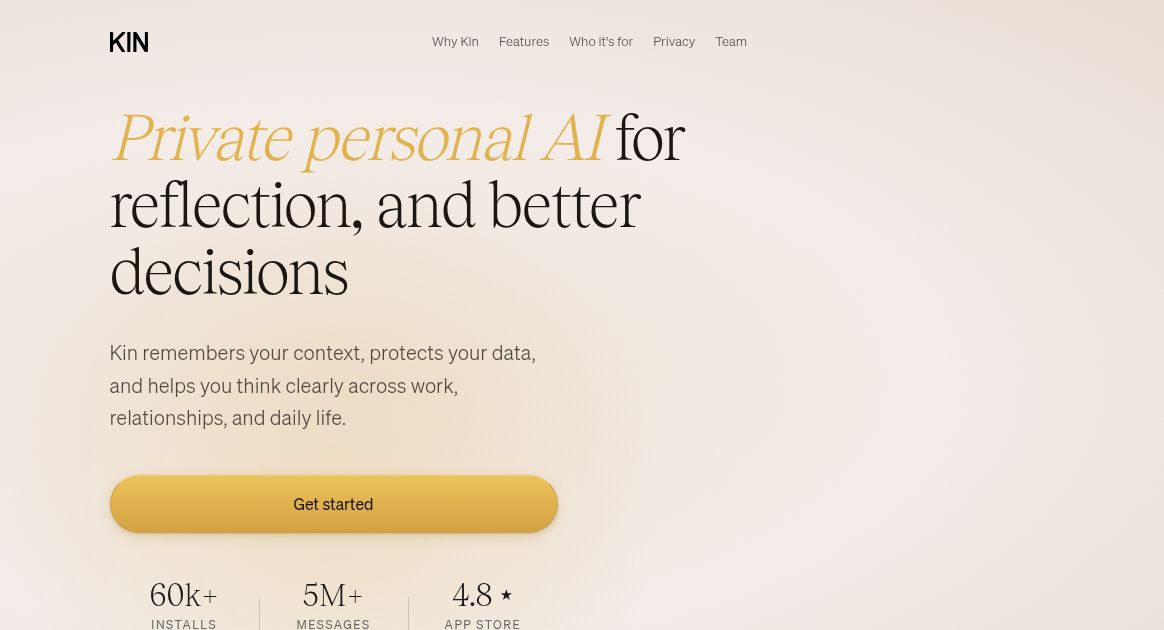
Homepage screenshot: screenshot of Kin’s official homepage, captured October 20, 2026. Privacy wording and visible adoption/rating figures are provider presentation, not independently verified. The article explains differing dated privacy descriptions.
| Name | Kin – Personal AI |
|---|---|
| Overview | Kin is your intelligent memory assistant designed to act as a personal, always-available AI that helps you capture, organize, and recall your thoughts, plans, and conversations. Unlike traditional chatbots, Kin is equipped with persistent memory and contextual awareness. It learns from your interactions to become more useful over time – helping you remember what matters, from fleeting ideas to long-term goals. Kin blends journaling, productivity, and intelligent recall into one simple interface. |
| Key Features & Benefits |
|
| Use Cases and Applications |
|
| Who Uses? |
|
| Pricing | Free download with paid in-app subscriptions. The US App Store listing checked on October 20, 2026 includes Standard monthly at $21.99 and Pro monthly at $43.99, alongside quarterly, annual and older Premium-labelled purchases. These are US store listings, not a promise that every purchase is offered to every account. Check the app for your local currency, current entitlements, trial conditions and renewal period. |
| Tags | Personal AI, Memory AI, Productivity, Assistant, Journaling, AI Chat, Knowledge Management, Creative Tools, Kin AI |
| App Available? | Available for iPhone and iPad and Android. The Apple listing also allows compatible Apple-silicon Macs, but says the app is not verified for macOS. A separate browser app was not confirmed. |
What has changed since the beta
Kin’s current product page presents specialist AI advisors, guided sessions, voice conversations, insights and journaling. The app-store release notes also describe Daily Edge briefings and cross-device sync. These extend the original memory-and-reflection use case; they do not make every recalled detail accurate. Review important memories and decisions rather than treating AI output as a dependable record.
A note on privacy and cloud processing
A blanket claim that everything stays on the device is too broad. Kin’s April 29, 2026 announcement describes an encrypted cloud database with its key held on the user’s device. Its privacy notice also explains account data, AI-provider processing and optional diagnostic traces. Some older pages and store wording still emphasize device-only storage. Read the current disclosures and settings before sharing sensitive information; the architecture claims here are the vendor’s, not an independent security audit.
For a first use, share a non-sensitive goal, ask Kin to summarize what it understood, then correct any mistaken details. Use it for reflection and preparation, not as a substitute for qualified medical or other professional advice. No account, conversation or paid subscription was tested for this listing.