Updated October 31, 2026. Img-Cut AI is presented by AI Shoot as a browser-based background-removal tool. The official page advertises free use and local processing. Those are provider statements, not independent proof of unlimited capacity, complete privacy, instant performance or reliable results on every device.
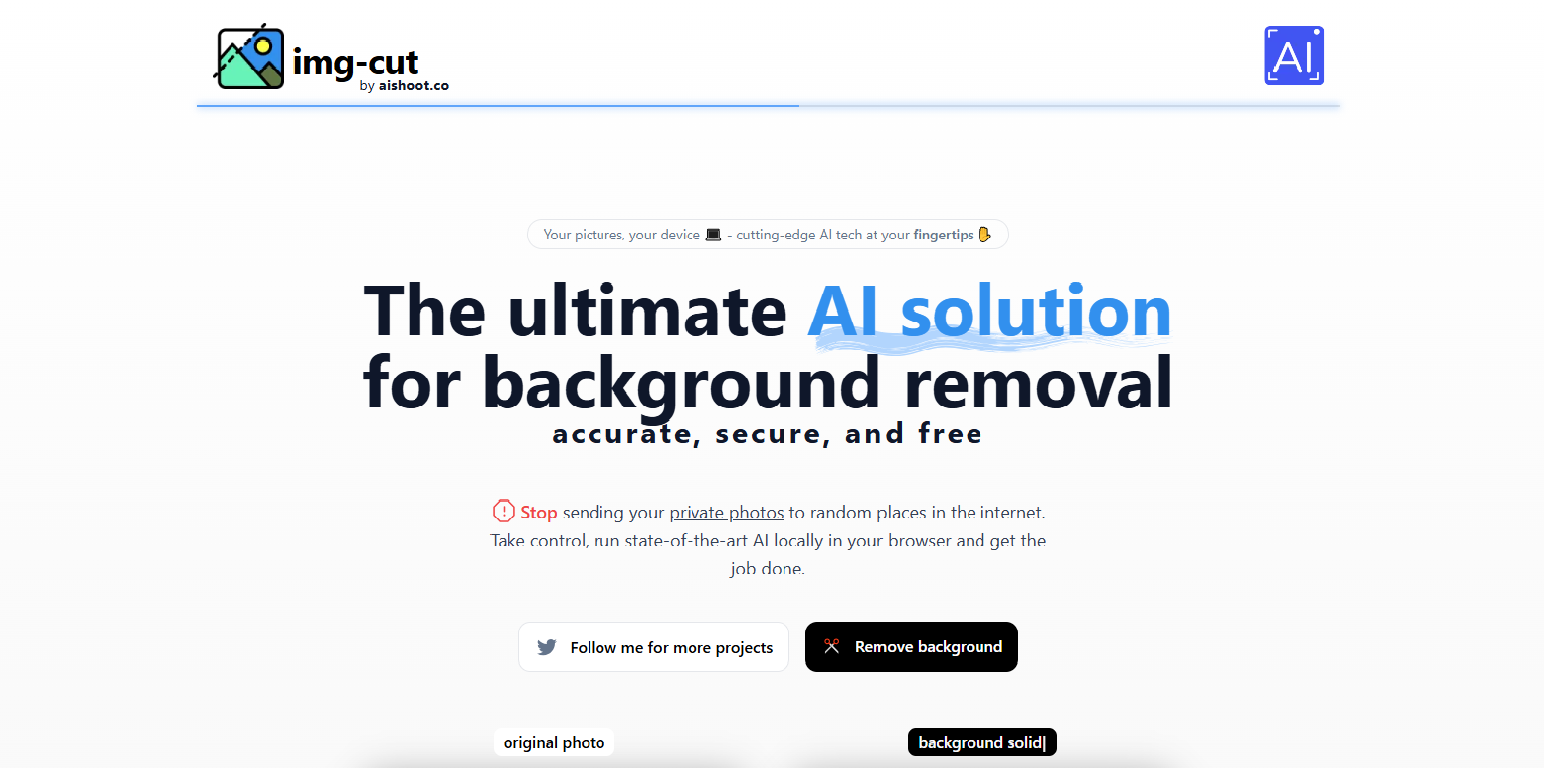
Historical screenshot: the retained branded landing image shows the background-removal heading, free/local-browser marketing and navigation controls. Its capture date is unknown. It identifies the earlier product presentation, not a completed edit or a security audit; promotional accuracy and security wording should not be read as verified guarantees.
| Category | Details |
|---|---|
| Name | Img-Cut AI, presented as Img-Cut by AI Shoot |
| Overview | A background-removal tool whose official page says AI processing runs locally in the browser. The current review read the product description but did not submit an image, inspect network traffic or verify a completed cutout. |
| Key features & benefits |
|
| Use cases and applications | Potential applications include preparing product cutouts, presentation assets and design drafts from images you have permission to edit. These are possible uses of background-removal software, not proof that Img-Cut meets a particular marketplace’s requirements or professional production standard. |
| Who uses? | The workflow may interest online sellers, designers, photographers, marketers and students. This describes a potential audience, not verified customers or a claim that the interface suits every skill level. |
| Pricing | The official landing page describes the tool as free. No paid plan or payment flow was observed there. Unlimited removals, absence of all future charges and specific usage quotas were not established by the retrieved page. |
| Tags | Background removal, image cutouts, browser-based image editing, product photography, design assets |
| App available? | The documented interface is browser-based. A separate native desktop or mobile app was not verified; absence from this page does not prove that none exists. |
What to check in a cutout
Hypothetical example: a seller preparing a photo of their own plain ceramic mug could compare the edge around its handle against both light and dark backgrounds. This is an evaluation example, not an Img-Cut test or a promise that a particular photo will work.
Look for missing parts, leftover background, edge halos and changes to fine details. Check the actual export dimensions and file format before incorporating an image into a design. Keep the original photo so that an unsatisfactory cutout does not replace your only copy.
Compatibility and privacy limits
A browser check on October 31, 2026 displayed an application exception in the cloud environment. Its console reported that a WebGL context could not be created and that the TensorFlow WebGPU backend was not initialized. No image was submitted and no browser settings were changed. This establishes a compatibility problem in that environment, not service closure or failure in every browser. A successful current image-processing workflow has not been verified here.
Local processing can be a useful architectural distinction, but the marketing wording alone does not establish all privacy properties. Read available policies before using sensitive images; this review did not verify upload behavior, telemetry, retention or deletion controls. No private photo was submitted.
Sources and scope
The official Img-Cut page was retrieved October 31, 2026 with a reported two-week crawl age. It identifies the AI Shoot connection and the tool’s advertised purpose. No terms or privacy-policy link appeared in the extracted page. The retained social links come from the earlier listing; their current ownership and activity were not independently verified in this review.