Updated October 15, 2026
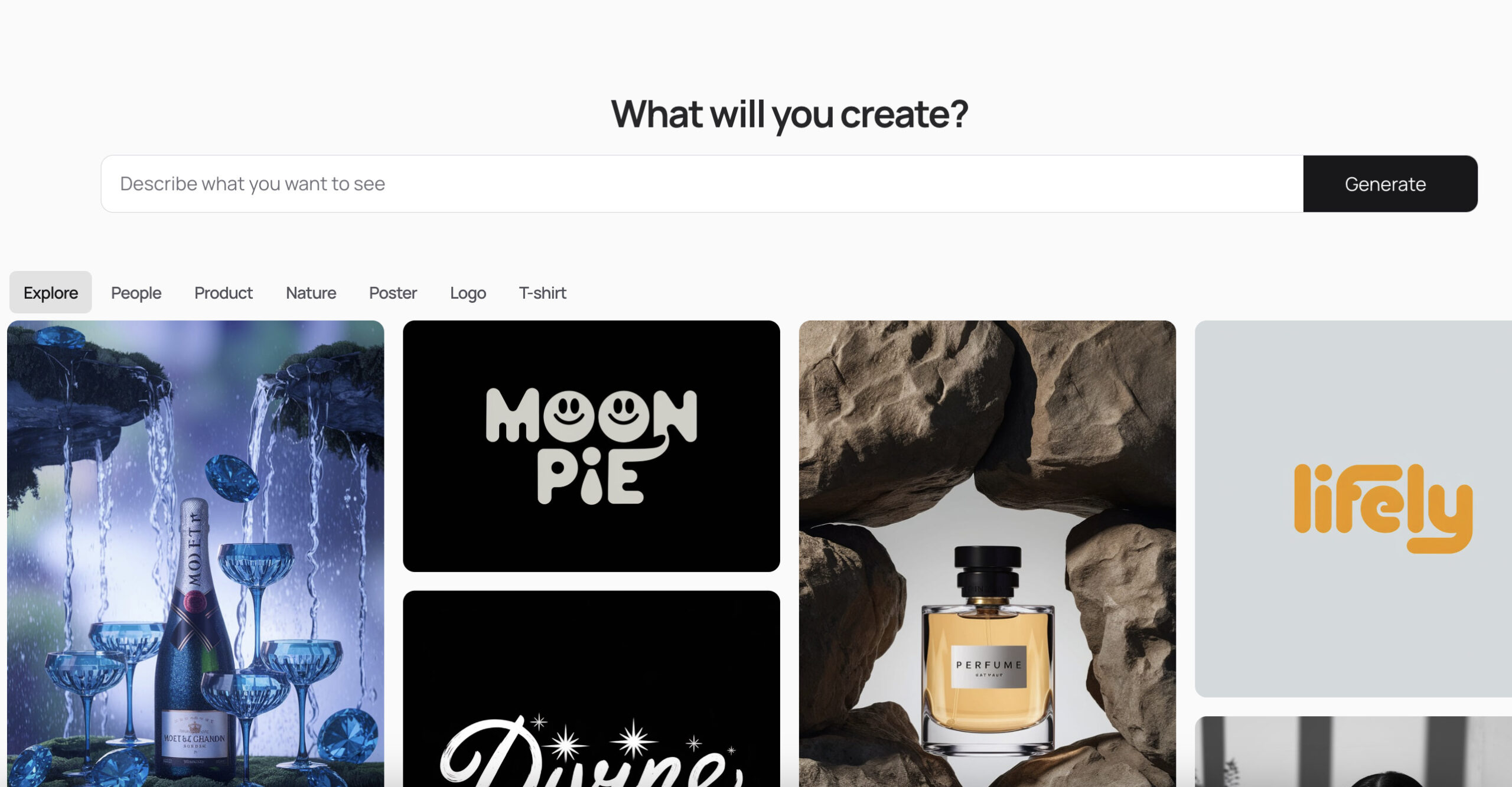
Image note: The retained screenshot comes from the original Ideogram listing, first published March 1, 2025. The current interface and features may differ.
Ideogram is an AI image platform for creating visuals from prompts and refining them with editing tools. Text inside images remains a central use case: think poster headlines, cover concepts, packaging mockups and short slogans. The current service also includes video models and task-specific apps. This guide focuses on its image workflow. Ideogram’s product documentation
Review method: This update checks public product documentation, pricing, policies and the official app listing. We did not sign in, generate images, benchmark output or complete a purchase. The example below is fictional and untested.
What can Ideogram do now?
The live catalog includes Ideogram 4.5, 4.0 and 3.0. Older articles centered on 2.0 or 3.0 do not describe the whole current product. Ideogram 4.5 supports generating images and targeted edits. Its advertised editing precision is a provider claim, not a result verified in this review.
Ideogram 4.0 emphasizes structured layout control and has downloadable model weights. Running those weights yourself is a separate deployment choice with its own licensing conditions; permission to use an image made in the hosted app should not be treated as permission to commercially deploy the model.
- Image generation: describe a scene, visual treatment and intended text, then choose the available model and settings.
- Reference-guided work: use an image to guide a character, product or visual direction. Available reference controls depend on the model. A reference is guidance, so inspect identity, product details and composition in the result. Reference-image guide
- Studio editing: Studio replaces the older Canvas and Magic Fill workflow. It supports image and text layers, selected-area changes, background work and extending an image. Its Layerize text function can turn detected lettering into editable text layers. Some operations require a paid plan or credits. Studio documentation
Text and brand colors still need checking
Ideogram’s own text guide recommends putting the intended wording in quotation marks, mentioning it early and keeping it short. Longer wording increases the chance of missing or incorrect letters. Generated lettering imitates a visual style; specifying a font name in a prompt does not load that font into the image generator.
The troubleshooting guide also warns that non-Latin scripts can be less reliable than English. For a long paragraph, exact event details or essential product copy, add and proofread an editable text layer instead of relying on a single generated image. Check punctuation, small print and every required character at the final display size. Documented text limitations
For more deliberate composition, Ideogram 4.5 and 4.0 accept structured JSON prompts with positioned elements and hexadecimal color values. These values guide the palette but do not lock every pixel to a brand color. Treat output as a draft that still needs color and layout checks. When supplying your own valid JSON, the documentation recommends turning Magic Prompt off if you want to avoid its rewriting the prompt. JSON prompting guide
Example: a repair workshop poster
Suppose a neighborhood group called Lantern Repair Club needs a poster concept. A starting prompt could be:
Create a vertical illustrated workshop poster. At the top, show the exact words “FIX IT TOGETHER” in large, chunky lettering. Below, show an orange desk lamp and a green toolbox on a cream workbench. Use a simple composition with generous empty space in the lower third for event details.
This is an original, untested example, not a claimed Ideogram result. A sensible review sequence would be:
- Decide whether the concept can be public before uploading anything or generating it.
- Compare the headline against the brief, including spacing and spelling.
- Add the confirmed date, venue and accessibility details as editable text.
- Inspect the tools and lamp for distorted shapes, then check readability in a small phone preview and a print proof.
That workflow gives the generator a contained creative job while leaving the final factual copy under human control.
Ideogram pricing and credit limits
The following are advertised web prices checked on October 15, 2026, in US dollars before tax. Annual prices are monthly equivalents paid as the stated yearly total. Official pricing
| Plan | Monthly billing | Annual billing | Monthly priority credits |
|---|---|---|---|
| Plus | $20/month | $180/year, equivalent to $15/month | 2,400 |
| Pro | $60/month | $504/year, equivalent to $42/month | 7,500 |
| Team | $30/user/month | $240/user/year, equivalent to $20/user/month | 3,600 per user |
| Enterprise | Custom quote | Custom quote | Custom |
The plan documentation, marked verified October 1, 2026, lists 30 free credits per week for Google, Apple or Microsoft sign-ins. Email-and-password accounts do not receive that allowance. The pricing FAQ says free allocations may vary, so check the balance shown for your account. Team requires at least two users. Basic is no longer sold to new subscribers. Plans and Credits
A credit is not a fixed number of images. Cost changes with the operation, model and settings. Subscription credits refresh monthly, including on annual plans, and unused monthly credits do not roll over. Plus, Pro and Team include slower-queue generation with Ideogram models after credits run out; reference-image generations, edits, upscales, custom models and partner models still need credits. Check usage costs before a large job.
Purchased credits cost one US cent each and expire 365 days after purchase, according to the extra-credit guide. They can remain usable after a subscription ends. Optional auto recharge can trigger further charges when the balance falls, so review that setting when budgeting.
Subscriptions renew automatically. Ideogram’s cancellation guide says to cancel at least five days before renewal; cancellation keeps access through the paid period. Its stated refund policy excludes subscriptions, renewals and credit purchases. Review the cancellation terms and refund policy before buying.
Is the API billed separately?
The current API billing guide says the app and API share a credit balance, spending monthly plan credits before purchased credits. Avoid assuming that older descriptions of completely separate billing still apply to every account. Enterprise arrangements can differ, so check the applicable agreement and dashboard.
API usage is metered; a subscription’s slow queue does not mean unlimited API calls. For example, the 4.5 model page lists prompt-only generation at $0.03, $0.06 or $0.10 per image for Low, Medium or High quality. High-quality generation with references and High-quality Precise Edit are listed at $0.22 per image. These are endpoint-specific prices, not a universal cost for every Ideogram operation. No subscription is required for those API endpoints.
Commercial use, private images and training
Ideogram’s Terms of Service say it does not claim ownership of users’ input or output and permits commercial use of generated output. They also warn that results may not be unique and make users responsible for third-party rights. Selling a poster or using a generated logo still requires checking trademarks, source-image permissions and other relevant rights. The terms do not promise exclusive, legally cleared artwork.
The current sharing documentation says Free and legacy Basic outputs are public, while new Plus, Pro, Team and Enterprise images remain private until published. The pricing FAQ still contains broader public-by-default wording. Because these official pages differ, verify your plan and an asset’s published status before using confidential material; do not assume a privacy switch exists in the generator.
Private visibility is also different from a no-training commitment. The Privacy Policy describes collecting prompts and uploads and permits using collected information to develop its technology and train the models powering the service. This review found no blanket no-training promise for ordinary private generations in that policy. For sensitive client work, confirm suitable written data terms before providing the material.
Web and mobile availability
The official Ideogram AI app lists Ideogram AI Inc as the seller and supports iPhone and iPad. The official website and documentation link that iOS app; this review did not verify an official Android listing. Use the web service on other platforms rather than assuming a similarly named store app is affiliated.
App Store prices can differ from web prices. Apple-billed subscriptions must be managed through Apple, and the current guide says those subscribers cannot change plans or purchase credits on the web. iOS subscription details
Who should consider it?
Ideogram is worth considering when the brief combines an image with a short headline, or when you want to iterate on a visual concept and then finish the lettering in layers. Budget for revisions and inspect the final asset. For a broader shortlist, compare the workflow, output controls and current costs with Krea using the same small creative brief. This documentation review does not establish a quality winner between them.