Updated October 19, 2026. Reviewed and revised for current information.
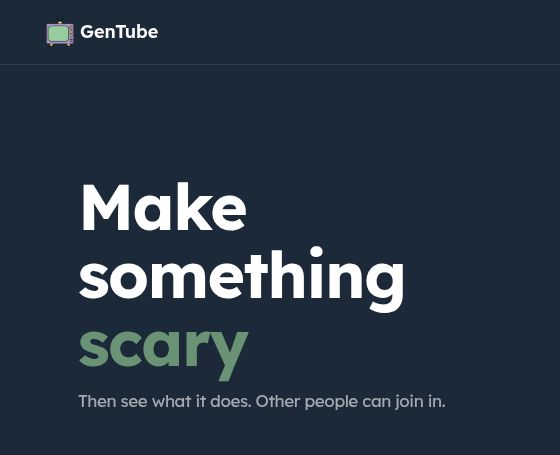
Image: Official GenTube homepage heading, captured October 19, 2026. This bounded product-identification view excludes the community artwork gallery; no image generation or account test was performed.
GenTube AI, usually branded simply as GenTube, is a social AI image playground built around creating and remixing visuals. Its current homepage emphasizes character creation, imagined worlds and discovering what other people make. You can begin with an idea or use community creations as a starting point for a new variation.
GenTube is positioned for creative play and exploration. That makes it relevant to hobbyists, character designers and storytellers looking for visual inspiration, while professional projects still need checks for quality, privacy and suitable usage rights.
What can you create with GenTube?
The official homepage showcases character designs and styles including watercolor, anime, realism and retro imagery. Its galleries make discovery and remixing part of the experience: a creation can become the starting point for someone else’s version.
The official prompt-creation guide describes several ways to begin:
- Type a prompt: describe a subject, scene or visual idea.
- Combine Blocks: stack prepared creative components to shape a style or concept.
- Remix an image: adjust the idea behind an existing creation and generate a variation.
- Use a reference image: upload a suitable image as inspiration.
Its social features also include following creators and browsing discovery feeds. Before uploading a reference, make sure you are comfortable sharing it and have permission to use it.
A useful way to start
- Choose a simple original subject, such as a tiny observatory on a floating island.
- Add a style and one important detail, such as watercolor with warm window light.
- Compare the result with your intention, then change one element at a time.
- Save the versions you want to keep and inspect the downloaded file before using it elsewhere.
This is a suggested creative workflow, not a record of a hands-on test. Look closely at faces, hands, text and repeated details when they matter to your project. Fast iteration can be helpful for brainstorming, but it does not ensure a final image is ready for publication.
Is GenTube free and unlimited?
As checked on October 19, 2026, GenTube’s homepage and FAQ advertise free, unlimited creation. The FAQ says there are no credits or daily caps. Treat this as the provider’s current offer rather than an independent guarantee about future pricing or uninterrupted access.
The site promotes generation in about two seconds. The FAQ also acknowledges that load, connection quality and safety checks can cause delays. This page does not report a measured speed benchmark or promise a fixed response time.
Accounts, apps and public sharing
The FAQ lists web, iOS and Android access. It says an account is required to create, although some promotional pages advertise a no-signup starting experience. Follow the current create flow rather than assuming anonymous use is always available.
Creations are public by default, according to the FAQ. It also says downloaded images carry a small GenTube watermark. Those details matter if you are evaluating the tool for client work, private concepts or images that need a clean export. Keep sensitive material out of a public creative workflow.
Who is it best suited to?
GenTube is worth exploring for character concepts, fictional scenes, style experiments and collaborative inspiration. Its community-first approach may be particularly useful when you enjoy building on a visual starting point rather than writing a detailed prompt from scratch.
For production artwork, check the current export, account and usage conditions before committing to a workflow. A platform’s availability of popular characters does not establish permission to use those characters in your own project. This overview describes public product information and does not claim independent image-quality testing or legal clearance.