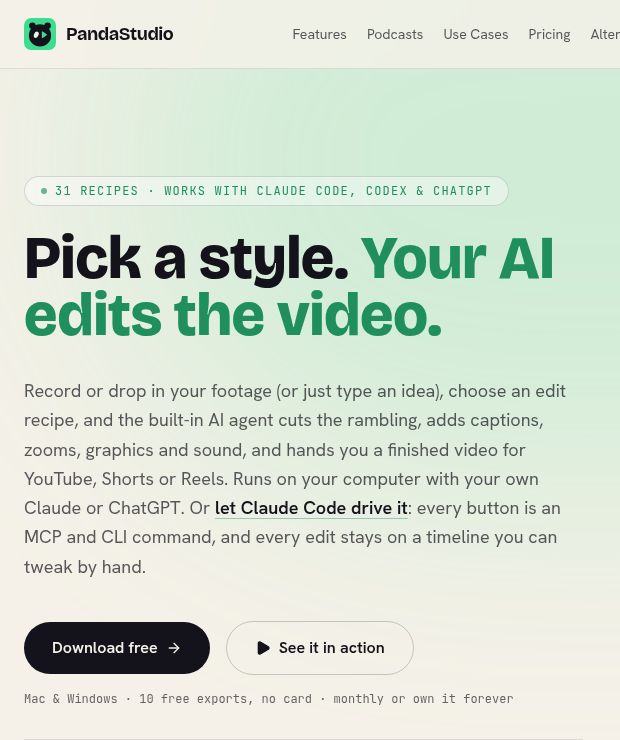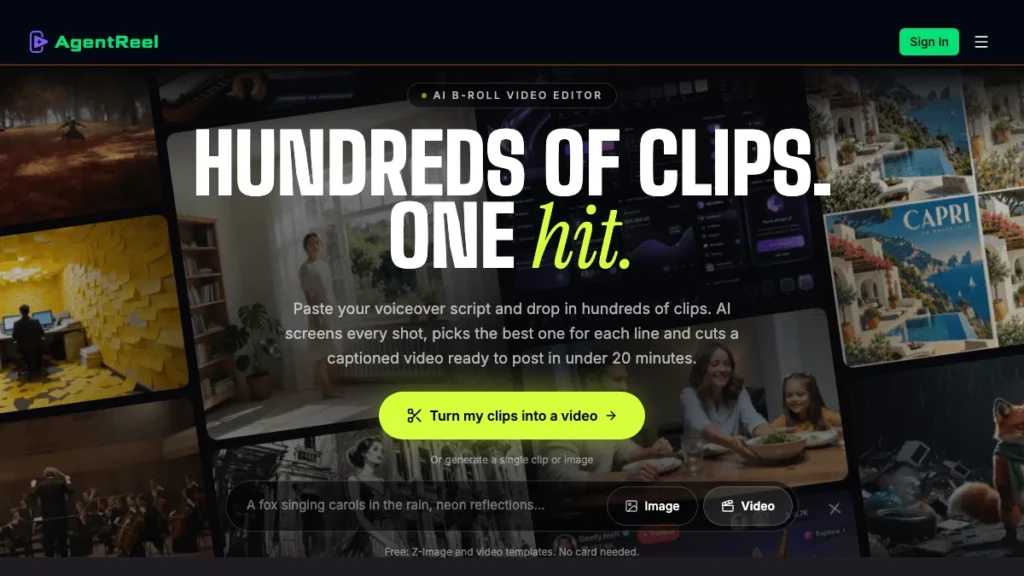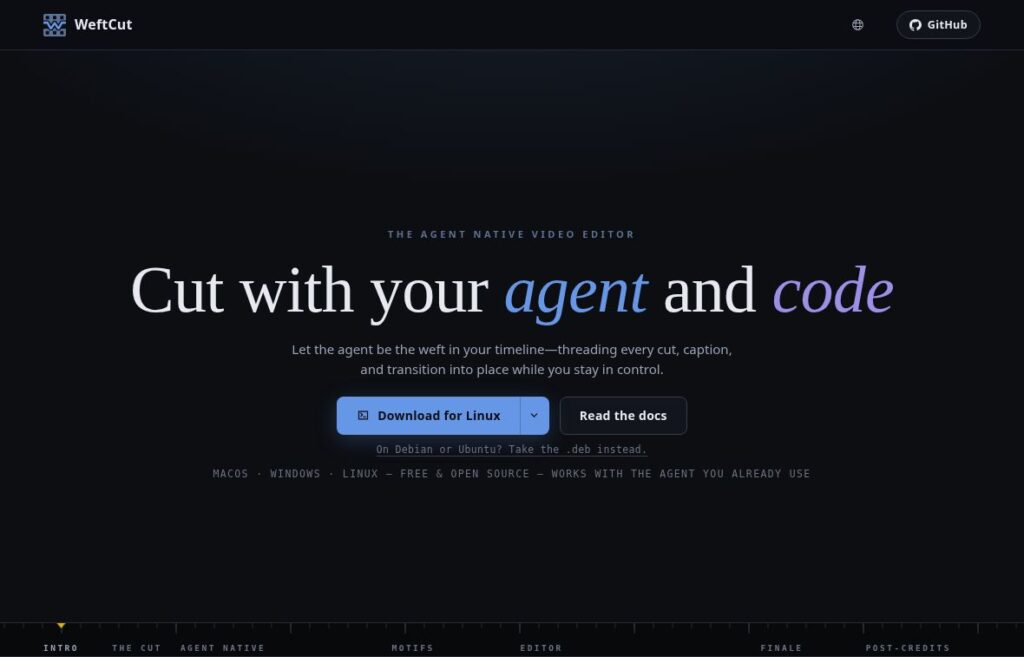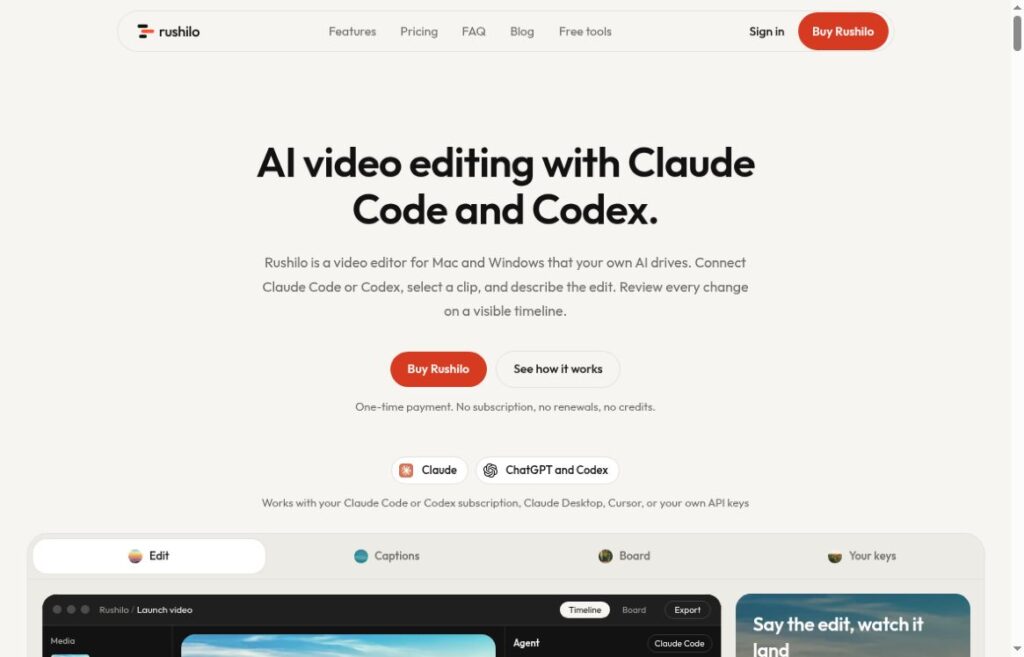
Updated: October 24, 2026.
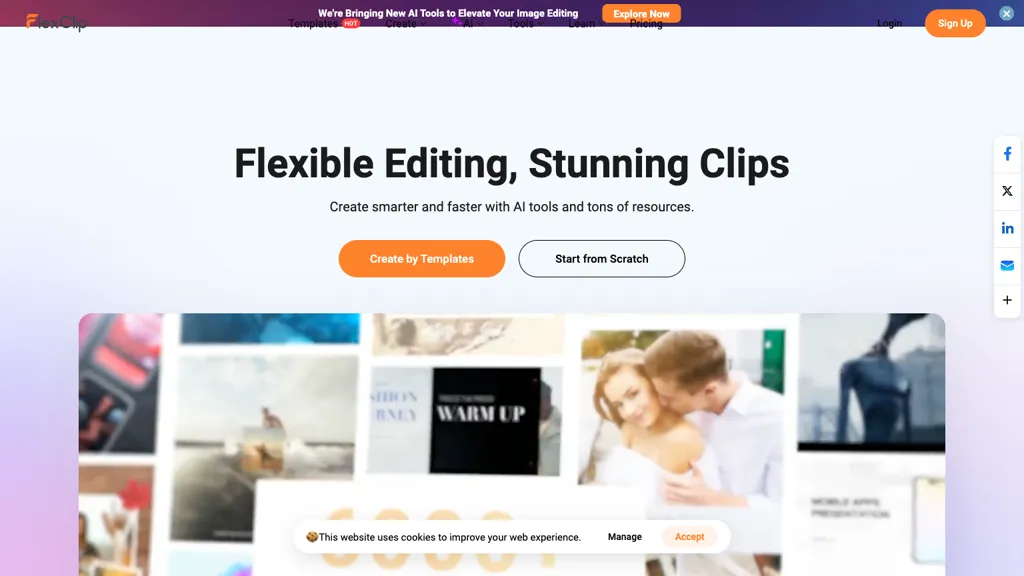
The existing image is an earlier FlexClip homepage preview with a template collage and cookie banner. Its capture date is unknown; the designs and quality slogan are provider marketing, not results from our testing or a statement of current plan rights.
| Name | FlexClip |
| Overview | FlexClip is a user-friendly cloud-based online video editor designed for creating and editing videos for various objectives, including business promotions, social media content, and family memories. With a wide selection of customizable templates, users can access built-in resources like text animations, video transitions, and vector graphics. The platform includes powerful editing tools for trimming, cutting, and adding elements such as text, music, and AI-generated subtitles. FlexClip also integrates with royalty-free stock media providers; permitted use depends on the applicable licence and subscription. Once videos are completed, sharing options are streamlined through links or direct social media posting. |
| Key features & benefits |
|
| Use cases and applications |
|
| Who uses? |
|
| Pricing |
Freemium model: A limited free editor is available.
These are the displayed video-editor plans, not separate AI-credit-only purchases. Confirm the selected billing period, taxes, credit conditions and any offer at checkout. |
| Tags | Video editing, Online video editor, Cloud-based video editor, Social media videos |
| App available? | Yes, available for web users. |
Commercial use is plan-specific: FlexClip’s published policy allows stock resources and AI output under paid editor plans, while an AI-credit-only purchase covers generated output, not stock resources. Free access does not grant those commercial rights. Check rights to any material you upload. Sources: official pricing guide, current plan selection, and commercial-use policy.