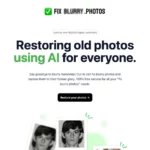
fix blurry photos
Image Improvement

Fix Blurry Photos

Visit website

Explore Fix Blurry Photos, its advertised free restoration workflow and why enhanced faces should be compared with an untouched original.

fix blurry photos

Updated October 29, 2026

Photo restoration features and access

Name Fix Blurry Photos
Overview Fix Blurry Photos is a web-based AI photo-restoration tool aimed at improving old or blurry images. Its homepage credits GFPGAN, a face-restoration research project, and advertises free use. Results depend on the source image and may alter facial details rather than recover the original exactly. Keep an unedited copy and compare the output carefully.
Key features & benefits
  • AI-assisted photo and face restoration.
  • Browser-based workflow for blurry or older images.
  • Free access advertised by the provider.
  • Potential improvements to perceived sharpness, depending on the image.
Use cases and applications
  • Restore old family photos to preserve treasured memories.
  • Enhance and sharpen images for clearer presentations.
  • Create enhanced viewing copies of historical photographs while preserving untouched originals.
Who uses?
  • History enthusiasts
  • Families with old photos
  • Professional photographers
  • Vintage collectors
  • Individuals fond of reminiscing
Pricing The official site advertises free use. Current processing availability and allowances were not tested; do not assume unlimited access or guaranteed output.
Tags Photo Restoration, AI Technology, Image Enhancement
App available? Web-based; no dedicated mobile app was identified on the official pages reviewed.

Compare faces with the original

For example, a sharper family portrait may contain inferred facial details. Keep the original scan and treat the enhanced version as a viewing copy, not proof of details that were absent from the source. Upload only photographs you have permission to use.

Sources checked October 28, 2026 (UTC): official homepage and the linked GFPGAN research project. The research project does not establish which model version the service uses. No restoration was performed for this review.

KEEP EXPLORING

More tools to discover.

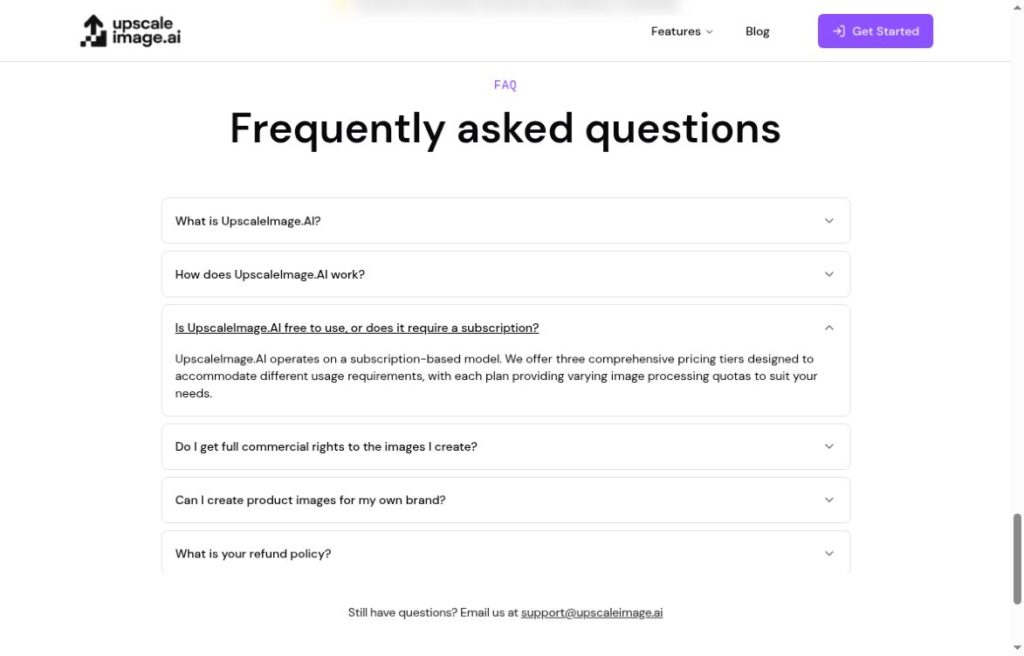
UpscaleImage.AI website FAQ describing subscription tiers and image processing quotas

Explore UpscaleImage.AI’s photo enhancement and UGC-style tools, subscription FAQ and practical limits before processing or publishing images.

Image ImprovementExplore
Adima AI Windows pricing interface with One Time Payment selected and plan cards

Explore AIImageUpscale’s Adima AI tools for Windows and Android, free-plan limits, paid options and practical checks before enhancing photos.

Image ImprovementExplore
AI HD Anime (discontinued)

Read the historical AI HD Anime overview, current availability uncertainty and the distinction between APISR research and a public software API.

Image ImprovementExplore
insMind pricing interface with Monthly selected and Basic, Pro and Ultra credit plans

Learn how insMind Image Extender adds AI-generated surroundings, how it differs from upscaling, and what to check about credits, apps and output.

Image ImprovementExplore

TensorPix enhances and upscales video in a desktop or mobile browser. Review free credits, plan limits and variable processing times before a full export.

Image ImprovementExplore
Find your next starting point