Updated October 24, 2026
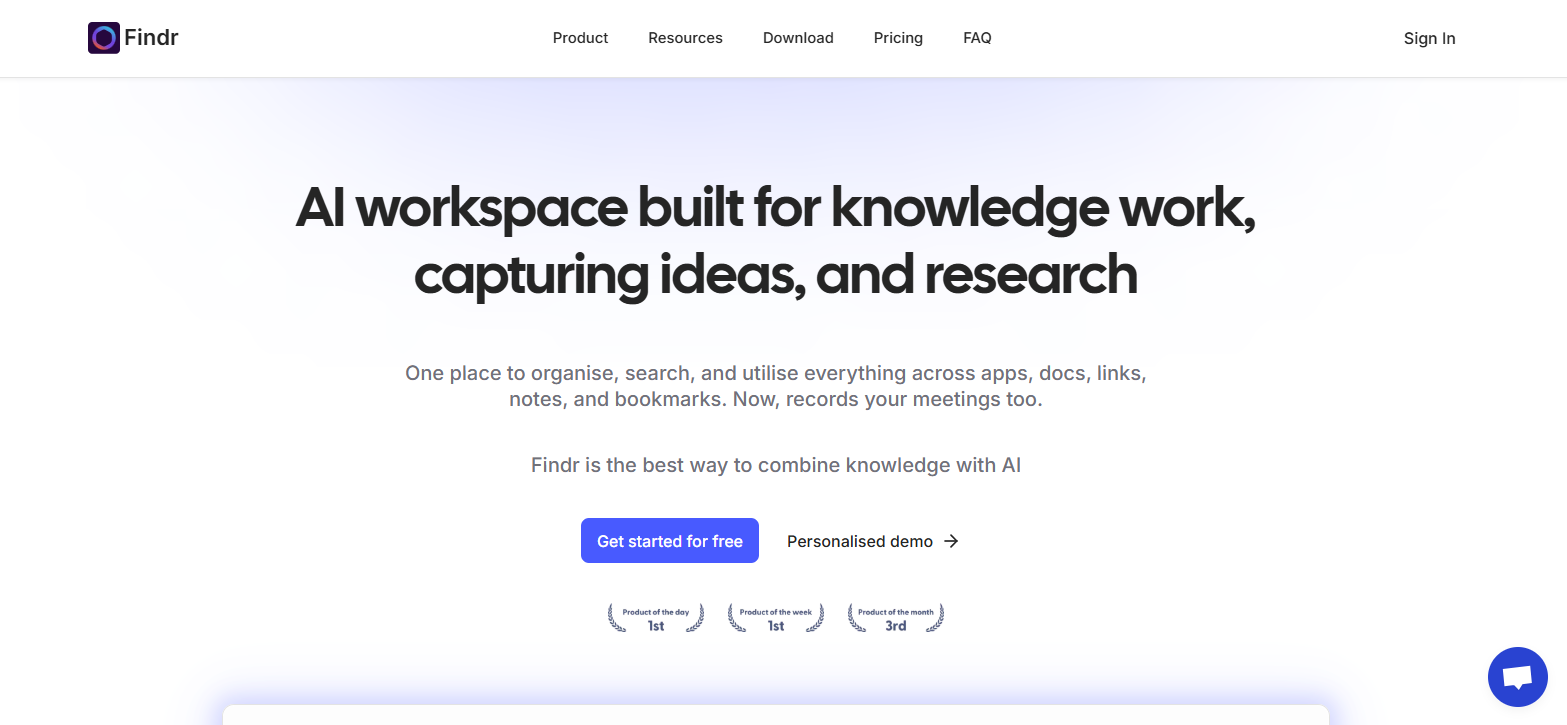
Retained screenshot of the Findr website; original capture date not recorded. Its knowledge-work messaging and displayed awards are historical website marketing, not proof of current service availability or independently tested performance.
Availability checked October 24, 2026: The official website displayed “Deployment Paused” and said the deployment was temporarily paused. This records a website-access issue at the time of the check, not a confirmed permanent shutdown or a recovery date.
| Name | Findr AI |
|---|---|
| Overview | Findr AI has been described as a knowledge-management workspace that brings together emails, documents, chats and bookmarks for natural-language search and AI-assisted chat. Its earlier Chrome extension listing also describes saving, organizing and summarizing bookmarks. Current service access and feature availability could not be confirmed while the official website displayed a temporary-pause notice. |
| Key Features & Benefits |
The earlier version of this article listed the capabilities below. Their current availability has not been confirmed while the website is paused.
|
| Use Cases & Applications |
Potential uses, subject to confirming current access and feature support:
|
| Who Uses It? | Researchers, engineers, marketers, startup founders, support and product teams—anyone working across multiple apps and needing a unified knowledge workspace. Named enterprise-customer relationships were not independently verified. |
| Pricing |
Previously listed prices, not a verified current offer: The figures and allowances below are retained for reference from the earlier version of this article. Current pricing, billing options and entitlements could not be reverified; they are not confirmed purchase terms.
Do not rely on these figures when deciding to subscribe. Check the official site’s current pricing and account terms if access resumes. |
| Tags | AI knowledge management, enterprise search, second brain, searchable workspace, AI assistant, productivity, meeting transcripts |
| App Available? | An earlier developer listing offered a Findr Chrome extension. Current installation availability and the previously listed native Mac, Windows and iOS options could not be verified. A browser-installed PWA should not be treated as confirmation of a native iOS app. |
Before connecting your accounts
If access resumes, confirm the supported integrations and current plan before subscribing or connecting an account. Review the requested permissions and your organization’s requirements before sharing confidential files. Check AI answers against their original source records rather than treating a summary as a verified fact.
Source context: the current availability notice was checked on the official site. The developer’s earlier Chrome Web Store description supports the historical bookmark-search workflow and its stated compliance claims; it is not an independent security assessment or confirmation that all earlier features remain available. No account connection or hands-on product test was performed for this update.