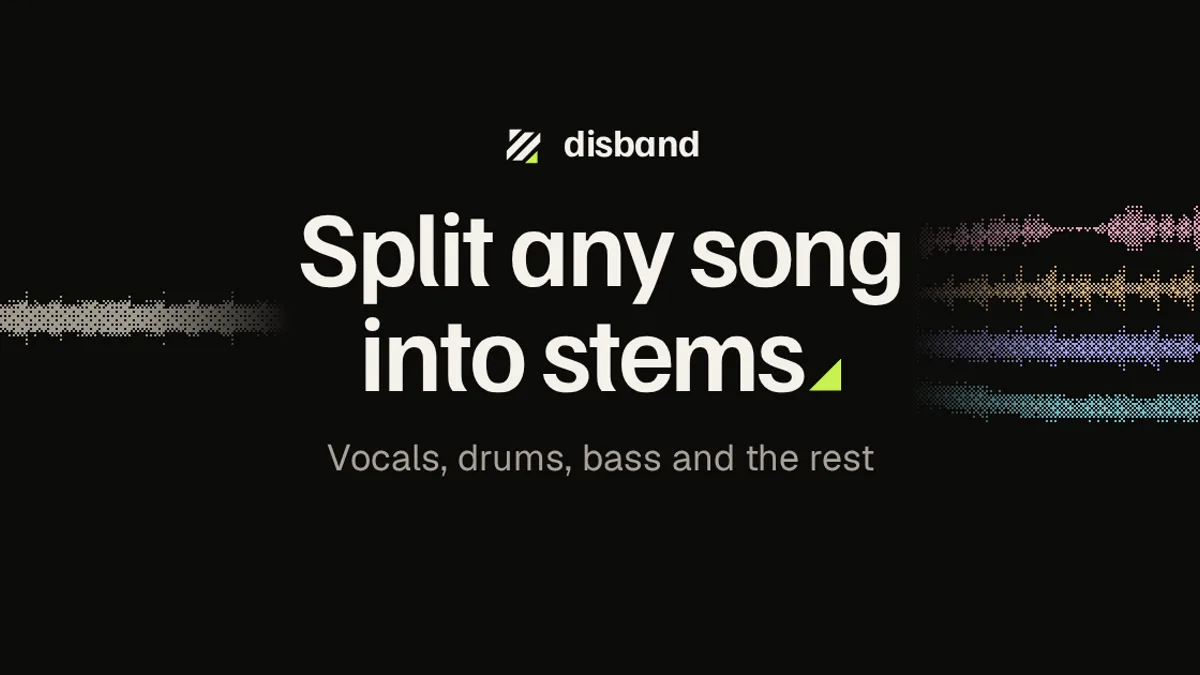
Musicians, producers, and remixers often need one part of a song on its own: the vocal, the drums, the bass line, or the piano. Getting those parts used to mean asking for multitrack files that were never shared. Disband splits any song into stems, and lets you pick exactly the stems you need and only pay for the ones you pick.
Disband launched on Show HN on November 11, 2026. The product is a stem splitter with a simple idea at its center: you choose the parts, you pay for the parts, and nothing else. The team says it does not listen to your files or use them to train models, and you keep every right to your files and stems. You should only upload audio you have the right to process.
What is Disband
Disband splits a song into vocals, lead vocals, backing vocals, instrumental, drums, bass, guitar, piano, and other parts. You upload MP3, WAV, FLAC, M4A, Ogg, or Opus, up to 10 minutes or 95 MB. With bought credits, the limit rises to 60 minutes or 2 GB. Your upload is deleted as soon as it has been read, and stems are deleted an hour after the split, or earlier when you delete them.
An API is included with any pack, from 0.9 cents a minute of audio, so developers can add stem splitting to their own tools. The free tier gives 300 credits every day, which Disband describes as about 8 songs a day as vocals and instrumental, with a refill at midnight UTC.
Key features
- Stem splitting into vocals, lead vocals, backing vocals, instrumental, drums, bass, guitar, piano, and other parts.
- Pay only for the stems you pick, rather than a fixed bundle.
- Upload support for MP3, WAV, FLAC, M4A, Ogg, and Opus, up to 10 minutes or 95 MB on the free tier.
- Higher limits with bought credits: up to 60 minutes or 2 GB per file.
- Automatic deletion: uploads deleted once read, stems deleted an hour after the split or earlier on request.
- API included with any pack, from 0.9 cents a minute of audio.
- Privacy position stated by the team: it does not listen to your files or use them to train models.
Who it is for
Disband is for producers who need a clean vocal or instrumental, remixers who want to rebuild a track from its parts, DJs who need an acapella or a drum stem, and musicians who want to study or practice against one instrument. It also fits developers who want stem splitting inside another product through the API. It is not a source of licensed audio: you should only upload audio you have the right to process, and you keep the rights to the files and stems you create.
Pricing
Pricing comes from the official homepage, checked November 12, 2026. Bought credits never expire, and unused bought credits are refunded on request within 14 days of purchase.
- Free: 300 credits every day, about 8 songs a day as vocals and instrumental, refilled at midnight UTC.
- $5 for 2,500 credits: about 71 songs, 7.0 cents a song.
- $10 for 7,000 credits, save 29%: about 200 songs, 5.0 cents a song.
- $25 for 20,000 credits, save 38%: about 571 songs, 4.4 cents a song.
- $50 for 48,000 credits, save 48%: about 1,371 songs, 3.6 cents a song.
- $100 for 110,000 credits, best value: about 3,142 songs, 3.2 cents a song.
- With any pack: skip the queue, 3 at a time, 60-minute and 2 GB files, and API access.
Prices may change. Check the official website for the latest pricing.