Updated: October 25, 2026
| Name | Clipfly AI |
|---|---|
| Overview | Clipfly AI is a creative AI-powered video generation platform that enables users to turn simple text prompts and images into engaging videos. It combines advanced AI with intuitive design to make video creation accessible to everyone, whether you’re a beginner, influencer, or marketer. With drag-and-drop tools, talking avatars, photo animation, and more, Clipfly revolutionizes how people create short-form video content without needing advanced editing skills. |
| Key features & benefits |
|
| Use cases and applications |
|
| Who uses? |
|
| Pricing |
|
| Tags | AI video generator, text to video, talking avatar, video editor, social media content, photo animation, creative AI, video marketing |
| App available? | Yes. The linked iPhone app link currently identifies Clipfly – AI Dance Generator from Chengdu Everimaging, with Clipfly policy links. Its feature set and purchases can differ from the browser editor; this title change does not establish that the web product ended. |
Clipfly AI is an innovative, AI-driven platform designed to revolutionize the way people create video content. Whether you’re a content creator, social media marketer, educator, or small business owner, Clipfly offers a fast and intuitive way to turn ideas, text, and images into stunning videos, no professional editing experience required.
At its core, Clipfly empowers anyone to become a video storyteller. With tools like text-to-video generation, talking avatars, and animated photos, you can develop short-form drafts, then review and refine the output. The browser platform offers cloud-based creation and editing. A separate iPhone app is also listed, but identical tools, purchases or cross-device project access should not be assumed.
Looking for a more script-focused option? Check out Pictory AI, which transforms blog posts or long-form content into engaging videos automatically.
Why Choose Clipfly AI?
Clipfly’s biggest strength lies in its ease of use and versatility. Unlike complex software that demands a steep learning curve, Clipfly simplifies the creative process. With just a text prompt or image, you can generate visually engaging videos for social media, marketing campaigns, tutorials, and more.
One standout feature is its AI Talking Avatar technology, which brings static images to life with synced voice or speech. This is especially useful for creating character-driven stories or educational content that feels more personal and engaging.
The drag-and-drop editor provides powerful features like adding subtitles, stickers, voiceovers, and special effects, giving you full creative control. And with tools like AI Video Enhancer, you can upscale and clean up your content for a more professional look.
Ideal Use Cases for Clipfly AI
Here’s where Clipfly really shines:
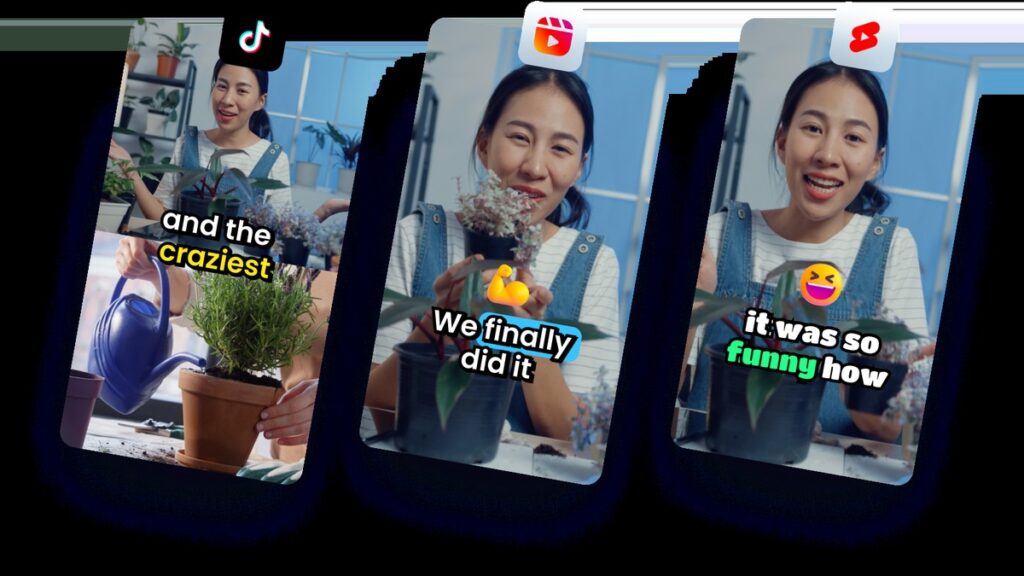
- Social Media Content Creation: Generate short-form drafts for TikTok, Instagram Reels, and YouTube Shorts, with model-dependent processing time.
- Marketing and Advertising: Turn promotional ideas into visually appealing video ads quickly.
- Education and E-learning: Use animated avatars and enhanced visuals to make learning fun and interactive.
- E-commerce and Product Demos: Showcase products with motion and narration.
- Content Repurposing: Convert blogs or articles into dynamic explainer videos.
Whether you’re launching a campaign or growing a personal brand, Clipfly is built to speed up your workflow and boost creativity.
Conclusion
Clipfly AI is an ideal solution for modern creators who want speed, simplicity, and smart automation. By combining artificial intelligence with robust editing tools, Clipfly helps you bring your ideas to life without the need for complex software or big budgets.
From talking avatars to animated photos and professional-grade editing, this platform delivers a powerful toolkit that fits right in your browser.
Ready to give your content a creative upgrade? Visit Clipfly.ai and start transforming your ideas into videos today.
Before publishing: Check generated motion, lip sync, text and export settings. Use authorized portraits and audio, and distinguish synthetic demonstrations from recordings of real people. Enhancing a video does not recover independently verified details that were absent from the source.
Sources: Creative tools; Free web editor and watermark scope; Exact linked iPhone listing.
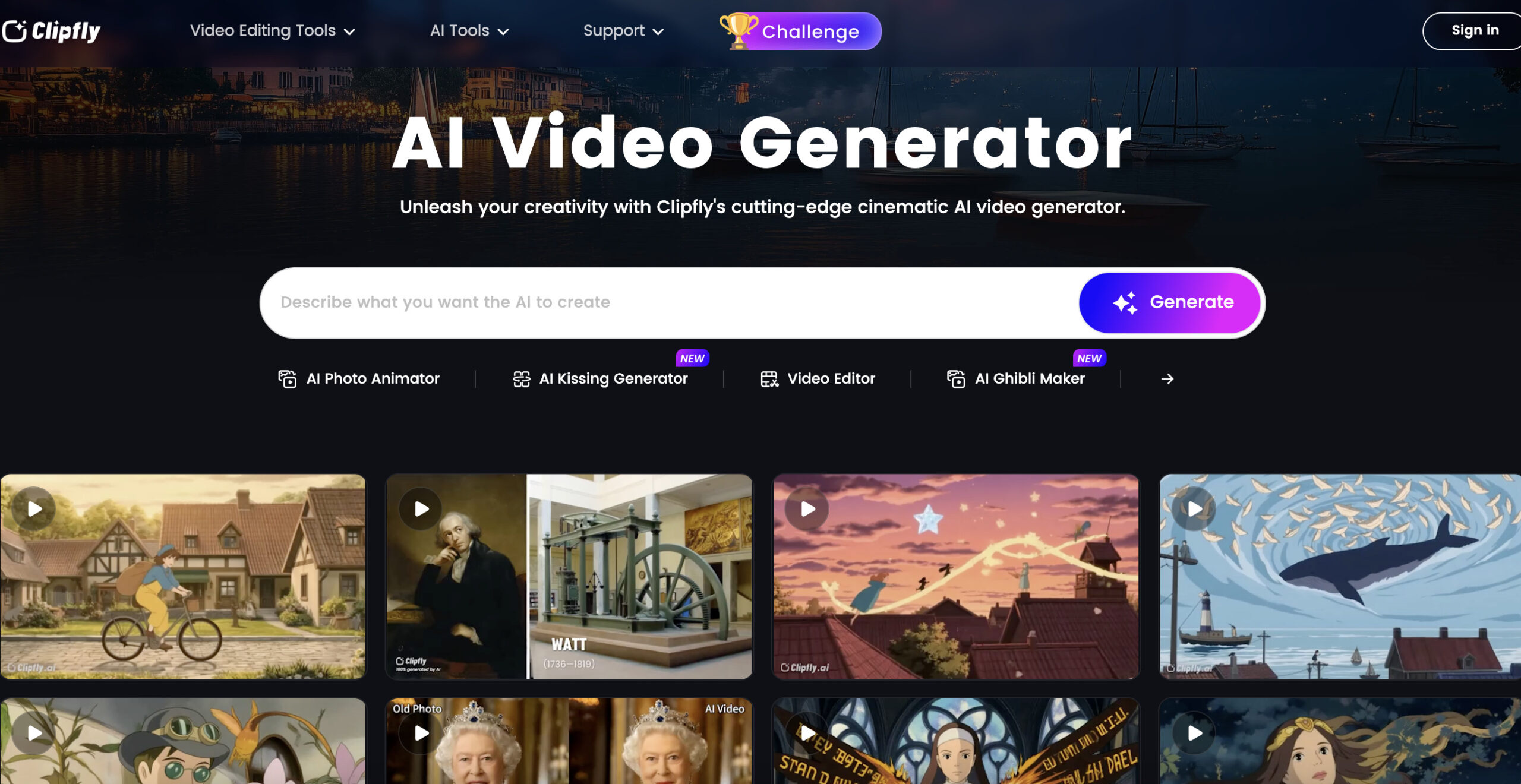
Image context: The existing image shows an earlier Clipfly AI Video Generator page and its example grid. Its capture date is unknown; the examples are provider demonstrations, not outputs generated or timed for this article.