Updated October 24, 2026
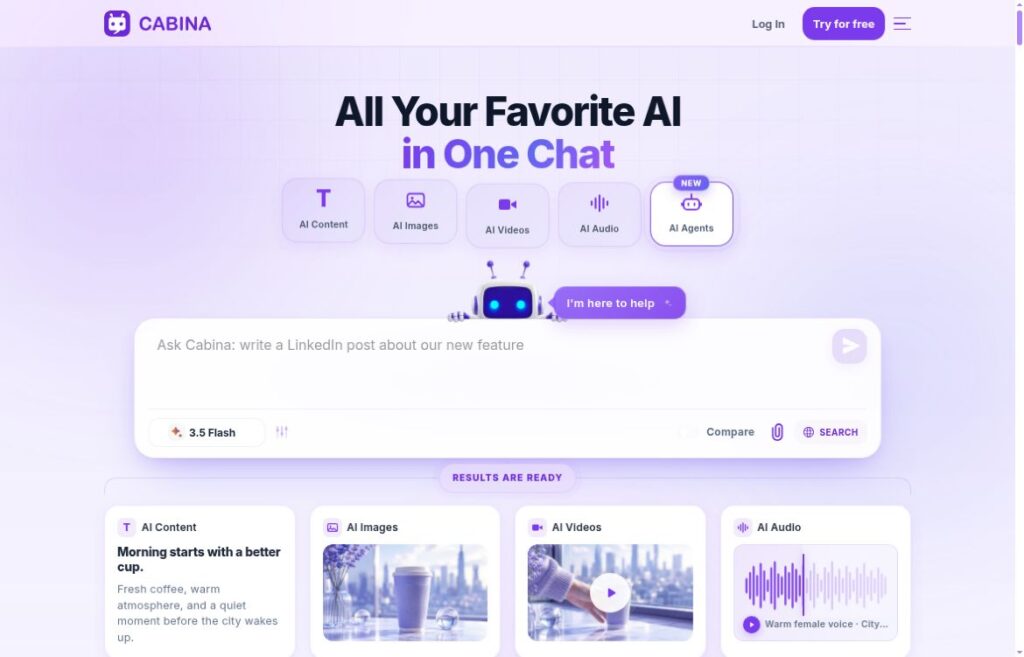
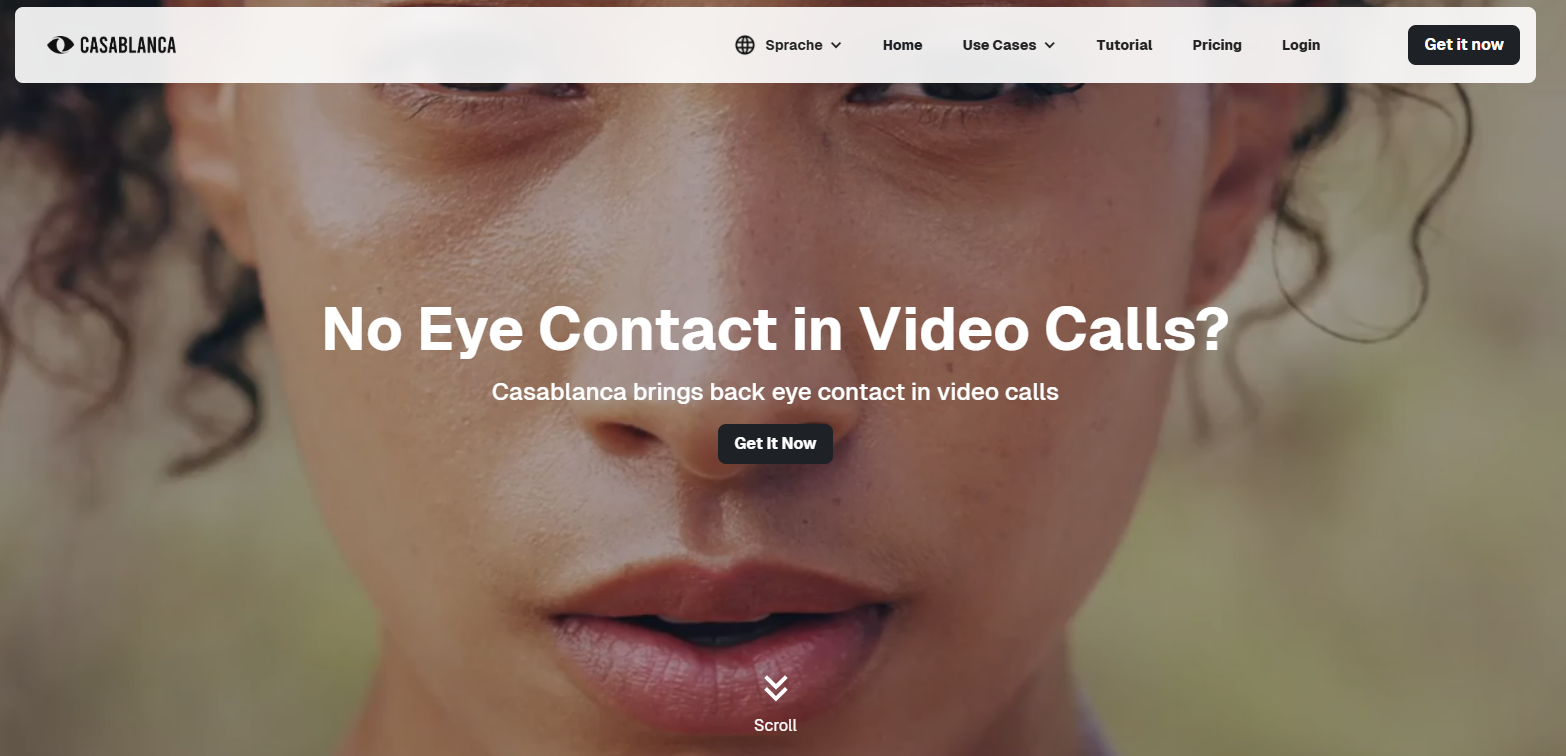
Existing Casablanca website screenshot illustrating video-call eye contact. Source: official website. Capture date unknown; not a newly captured view.
| Name | Casablanca AI |
| Overview | Casablanca AI is an eye-contact correction tool for video calls. It uses real-time AI processing to adjust your gaze and head orientation, creating the appearance of direct eye contact through a virtual camera. It is designed to support visual communication, not to guarantee greater trust or productivity. You need a supported computer, a working camera and compatible video software; no additional specialist camera is required. |
| Key features & benefits |
|
| Use cases and applications |
|
| Who uses? | Professionals in remote work, educators, healthcare providers, sales teams, business leaders and content creators. Casablanca’s current terms cover business and self-employed professional use; do not assume unrestricted consumer eligibility. |
| Pricing |
|
| Tags | AI eye contact, video conferencing, remote work, productivity, virtual meetings, communication AI |
| App available? | Yes, as a downloadable application for supported Windows computers and macOS. The current Mac hardware minimum is Apple M1 or later; check the listed Windows and Mac hardware requirements before installing. |
Set Up and Preview Your Video
- Check your computer against the requirements and obtain the appropriate application through Casablanca’s official website. An account is required to use the software.
- Select Casablanca as the camera in your compatible meeting or recording app.
- Preview your face in your usual lighting and screen position before a call. Check natural movements and responsiveness, and switch back to your regular camera if the effect is distracting.
Consumer Skype is no longer a current integration example: Microsoft retired it on May 5, 2025. That announcement excludes Skype for Business; it does not establish Casablanca compatibility with that separate product.
Privacy and Professional Use
Review the current business-use terms and privacy policy. Local image processing should not be read as a promise that all account or connection data stays on your computer; the policy describes account data, technical connection data and external services. Your meeting provider also has its own data-handling settings.
For healthcare or other sensitive conversations, follow your organization’s approved workflow. Eye-contact correction alone does not establish regulatory compliance or clinical suitability.