Updated: October 17, 2026.
BrainyBear AI is a hosted platform for creating conversational assistants using your content and connected tools. It targets website support and other chat-based workflows, with newer features aimed at personal assistants and recurring tasks. This overview uses public product information rather than hands-on tests, so advertised capabilities should be checked against your own requirements.
What does BrainyBear AI offer?
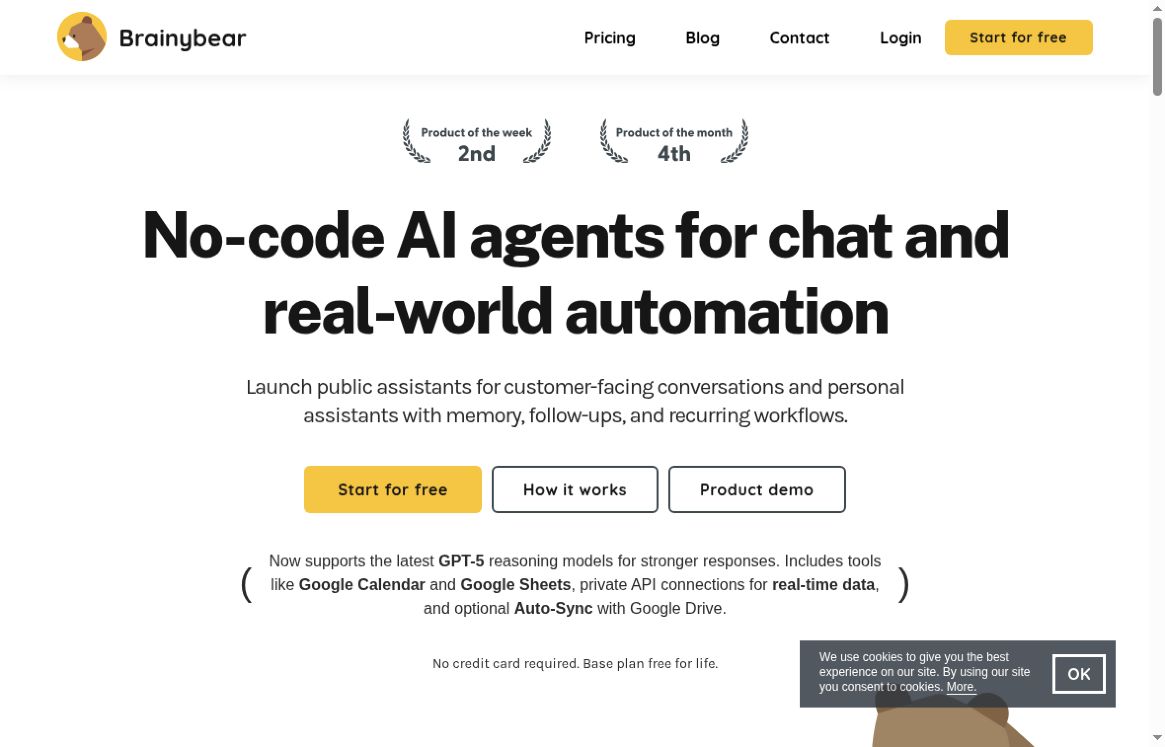
The official homepage describes public assistants for customer conversations and personal assistants with memory, follow-ups, and recurring workflows. It also advertises Google Calendar and Google Sheets tools, private API connections, and optional Google Drive synchronization.
Its basic workflow is to create an assistant, provide relevant knowledge or tools, and embed it on your website. A no-code interface can simplify that setup, but connecting private APIs still requires understanding authentication, permissions, and what an action is allowed to change.
- Knowledge-based responses: Provide selected website pages or documents for the assistant to use.
- Brand customization: Adjust the assistant’s name, appearance, and intended role.
- Messaging connections: The provider lists Messenger, Telegram, WhatsApp, and Slack integrations; availability varies by plan.
- Connected actions: Explore scheduling, spreadsheet updates, or custom tools where the plan supports them.
Example: a small-business support assistant
A repair business could start with its opening hours, service-area page, booking instructions, and published warranty policy. The assistant could answer routine questions and direct customers to the appropriate booking or contact route. Keep account-specific information and private customer records out of a public knowledge collection.
Test questions that are missing from the source material, outdated policy references, ambiguous requests, and attempts to obtain another customer’s details. If you connect a scheduling tool, check that a booking is actually created with the correct date and time. This is a suggested evaluation workflow, not a reported BrainyBear test result.
Plans and message-credit limits
The pricing page displayed these monthly options on the review date:
- Free: $0, 50 monthly message credits, one agent.
- Basic: $38 per month, 1,000 credits, three agents.
- Growth: $89 per month, 3,000 credits, five agents.
- Business: $189 per month, 10,000 credits, ten agents.
It also displays annual-billing equivalents of $32, $75, and $158 per month for the paid tiers. These are not month-to-month prices. Confirm the full annual charge, currency, taxes, renewal conditions, and included features in checkout.
Credits do not equal a fixed number of messages: the model table lists costs from one to twenty credits per message. URL and knowledge-size limits also differ by tier. WhatsApp is listed under Growth, while Business adds Slack, scheduling, sheet updates, custom tools, and branding removal. Check the current comparison before choosing a plan.
Billing and privacy considerations
The published terms, dated July 9, 2024, describe automatic monthly renewal and no refund of previous charges after cancellation. Because the pricing page also offers annual billing, verify the agreement applying to your selected subscription rather than assuming the older monthly wording explains every option.
Review the privacy policy and data-processing agreement before connecting business data. The published materials discuss personal-information collection and service providers, but this review did not establish a detailed current policy for AI model training, conversation retention, or every connected tool. Ask for clarification before uploading confidential records.
The homepage reports a CASA Tier 2 security assessment. That vendor statement is not a guarantee that every use case, integration, or customer configuration is secure or legally compliant.
Who might find it useful?
BrainyBear may suit teams wanting a hosted assistant for repeat questions and defined tool-assisted tasks. Start with a narrow use case, measure incorrect answers and credit consumption, and keep a clear route to human help. Do not assume that marketing claims about automation or customer-question resolution predict your results.
Browse the GPTOnline AI tools directory to compare other task-focused tools.