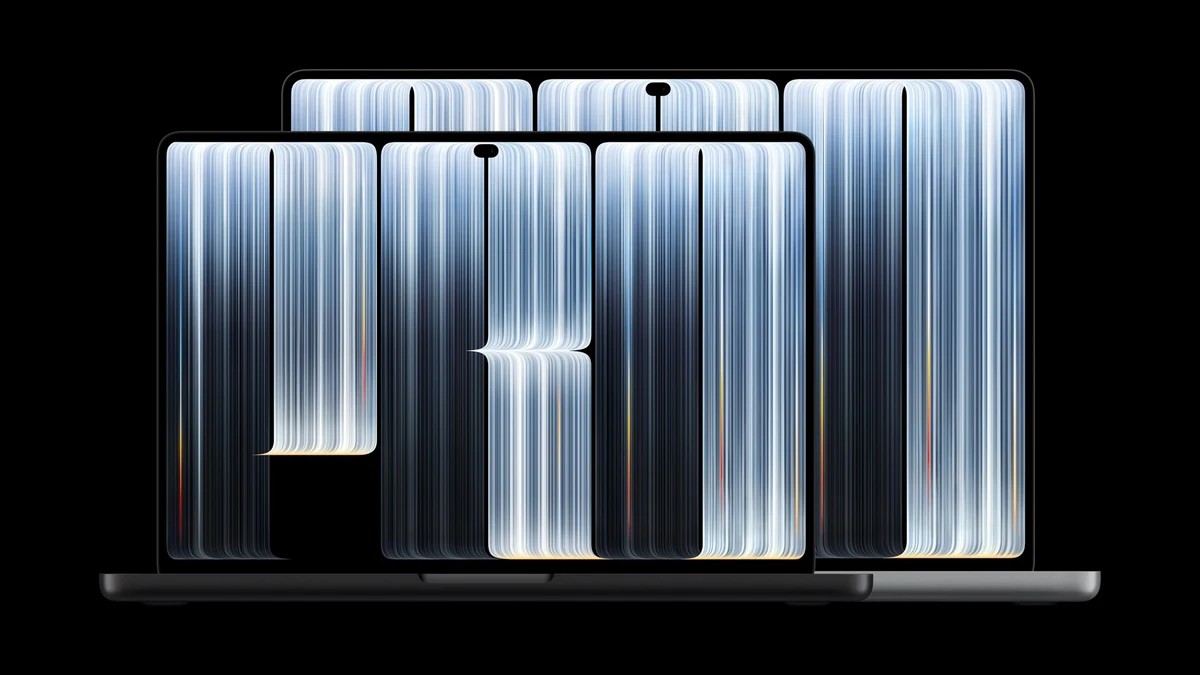
Apple has unveiled its first touchscreen Mac, ending a position the company held for more than a decade. The new MacBook Pro with PROLED XDR Display, announced on October 28, 2026 at Apple’s “Pro and tell” event in Los Angeles, brings Touch to the Mac for the first time, alongside a tandem OLED display, Dynamic Island, and M5 Pro and M5 Max chips. Pre-orders opened the same day, with availability from November 6.
The launch is a separate, higher-end introduction from the standard 14-inch MacBook Pro with M6 that Apple unveiled a day earlier. That model keeps a Liquid Retina XDR display and starts at $1,999, while the new PROLED models start at $2,899 for the 14-inch version and $3,399 for the 16-inch version. Apple’s announcement calls the machine “a monumental step forward for the Mac,” in the words of Johny Srouji, Apple’s chief hardware officer.
PROLED XDR: Tandem OLED Comes to the Mac
The headline feature is the display. PROLED XDR uses tandem OLED technology, stacking two self-illuminating pixel layers to reach up to 2,000 nits of peak brightness for both HDR and standard content, with an industry-leading 10,000,000:1 contrast ratio. ProMotion adjusts the refresh rate from 10Hz to 120Hz, and the display covers both the P3 and Adobe RGB color gamuts, with more than 80 percent Rec. 2020 coverage for HDR video work. An optional nano-texture finish, now etched into the cover glass, cuts reflections further.
“PROLED XDR is the world’s best laptop display,” Srouji said. “It pairs state-of-the-art tandem OLED technology with advanced algorithms in our display engine to deliver the kind of visual fidelity pros have been dreaming of.”
Apple is positioning the screen as a portable reference monitor, with factory calibration for every panel, industry-standard reference modes for film, photography, print and design, and even DICOM medical imaging modes for nondiagnostic review, research and education.
Touch Arrives on Mac
Touch is the change Apple resisted longest. The touch sensor is built directly into the display panel rather than layered on top, which Apple says reduces latency so users feel they are touching the content itself. Everyday gestures work as expected: scroll with a swipe, pinch to zoom, drag and drop, double-tap to fill the screen, or flick to tile a window into place.
For professional work, Apple points to new uses: designers can draw across the whole display instead of being limited to the trackpad, musicians can play software instruments onscreen, and developers can test how Touch behaves in their iOS and iPadOS apps directly on the Mac. A redesigned hinge adds stability while touching the screen, and video stabilization smooths the camera feed in real time during calls. Apple says many existing apps work with Touch right away because macOS translates touches into clicks, and it lists Notion, Canva, Zoom, Microsoft Word, Excel, PowerPoint and Outlook, Adobe Lightroom, DaVinci Resolve, Blender, Maxon Cinema 4D, Maxon ZBrush, Shapr3D and Algoriddim djay Pro among the third-party apps taking advantage of it.
Dynamic Island Comes to Mac
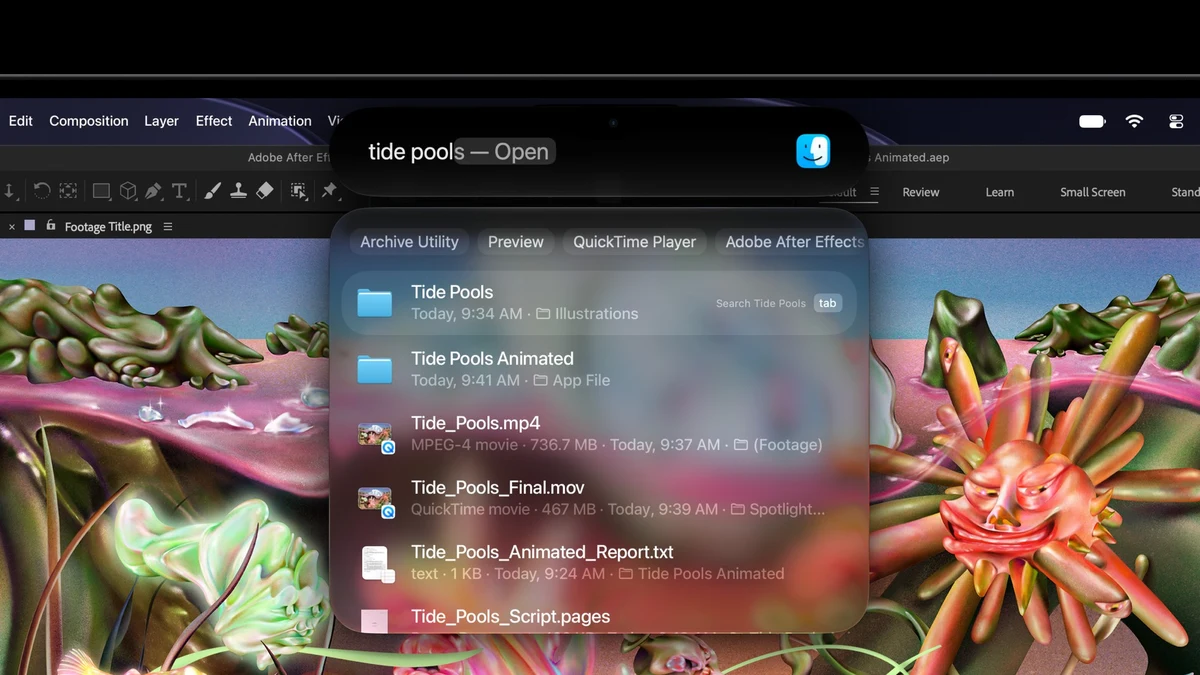
The Dynamic Island, familiar from iPhone, replaces the notch and becomes the home for Spotlight, Live Activities and Siri AI. Users can search, take calls, control music, accept an AirDrop request or check live updates with a tap. TechCrunch notes that Apple also designed the hinge to stabilize the screen when users touch it, which helps keep the camera steady on video calls.
M5 Pro and M5 Max, and On-Device AI
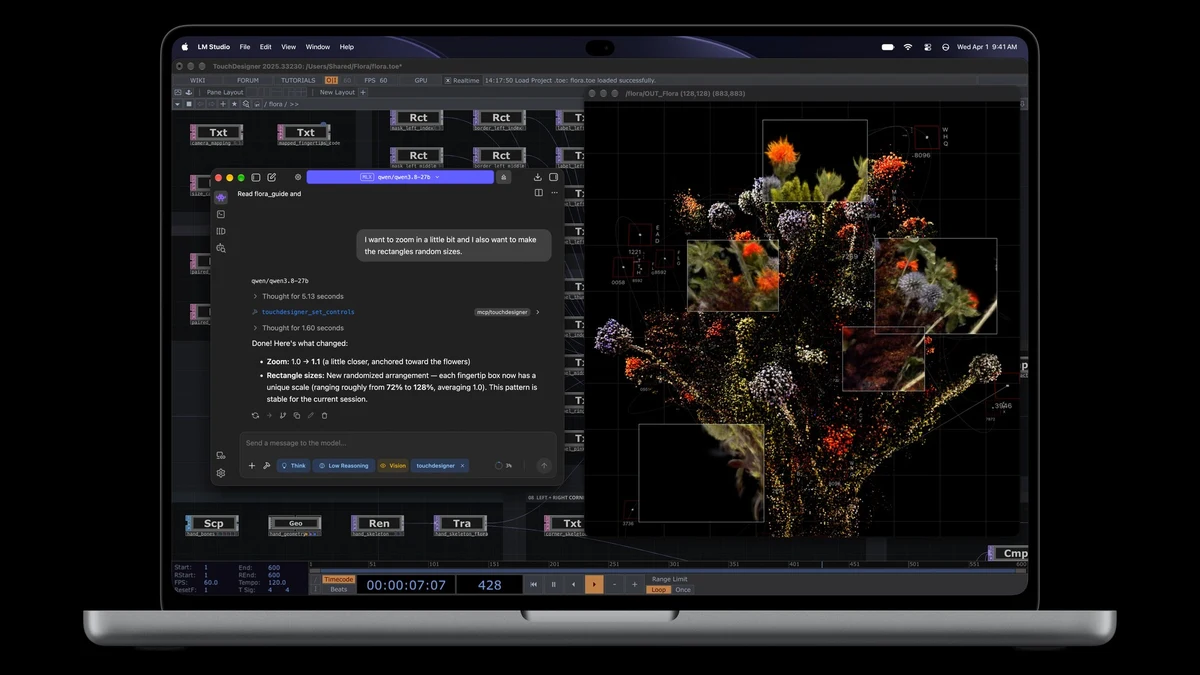
Inside, the laptops run M5 Pro and M5 Max, which Apple calls its most powerful chips ever built for a pro laptop, with up to 128GB of unified memory and storage configurable up to 16TB. Apple says M5 Max can run large language models with hundreds of billions of parameters entirely on device, and a Neural Accelerator built into each GPU core speeds AI workloads such as running a coding agent with an on-device model. The press release shows LM Studio running a local model as an example of that on-device AI pitch.
Battery life reaches up to 24 hours, and the redesign is thinner and lighter: the 14-inch model now weighs 3 pounds, half a pound less than before, while the 16-inch model weighs 4 pounds, 0.7 pounds lighter. The six-speaker audio system offers 50 percent deeper bass, and connectivity includes three Thunderbolt 5 ports, HDMI, an SDXC card slot, MagSafe and a headphone jack, plus Wi-Fi 7 and Bluetooth 6. The laptops ship with macOS 27, which brings Siri AI and Apple Intelligence features across the system.
Pricing and Availability
Customers can pre-order starting October 28 in 30 countries and regions, with availability from Friday, November 6. The 14-inch model with M5 Pro starts at $2,899 ($2,749 with education pricing) and the 16-inch at $3,399 ($3,199 education). With M5 Max, the 14-inch starts at $4,499 and the 16-inch at $4,799. Through Apple Upgrade, US customers can lease from $55.99 per month over 36 months.
Why It Matters
This is the biggest change to the MacBook Pro since Apple moved to its own silicon in 2020, and it reverses a long-standing Apple stance. Touch on the Mac, combined with a tandem OLED panel and on-device AI performance, gives creative professionals a machine that can serve as both a reference display and a local AI workstation. The price is steep, roughly $700 more than the equivalent M5 Pro models, so the PROLED line is aimed squarely at professionals who will use the display and the touch workflow every day, not at mainstream buyers. For them, the standard M6 MacBook Pro announced a day earlier remains the cheaper route into the lineup.