

tendi
Personal Finance

Tendi

Visit website

Explore Tendi’s budgeting and financial-planning app, its current iPhone and iPad requirements, in-app purchases and important privacy limitations.

tendi

Updated October 28, 2026

Field Details
Name Tendi
Overview Tendi is a personal finance planning tool for budgeting, savings goals and debt scenarios. Earlier website copy marketed an AI financial advisor, while the current iPhone/iPad listing describes Tendi 2.0 as an educational, on-device planning companion. It is not a substitute for qualified investment, tax or legal advice.
Key features & benefits
  • A Financial Health Index for reviewing financial habits; this is not a credit score.
  • Budget and savings goals, debt-payoff comparisons and family planning.
  • The developer describes on-device statement imports, weekly money tasks and an AI coach; features depend on the device and membership.
Use cases and applications
  • Organize income, spending and savings goals.
  • Compare hypothetical debt repayment approaches.
  • Review household goals together rather than relying on promised investment returns.
Who uses? Individuals and households seeking budgeting and financial-planning support.
Pricing Free download with in-app purchases. The US App Store lists Tendi Plus $3.99, Family $6.99 and Power $9.99; it does not show the billing interval alongside these amounts. Confirm the complete subscription terms in the store before purchase.
Tags Personal Finance, Budgeting, Financial Planning, Savings, Debt Scenarios
App available? Yes. The linked App Store listing supports iPhone and iPad and requires iOS/iPadOS 26.0 or later.

Availability and limitations

The original website and linked privacy-policy page returned database-connection errors during the live check. The app’s on-device privacy claims differ from its store privacy label and the older website policy. Review the applicable disclosures before importing financial documents. No app installation, bank connection, document import or calculation test was performed.

Practical example

Hypothetical editorial example: compare two monthly debt-payment amounts using invented balances, then check the assumptions against the lender’s actual interest method, fees and repayment rules. This is a planning comparison, not a recommendation to borrow or invest.

Sources checked

Checked October 28, 2026: Tendi website; Tendi App Store listing; Tendi privacy policy (earlier retrieved copy).
KEEP EXPLORING

More tools to discover.

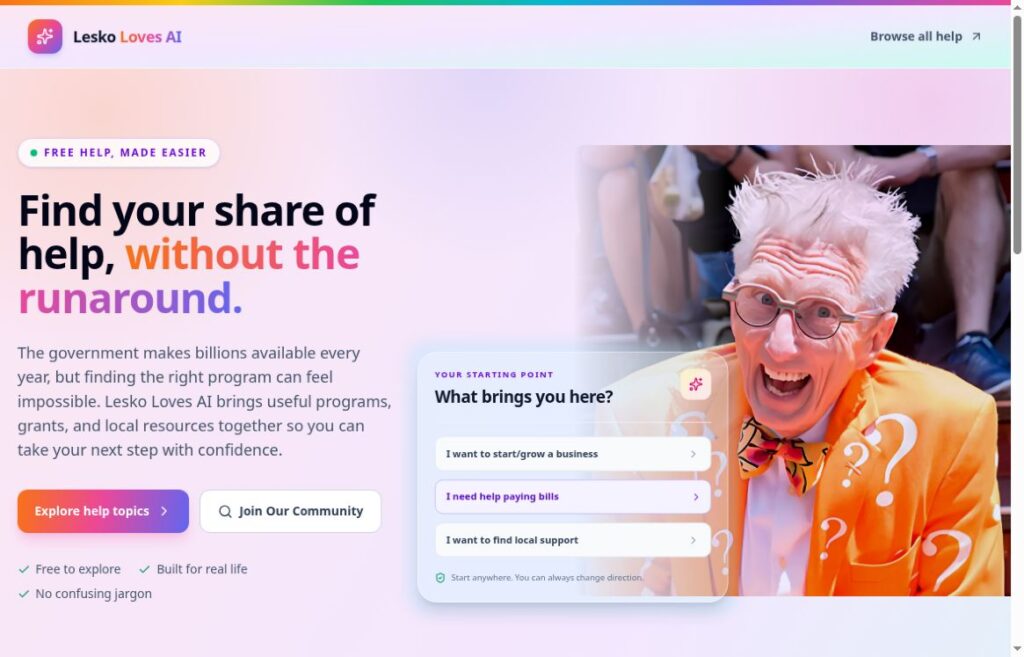
Lesko Loves AI homepage with assistance topics and Matthew Lesko

Explore Lesko Loves AI, its free resource search, paid LeskoHelp membership, and practical checks for assistance programs, privacy, and eligibility.

Personal FinanceExplore
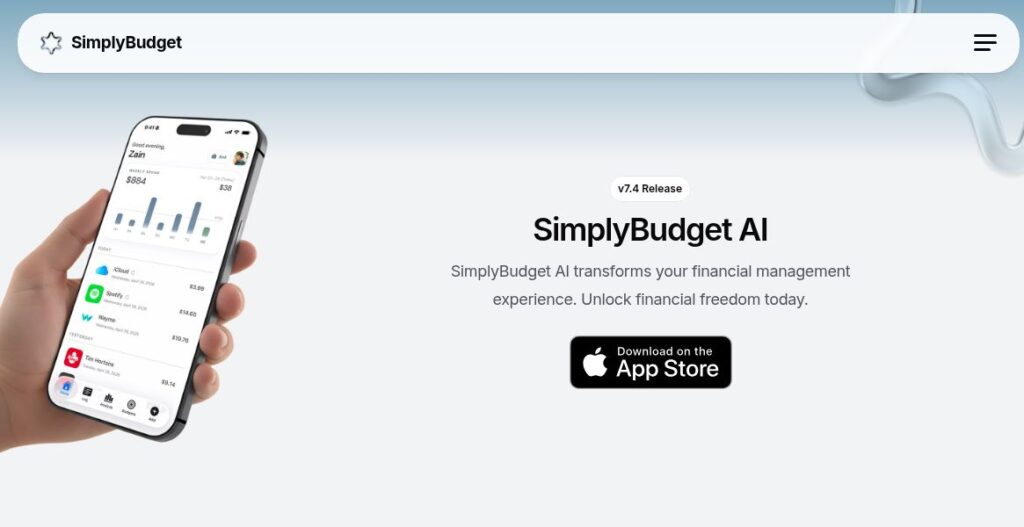
SimplyBudget AI official homepage with its logo, version 7.4 headline, public phone preview and App Store button

Explore SimplyBudget AI voice logging, email tracking and spending insights, with current pricing discrepancies, removed features and privacy checks.

Personal FinanceExplore
Earlier Receipt Telegram Bot homepage with an invitation button and an empty Telegram chat interface

Review the earlier GPTOnline description of Receipt Telegram Bot, the observed domain-sale destination, and limits on verifying features and access.

Personal FinanceExplore
cleo

Explore Cleo’s budgeting, spending insights and credit tools, with free basic access, US paid plans and clear limits on financial advice and credit outcomes.

Personal FinanceExplore
neonfin

Check neonFin’s current website status, the calculator page at its original address, and which earlier app features and prices remain unverified.

Personal FinanceExplore
zumma

Explore Zumma’s WhatsApp expense and invoicing workflow, personal budgeting apps, current MXN business plans and invoice-processing limitations.

Personal FinanceExplore
Find your next starting point