

design sense
Interior Design

Design Sense

Visit website

Explore Design Sense’s room-photo redesign, styles and video walkthroughs, with free-access limits and current pricing verification notes.

design sense
Name Design Sense AI Interior Design Tool
Overview Design Sense is an AI interior-design tool for exploring room restyling from an uploaded photo. Its listed styles include Japanese, minimalist, modern, art deco, Scandinavian and biophilic designs. The official site also describes exterior redesign and videos made from generated renders. Pro and Premium plans offer additional tools and higher-resolution exports; unlimited rendering and watermark-free downloads were not confirmed in this check.
Key features & benefits
  • Room-photo input and a choice of design styles.
  • AI redesign images for comparing interior aesthetics.
  • Exterior visualization and virtual staging described by the provider.
  • Video walkthrough creation from AI-generated renders.
  • Limited free access, with additional paid-plan capabilities.
Use cases and applications
  • Virtually compare different styles for a living space.
  • Use generated photos or videos to discuss a possible design direction.
  • Editorial example: compare Scandinavian and biophilic ideas for the same living room, then check dimensions, structural feasibility and actual product availability before making changes. No photo or generation was submitted for this review.
Who uses?
  • Interior designers
  • Home decorators
  • DIY enthusiasts
Pricing The official homepage advertises limited free use and Pro and Premium subscriptions. It says billing is monthly unless an annual plan is selected. Current numeric prices, per-user billing, quotas and watermark rules could not be verified: the pricing page did not display plan details in the checks. The previously listed $9.99 and $39.99 monthly rates should not be treated as confirmed current offers.
Tags AI Interior Design, Design Style Generator, Room Restyling AI
App available? The official site advertises web, iOS and Android access. Store availability and app functionality were not independently verified; no app was installed.

Practical limits

Treat generated rooms as visual concepts rather than measured renovation plans. Use photos you are entitled to submit. If publishing virtually staged property images, disclose the alterations and check the listing platform’s applicable rules, as the provider’s FAQ advises.

Sources and check

Checked October 28, 2026: official features and FAQ and pricing page. Plan details did not load in the pricing checks. Public descriptions were reviewed without generating a design or testing a purchase.
KEEP EXPLORING

More tools to discover.

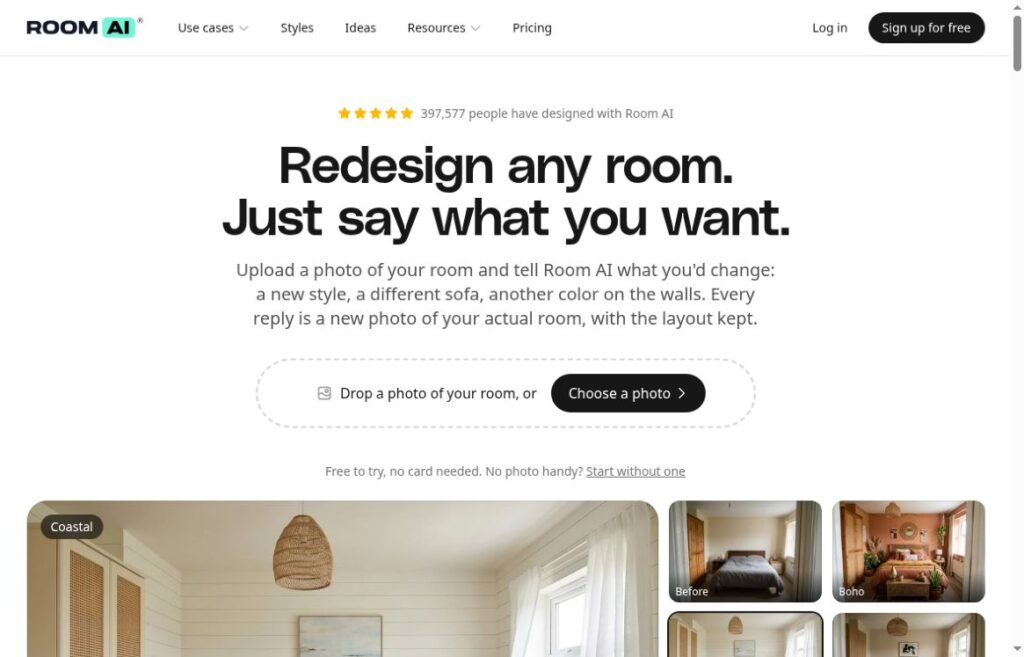
Room AI homepage with its room-redesign headline, photo-upload control and bedroom style previews

Explore Room AI’s conversational room design tools, current plans, usage limits, commercial rights and privacy terms before uploading your room photos.

Interior DesignExplore
roomgpt

RoomGPT creates room-redesign concepts from photos. Compare its hosted service with the earlier open-source version and review results before renovation.

Interior DesignExplore
Historical Archi homepage with an original-room and AI-furnished-room comparison.

Explore Archi Home Works for interior and exterior design images. Compare free entry, Pro and Unlimited plans, and check concept limits before renovation.

Interior DesignExplore
reroom

Explore ReRoom AI interior rendering from project images, design styles and lighting options, with current plan prices, trial limits and output-review guidance.

Interior DesignExplore
thehomedecorai

Read TheHomeDecorAI’s earlier interior and exterior visualization description, with current access and pricing limits and no professional-design guarantees.

Interior DesignExplore
Interior Render AI homepage showing a before-and-after room design comparison.

Interior Render AI turns room photos and sketches into design concepts using styles and text prompts. Explore its free trial and pay-as-you-go access.

Interior DesignExplore
Find your next starting point