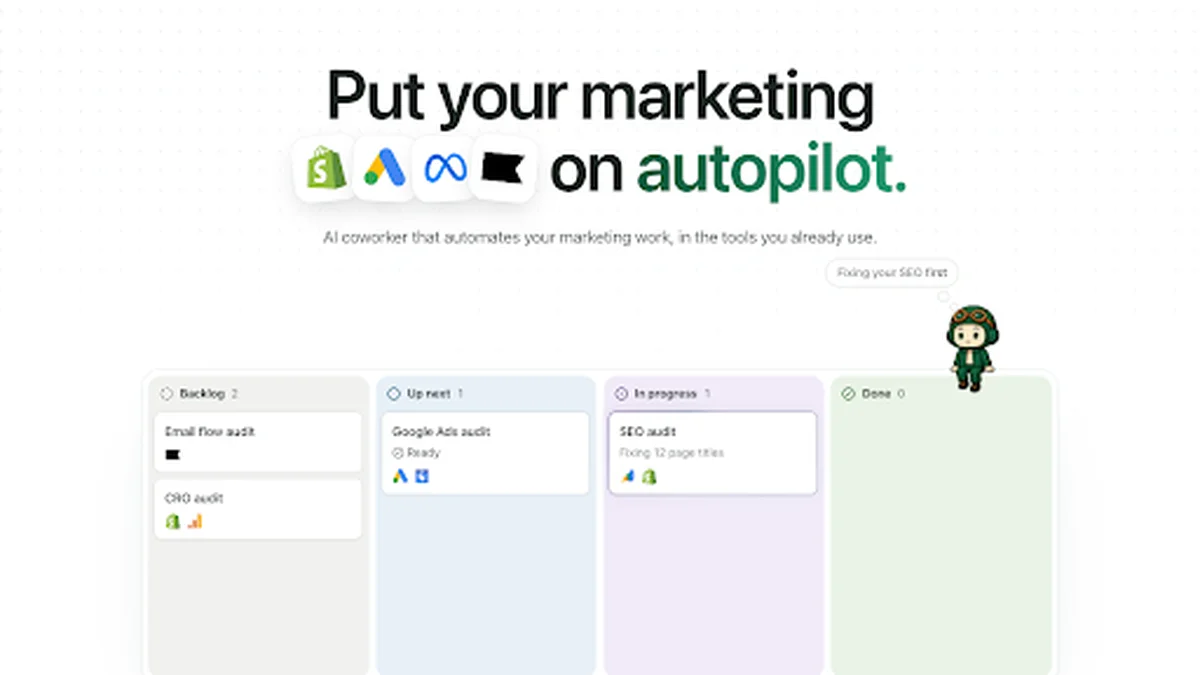
Shoppilot AI marketing coworker does marketing work for you inside Chrome, in the tools you already use. The app appeared on Show HN on 18 November 2026, and its Chrome Web Store listing was updated the same day to version 0.1.6. Shoppilot works in Shopify, Klaviyo, Google Ads and other marketing tools, and it asks for your approval before any customer-visible change or anything that costs money.
What Shoppilot Does
Shoppilot is an AI coworker for marketing teams. You give it a task in plain language, such as a weekly ad-spend report or a check of underperforming search terms, and it opens the relevant tools in its own Chrome tabs and works them the way a person would. A task board shows live progress, so you can see what Shoppilot is doing and what it has finished.
The coworker can repeat work on a schedule, which makes it useful for the weekly jobs that eat a morning every time. Because it runs inside your own Chrome, it uses your existing sign-ins and never asks for your passwords, and it stops for approval before any change a customer could see or any action that spends money. The coworker works through the same screens a marketer would open, reading the numbers, opening the right report and drafting the change, instead of asking you to export data and paste it into a chat.
Key Features
Shoppilot is built around doing real marketing work in real tools, rather than drafting suggestions for you to execute. The approval step is the part that makes that safe: the coworker prepares the change and you approve it.
- Takes tasks in plain language, such as a weekly ad-spend report
- Works inside Shopify, Klaviyo, Google Ads and other tools you already use
- Opens each tool in its own Chrome tab and works it like a human
- Task board with live progress on every job
- Tasks can repeat on a schedule for weekly work
- Asks approval before any customer-visible change or anything costing money
- Uses your existing Chrome sign-ins and never asks for passwords
Who Shoppilot Is For
Shoppilot fits marketers and small teams who repeat the same reporting and optimisation work every week. If you spend mornings pulling ad-spend reports, checking search terms and adding negative keywords, Shoppilot takes over the mechanical part and leaves the decisions to you.
It also suits founders and operators who run their own store. Because Shoppilot works inside the tools already connected to the business, there is no new platform to set up and no data to migrate before the first task. Because approval comes before anything customer-visible, a team can let Shoppilot run routine jobs without worrying that an unreviewed change will reach customers.
Shoppilot Pricing
Shoppilot does not publish its pricing publicly. The official web app and the Chrome Web Store listing show no plan or price, so this article does not quote one. Check the official website for current pricing before signing up, since prices may be published later.
Getting Started With Shoppilot
Starting is simple: install Shoppilot from the Chrome Web Store, open the task board and give it one small job, such as a weekly ad-spend report. Watch how it works through the tools and approve the result before it becomes final. Shoppilot is worth a look for any marketer who wants a coworker inside Chrome, with approval built in before anything goes live.
Image: official ShopPilot product visual, via Chrome Web Store.