SoreQen Code AI coding agent plans, edits files, runs tests and then checks its own work in a browser before it reports back. The agent launched on Product Hunt on 17 November 2026, and it is built for developers who want a coding agent that verifies the result instead of assuming the code works. SoreQen Code is available as an open-source CLI and as a desktop app.
What SoreQen Code Does
SoreQen Code is an autonomous coding agent that works plan-first. You give it a goal, it drafts a plan and updates that plan live as the work proceeds, then it edits the files, runs your tests and opens the result in its own browser to check the page at phone and desktop widths. If the check finds a problem, it fixes the code and checks again, so the loop only ends when the result holds up.
The agent also remembers context across the work. It supports goals, rewind to undo any turn, memory and skills, with 29 built-in skills, plus MCP servers for extra tools. You can switch models mid-session, and SoreQen Auto picks the model for each step across 18 models on one credit balance.
Key Features
SoreQen Code is built around verification. The browser check is the part that sets it apart: the agent looks at the running page the way a user would, instead of trusting that the tests passed.
- Plan-first execution, with the plan updated live as work proceeds
- Runs your tests, then checks the page in its own browser with screenshots at phone and desktop widths
- Fixes what the check finds and verifies again before finishing
- Goals, rewind to undo any turn, memory and 29 built-in skills, plus MCP support
- 18 models on one SoreQen credit balance, with SoreQen Auto picking the model per step
- Mid-session model switching without losing context
- Open-source CLI under Apache-2.0, plus a desktop app
Who SoreQen Code Is For
SoreQen Code fits developers who already use coding agents but spend time catching mistakes the agent missed. If you want the agent to open the app, look at the page and fix the layout or the broken flow itself, the self-check loop saves the round trip of finding the problem yourself.
It also suits teams that want a coding agent they can inspect and extend. The open-source CLI, the skill system and MCP support let a team add its own tools and workflows, while the desktop app gives individual developers a simpler way to run the same agent.
SoreQen Code Pricing
SoreQen Code lists its prices on the official pricing page. The Free plan costs $0 per month and includes 1,200 credits per month. Plus costs $8 per month, or $6.80 per month on annual billing. Pro costs $20 per month, or $17 per month on annual billing. Elite costs $100 per month, or $85 per month on annual billing. Team plans start at $20 per seat per month on annual billing. The API is pay-per-token, with a minimum top-up of $5. Check the official website for current pricing before signing up, since prices may change.
Getting Started With SoreQen Code
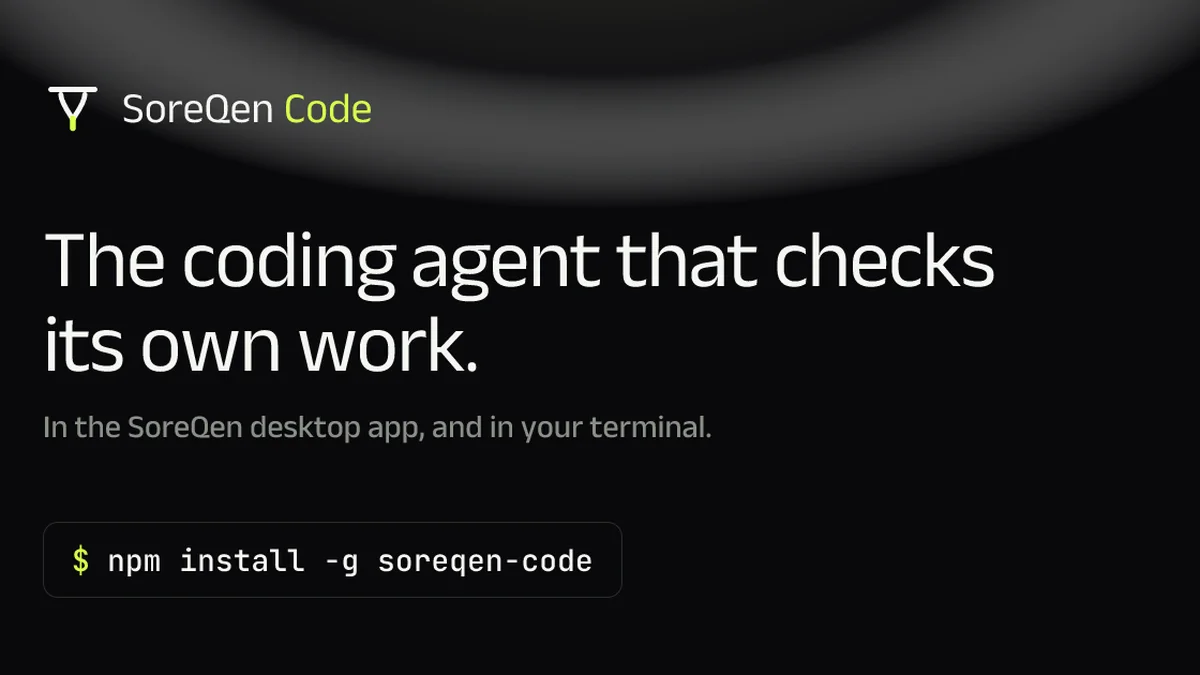
Starting is simple: install the CLI with npm, or download the desktop app, and give it a small goal on a project you know well. Watch the plan, the test run and the browser check on the first task, and use rewind if a turn goes wrong. SoreQen Code is worth a look for any developer who wants a coding agent that checks its own work before calling the job done.
Image: official SoreQen Code product visual, via code.soreqen.com.