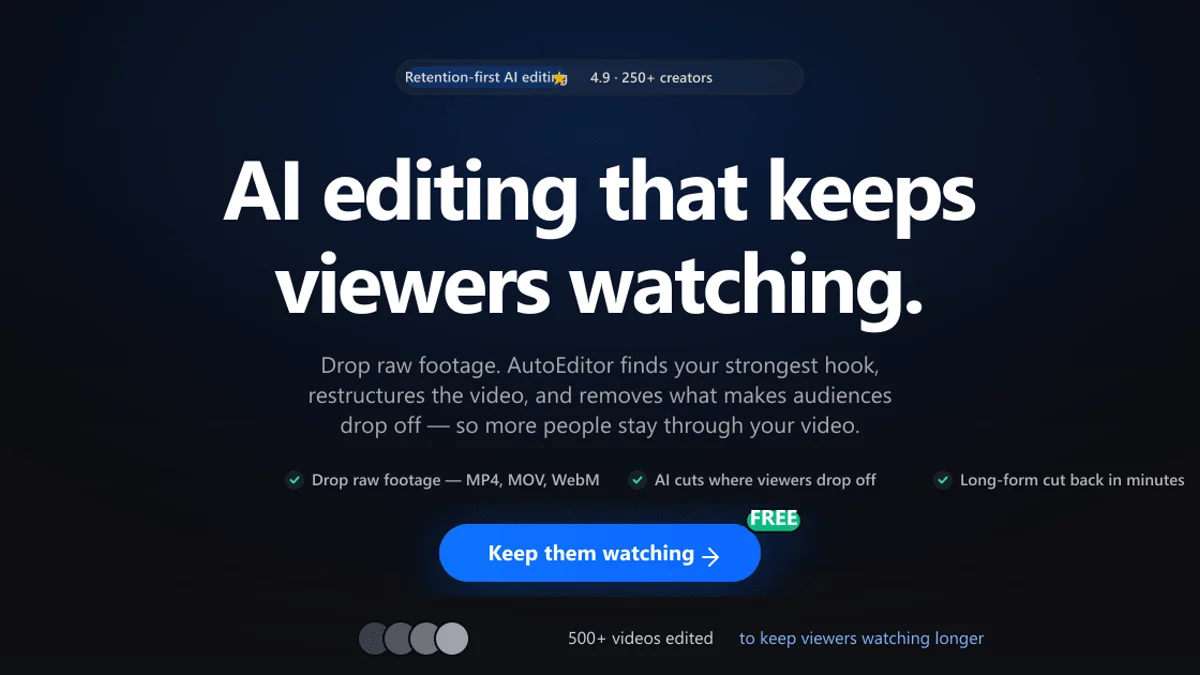
Autoeditor AI video editor takes raw footage and returns a cut people actually finish watching. Most creators lose viewers in the first minute, not from weak ideas but from dead air, filler words and slow pacing. AutoEditor fixes that first pass: drop in footage, type what you want, and the AI cuts the silences, finds the strongest hook and paces the edit. It appeared on Hacker News on 14 November 2026, and it needs no timeline or editing skill. This review covers what AutoEditor does, who it suits and what it costs, using details from the official AutoEditor website, checked on 15 November 2026.
What Autoeditor Does
AutoEditor edits for retention rather than just trimming clips. You upload raw footage and describe the edit in natural language, and the AI handles the cuts. It analyses speech, silence, scene changes, facial expressions and audio energy to find the most engaging moments, then cuts dead air and filler words, picks the best hook and paces the rest for watch time. A finished cut takes about three minutes for a typical upload. It also turns long videos into 30 to 60 second vertical clips for TikTok, Reels and Shorts.
Key Features of Autoeditor
The strongest part of AutoEditor is how much of the first edit disappears. Silence removal detects dead air, awkward pauses and filler words on every plan, including the free plan, and works on MP4 and MOV files up to 4K. Hook finding picks the strongest opening from your own footage. Retention pacing restructures the video around engagement signals rather than cutting at fixed intervals. Podcast creators get the same treatment for full episodes, with the best moments clipped for social feeds. Manual review and export control stay in your hands, so the AI does the rough cut and you decide the finish. An MCP server and API let coding agents drive the editor too.
Who Autoeditor Is For
AutoEditor is built for creators who want to edit less and post more. A YouTuber with hours of talking-head footage gets a clean rough cut with no timeline. A podcaster turns one episode into a finished video plus vertical shorts in a single pass. A short-form creator repurposes long videos into clips without re-editing. It suits people with no editing experience, since the whole workflow is upload, type and download. It is less suited to editors who want frame-perfect control over colour, graphics and sound, since AutoEditor handles the first pass and leaves finishing to tools like Premiere Pro or DaVinci Resolve. Many creators use it exactly that way: AutoEditor for the rough cut, a full editor for the polish.
Autoeditor Pricing
AutoEditor has plans for every creator, and the free plan needs no credit card. Free costs $0, with 1,000 tokens a month, enough to edit several videos, with a watermark on exports. Starter costs $6 a month, with 5,000 tokens and no watermark. Creator costs $15 a month, with 15,000 tokens, 4K exports and a priority queue. Studio costs $50 a month, with 50,000 tokens and batch exports. Annual plans save up to 20 percent. Paid plans remove the watermark and add more credits, higher quality exports and faster processing. Prices may change, so check the official pricing page before you buy.
Final Thoughts on Autoeditor
AutoEditor is promising because it aims at the edit most creators dread: the long, dull first pass. Silence removal, hook finding and retention pacing attack the exact reasons viewers click away, and plain-language instructions lower the barrier to publishing regularly. The free plan is useful, with 1,000 tokens a month and no card required. The limits are clear too: it is a first-pass editor, not a finishing tool, and the free exports carry a watermark. For a creator with hours of unedited footage, it is worth a try. Visit the official AutoEditor website to start free. Details were checked on 15 November 2026.