Anvil AI App Builder turns a plain description into a working website. You type what you want in everyday words, and Anvil designs the site, builds it, checks it and puts it on a live link. No code, no designer. The product appeared on Hacker News on 13 November 2026, and its homepage already shows more than 370 builds by early users. It covers websites, landing pages, online shops, booking systems, dashboards and event flyers. This review covers what Anvil does, who it suits and what it costs, using details from the official Anvil website, checked on 14 November 2026.
What Anvil Builds
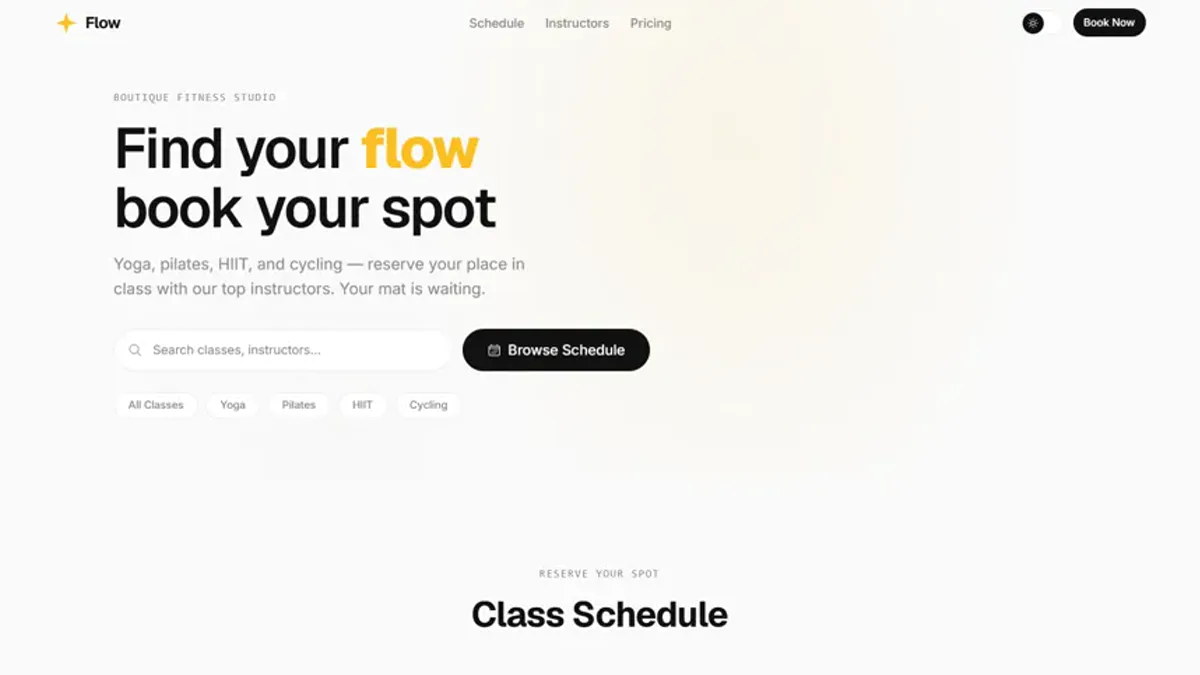
Anvil starts from a sentence. You describe the site you need, and the tool produces a finished result rather than a mockup. Every app is installed, type checked and built before you see it. The homepage examples include a salon booking site, a wedding invitation, class flyers and a restaurant flyer. Anvil also makes flyers for posts, WhatsApp status and print, using your own photo and brand logos. If your request is unclear, Anvil asks one quick question before it builds instead of guessing. The result goes live on its own address in one click, and you can connect your own domain when ready.
Key Features of Anvil
The strongest part of Anvil is that it treats each build as a real software project. The tool runs the install, type check and production build for every app, with a live preview as it works. Each flyer is reviewed and fixed until it scores 8 or more out of 10. You can edit any text, colour or photo yourself and watch the change update. Flyers download as PNG files for posts and PDF files for print. The code is a real React project you can download or push to GitHub. Payments connect through Lenco for mobile money, while Supabase handles data and sign in.
Who Anvil Is For
Anvil is built for people who need a website but do not write code. A salon owner can ask for a booking page, a restaurant for a Friday flyer, a teacher for a class flyer. Sellers on WhatsApp or social media will like the flyer output, since one design suits a status post and the printer. Freelancers who build simple sites for local clients can also move faster, because Anvil handles setup, build and hosting. It is less suited to teams that need deep custom development, since the product targets clear, well defined sites rather than large custom systems.
Anvil Pricing
Anvil starts with a 7 day trial: $1 for 1M credits, paid by Visa or Mastercard, and nothing renews unless you pay again. After the trial there are four monthly plans. Mini costs $3 a month with 3M credits, enough for 6 to 12 sites or edits. Basic costs $5 a month with 5M credits, enough for 10 to 20 sites or edits. Starter costs $10 a month with 10M credits for 20 to 40 sites or edits, plus GitHub export and email support. Pro costs $20 a month with 30M credits, your own domain, payment support and priority support. Card payments are charged in Zambian Kwacha. Prices may change, so check the official pricing page before you buy.
Final Thoughts on Anvil
Anvil is promising because it pairs simple input with a serious build process. Real type checking, real builds and exportable code suggest a tool to trust with real business sites. The $1 trial makes it cheap to test, and Mini at $3 a month keeps costs low for occasional use. The limits are clear too: Anvil is new, and it suits straightforward sites rather than complex custom work. For a small business or freelancer who needs a polished site or flyer quickly, it is well worth a try. Visit the official Anvil website to start the $1 trial. Details were checked on 14 November 2026.