
Updated on October 20, 2026.
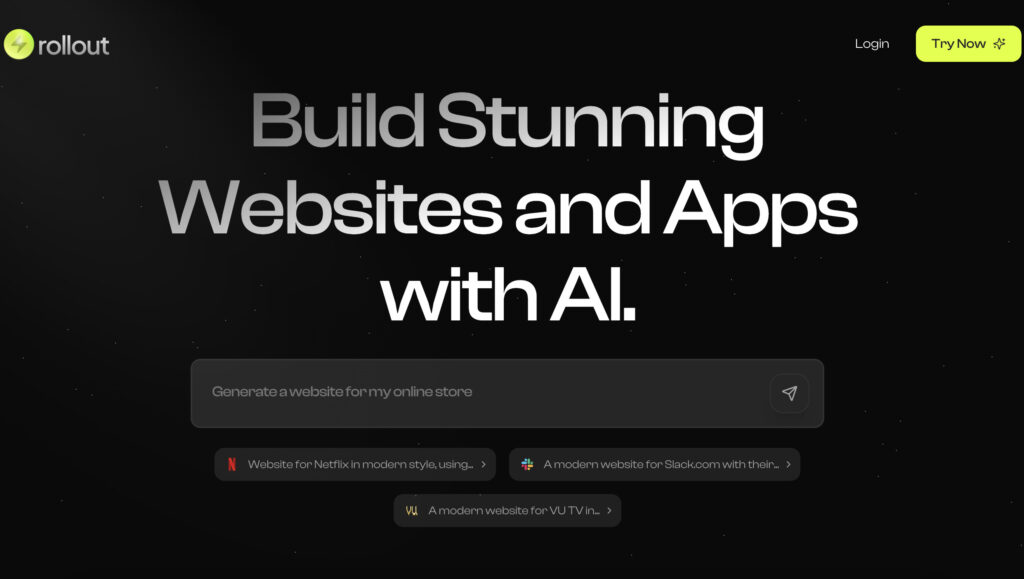
Featured image: screenshot of Readdy AI’s official website, captured October 20, 2026. Vendor presentation, not a hands-on test.
Readdy AI is a web-based AI website builder for creating and editing sites from a description, template, screenshot, or reference URL. It combines generated page layouts with a visual editor and publishing tools. Typical projects include landing pages, portfolios, small-business sites, blogs, and stores that use supported commerce integrations.
The attraction is a shorter path to a first draft: explain the audience, pages, content, and intended action, then refine the result. Generated copy, layouts, code, and integrations still need review before a business relies on them.
What Readdy offers
- Prompt-based creation and revision: ask for a site or changes to its sections, text, colors, and structure.
- Visual editing: adjust individual elements and check the mobile view without writing every change as code.
- Publishing: the official website describes managed hosting, SSL, and custom-domain workflows, subject to plan allowances.
- Search settings: edit page metadata and URLs and use sitemap and related SEO tools. These do not guarantee indexing or rankings.
- Backend features: paid plan cards include Readdy Backend for databases, functions, and secrets.
- Portability: paid plans list code export. Readdy’s September 2026 product comparison also describes Figma export on paid plans; confirm the available export workflow in your account.
Official pages also describe integrations such as Stripe, Shopify, Calendly, and Google Analytics. Each connected service has its own setup, charges, and permissions. A generated store layout alone does not establish that payments, inventory, tax handling, or order notifications are configured.
Current prices and plan limits
The live pricing page has separate monthly and one-year selectors. The annual figures below are monthly equivalents under an annual commitment, not month-to-month prices. Dollar amounts are shown as displayed; verify currency, tax, and the total due at checkout.
| Plan | Monthly billing | One-year equivalent | Credits and projects | Included sites |
|---|---|---|---|---|
| Free | $0 | $0 | 250 credits per month; 2 projects | 0 |
| Starter | $25 per month | $15 per month | 2,500 monthly or 30,000 annual credits; 10 projects | 1 |
| Pro | $40 per month | $24 per month | 6,000 monthly or 72,000 annual credits; 50 projects | 2 |
| Agency, selected configuration | $120 per month | $72 per month | 18,000 monthly or 216,000 annual credits; 150 projects | 6 |
| Agency Pro, selected 10-site configuration | $199 per month | $119 per month | Unlimited credits advertised; 250 projects | 10 |
| Ultimate | $1,299 per month | $779 per month | Unlimited credits and projects advertised | Unlimited |
Annual credit allocations are provided upfront for use during the year. Agency has a configurable credit allowance, and Agency Pro has a site-count selector; the table records the displayed selections. Two- and three-year offers involve longer commitments. “Unlimited” plan labels should still be checked against applicable service conditions.
Starter includes 1 GB file storage and 1,000 form leads per month; Pro lists 5 GB and 10,000 leads. Additional sites for Starter, Pro, and the displayed Agency option cost $10 per month under monthly billing or $6 per month equivalent with the one-year selection. Free has 200 MB storage, no included site, and no code-export feature listed on its card. A project allowance is not the same as a published-site allowance.
A practical first project
- Outline the target visitor, core pages, required content, and one main conversion action.
- Generate a draft using content and reference assets you are entitled to use.
- Replace invented claims, placeholder testimonials, and inaccurate business details.
- Check desktop and mobile layouts, keyboard navigation, contrast, form labels, links, and actual form delivery.
- Test connected services and review data access before publishing.
- Save an appropriate export or backup and confirm domain, hosting, and renewal costs.
A freelancer can use this process to prototype a portfolio, while a small business might start with a service page and enquiry form. More complex membership, commerce, or database-driven projects need additional functional and security checks. Code export does not guarantee that every hosted feature will run elsewhere without adaptation.
This review covers public product information; no site was generated, payment connected, or performance benchmark run. A dedicated mobile app was not verified from the reviewed official pages. Sources checked: October 20, 2026. Browse related AI website builders.