Updated October 24, 2026: Editing and export scope, credit billing and app availability have been checked against the provider’s published information.
| Name |
Lovart AI |
| Overview |
Lovart AI is an AI-powered design agent that helps users create visual drafts from text prompts. It combines AI models with a canvas-based editing workflow, supporting concept development and asset delivery. Users can work on branding materials, storyboards, product mockups, and other visual assets in one workspace. |
| Key Features & Benefits |
- Natural Language Interaction: Communicate design needs conversationally, allowing the AI to interpret and execute tasks efficiently.
- Multi-Deliverable Outputs: Generate related design assets from a shared prompt, then review branding and text for consistency across formats.
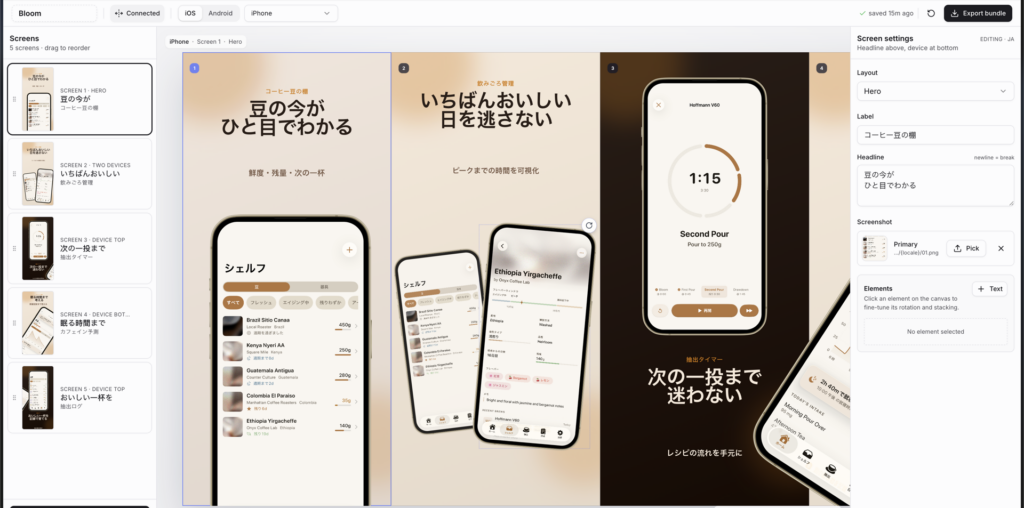
- Models and Export Workflow: Combines AI models in its canvas workflow and supports layered PSD export and SVG handoff to editors such as Figma. These documented exports should not be confused with a verified native plug-in or live-sync integration.
- Intelligent Editing & Adjustment: Separates image elements into editable layers and generates new views with Multi-Angles. The angle controls produce a new image; editable 3D meshes, rigs or model-file export were not verified.
- Predictive Intelligence: The assistant can offer design suggestions and reference support; users should review its choices.
|
| Use Cases and Applications |
- Brand Identity Creation: Develop cohesive branding materials, including logos, color schemes, and typography.
- Marketing Campaigns: Generate promotional content such as posters, flyers, and social media posts tailored to specific campaigns.
- Product Design: Visualize and refine product designs, including packaging and merchandise mockups.
- Storyboarding: Create detailed storyboards for narratives, aiding in visual storytelling and content planning.
|
| Who Uses? |
- Marketing Professionals: For rapid campaign asset creation.
- Freelance Designers: To enhance productivity and handle more projects.
- Corporate Design Teams: Reviewing brand consistency across materials.
- Manga Artists and Storyboard Creators: For visual storytelling and content planning.
|
| Pricing |
- Free Access: The provider advertises a free starting option. Check your account for the current allowance and available features; no fixed free quota is confirmed here.
- Paid Subscriptions: The official pricing FAQ describes credit-based generation, with usage varying by model, settings and task. Subscription credits reset monthly without rollover; annual subscriptions distribute credits monthly. Eligible Unlimited Relax offers use slower queues and designated models within a separate fixed timeframe, not unrestricted perpetual generation. Confirm current rates, billing period, included features and renewal terms before buying.
|
| Tags |
AI Design, Graphic Design, Branding, Storyboarding, Product Design, Marketing, Creative Automation |
| App Available? |
Available on the web. An Apple App Store listing identifies a Lovart iPhone app from Resonate International INC (ID 6746544072). Check your local store for availability and device requirements. An official Android app was not verified. |
Brief, Review and Export
Start with a design brief and references you have rights to use. Review spelling, layout and brand consistency, then test the required export in your destination editor before delivery.
Sources: Lovart workflow, export formats, image transformations and layer editing. Availability and plan conditions can change.