
Updated October 15, 2026. This is a documentation-based overview. No paper was uploaded, research query submitted, detector result tested or subscription purchased for this revision. Direct access to the official homepage returned an access error in our browser; the sources below were checked through accessible official documentation and indexed official pages.
SciSpace AI is a research workspace with tools for finding literature, asking questions about papers, drafting from research material and preparing citations. It can support reading and organization, but the researcher still needs to choose the scope, inspect the evidence and take responsibility for the final text.
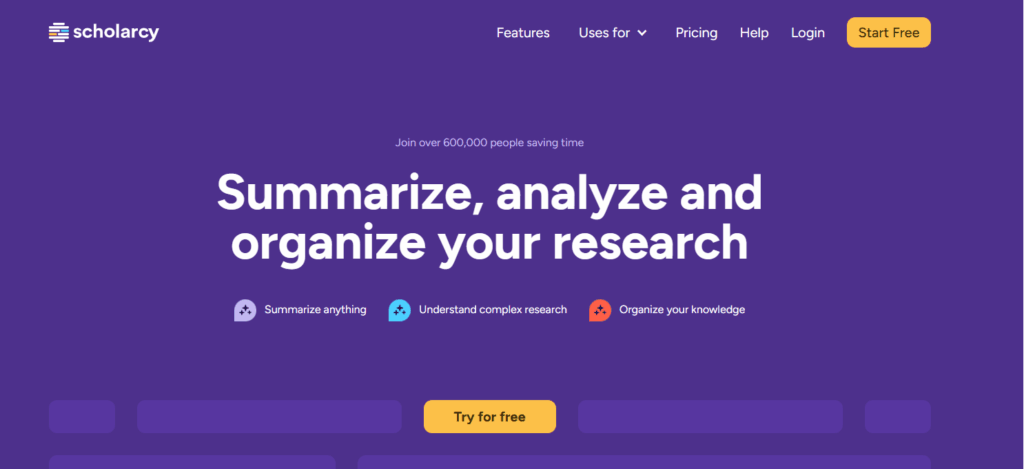
Image: historical SciSpace landing-page screenshot retained from this article’s original media. It shows the logo, search field and research-mode controls. The interface and promotional wording may differ from the current service; the image is not a GPTOnline test result or an independently verified speed comparison.
Research tools and their practical role
The official product and pricing page lists Literature Review, Chat with PDF, AI Writer, a paraphraser, citation generation and AI detection. These cover different tasks: finding candidate papers, asking about a document, organizing an explanation or formatting a reference. A correctly formatted reference does not establish that its source supports your sentence.
SciSpace also offers an Agent workflow. Its October 9, 2026 announcement describes reports, manuscript sections, diagrams and presentations, with a Citation Verifier for checking support. Those are vendor-described capabilities. A verification tool can help identify issues, but it does not remove the need to open the original source.
The Extract Data guide notes that scanned PDFs may need OCR and recommends checking extracted details against the paper. The citation guide also calls for checking metadata and completing missing fields.
AI detection is a screening aid
SciSpace’s responsible detector guidance says its results cannot establish authorship or misconduct. False positives and false negatives are possible, and technical phrasing, editing and multilingual academic writing can affect the signal.
Do not use a percentage alone to accuse a writer or decide an academic outcome. Review the relevant passages, drafts, source notes and documented writing process through a fair institutional procedure. A low detector score also does not prove that a paper’s facts, citations or methods are sound. Improving the substance and documenting permitted AI use matters more than chasing a particular score.
Web, Chrome extension and mobile app
SciSpace is available on the web and promotes an official Chrome extension for explanations while reading online. Review the store listing and permissions before installing; we did not install or test it.
The earlier description of “no app” is outdated. SciSpace’s mobile-app page links to an iOS app. The U.S. App Store listing identifies PubGenius Inc. as the developer and supports iPhone and iPad. Availability and requirements can vary by region. This confirms a listed app, not that its features match the web workspace. Android availability was not verified for this update.
Plans, credits and subscription checks
The official credit guide describes Basic, Premium, Advanced and Max. Basic is a limited free option. Agent tasks use credits, while the guide distinguishes standalone tools outside the Agent experience. Monthly credit allocations expire at the end of the subscription cycle rather than rolling forward.
Paid individual options include monthly and annual billing; teams and Enterprise have organizational arrangements. The October 9 announcement specifies unlimited Agent usage for Advanced annual and Max plans. Do not assume every Advanced billing option has the same allowance. Official pages have changed their limits, so confirm the selected tier, billing cycle, parallel-task capacity and applicable usage terms at checkout.
Check the current price, currency and total annual charge before subscribing. We do not repeat a temporary sale or unverified checkout total here. The published cancellation and refund policy gives Premium refund conditions, including cancellation within 24 hours of the initial order and use of fewer than 300 credits; add-on credits are non-refundable under that policy. Its provisions should not be flattened into a blanket money-back promise for every purchase. Confirm which terms apply to your selected plan.
Example: comparing methods across two papers
Original hypothetical workflow, not a tested output: a researcher is reading two open-access studies about green roofs and summer roof-surface temperatures.
- Choose papers you are entitled to use and identify the actual PDFs, publication dates and study locations.
- Ask for a comparison of roof construction, vegetation, measurement period and temperature measurement method. Request the supporting page or section for each entry.
- Check every extracted value against the PDF. Keep roof-surface temperature distinct from indoor air temperature, and record missing information instead of filling it with a guess.
- Compare the weather, buildings and study design before treating different results as a contradiction. Keep an evidence table with the exact source locations.
- Write your own qualified synthesis, verify each reference and disclose AI assistance as required by your journal or institution.
This example does not claim any cooling result. It illustrates the checking work that remains even when a tool produces a polished comparison.
Before relying on an answer
Confirm that cited papers exist, that the relevant passages support the claim and that numbers, units and methods survived summarization. Do not mistake broad search coverage for a complete systematic review. For confidential, unpublished or restricted material, check the applicable data policy and your institution’s rules before uploading.
Browse our Research tools directory to compare workflows. Choose based on the tasks you can verify, the documents you can legitimately access and the amount of human review you are prepared to do.