Updated: October 25, 2026
| Name | Kimi AI |
|---|---|
| Overview | Kimi AI is an assistant from Moonshot AI for document analysis, coding support, project work and multilingual drafting. Designed for students, researchers and professionals, it supports long-document workflows and web-assisted research across web, desktop and mobile. Input capacity depends on the selected model and workflow; a context window is not permanent memory or a guarantee of accurate answers. |
| Key Features & Benefits | – Ultra-Long Context Memory: Supports long-document analysis with model- and workflow-specific input limits. Check the selected tool rather than assuming every prompt accepts two million characters. – Multimodal AI Capabilities: Supports complex tasks, including code debugging, research assistance, and content creation. – Web-Assisted Insights & AI Chat: Provides responses, document summaries and brainstorming assistance. Web-search sources still need checking for accuracy and timeliness. – Seamless App & Web Integration: Available on web, desktop and mobile; Chat conversations sync, while Work-mode conversations stay on the originating desktop. – Multilingual Support: Enables translation and content adaptation for global audiences. – AI-Powered Creativity: Helps with novel writing, ideation, and research synthesis. – Cost-Effective AI Model: Offers free basic access and paid tiers; value depends on the region, model access and usage allowance rather than an assured cost advantage. |
| Use Cases & Applications | – Students & Researchers: Summarizing academic papers, assisting with thesis writing, and providing research insights. – Developers & Engineers: Debugging code, explaining algorithms, and generating structured documentation. – Writers & Content Creators: Drafting articles, blogs and creative writing prompts for editorial review. – Business Professionals: Automating reports, enhancing workflow efficiency, and managing documents. – Translators & Linguists: Multilingual translation and text adaptation, with terminology and meaning checked by a competent reader. |
| Who Uses? | Students, researchers, writers, developers, business professionals, translators, AI enthusiasts. |
| Pricing |
Free basic services remain available, alongside paid memberships. The official membership pricing guide describes the China-region CNY offers captured on October 19, 2026: Go ¥49, Plus ¥99, Pro ¥199, Max ¥699 and Ultra ¥1,399 per month. Annual upfront totals are ¥468, ¥948, ¥1,908, ¥6,708 and ¥13,428 respectively, not month-to-month charges. These are not verified global or US-dollar prices; use the offer displayed for your account and region. New memberships use a monthly shared credit pool, refreshed monthly even on annual billing, without rollover. Plus and above also have a rolling five-hour usage window for Kimi Code; this is a usage limit, not five hours of access. Legacy Andante/Moderato/Allegretto/Allegro memberships have different rules and may remain on existing accounts. API and business offers are separate. |
| Tags | AI assistant, productivity, deep text processing, document analysis, code debugging, multilingual AI, research tool, business automation. |
| App Available? | Yes. The official downloads page lists Windows, macOS, iOS, Android and HarmonyOS. Kimi Work runs on Windows and Apple-silicon Macs; Intel Macs support Chat only. Kimi Code also works through supported terminals and IDEs. No installation or hands-on test was performed for this article. |
Practical limits: For a research task, upload material you are authorized to use, request a structured summary, then compare important claims with the document and cited sources. Kimi warns that generated answers can be wrong and are not professional advice. Its terms provide for model-improvement use of submitted content and a contact-based training opt-out; review the applicable privacy and account settings before sharing confidential material.
Sources: Apps and device support; Region-specific membership pricing; Credit and legacy-plan rules; Service and data-use terms.
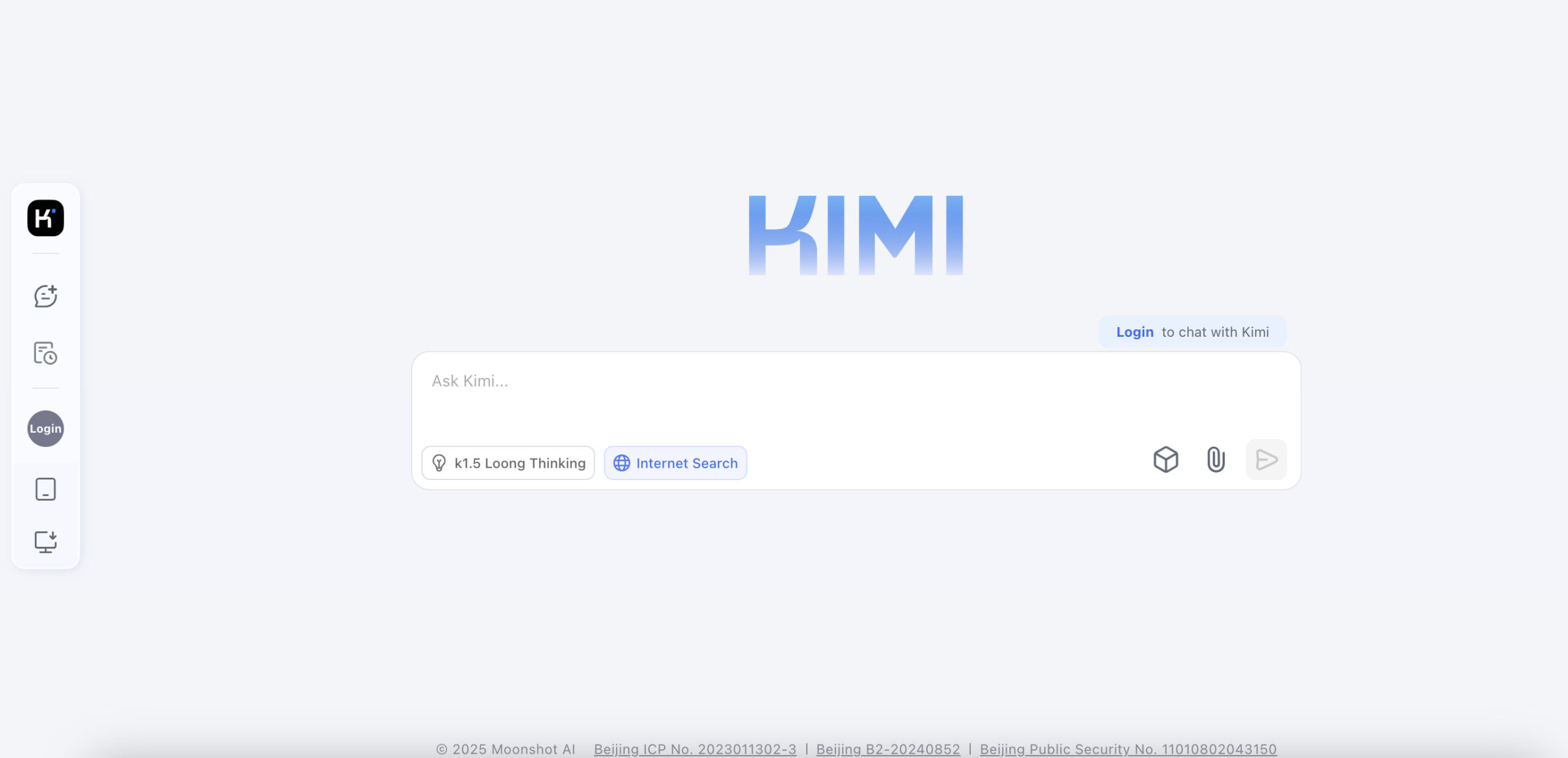
Image context: The existing Kimi screenshot shows an earlier K1.5 chat interface with LoongThinking and Internet Search controls and a 2025 copyright line. Its capture date is unknown; it does not depict the current model menu or establish present input limits.