Updated October 19, 2026. Reviewed and revised for current information.
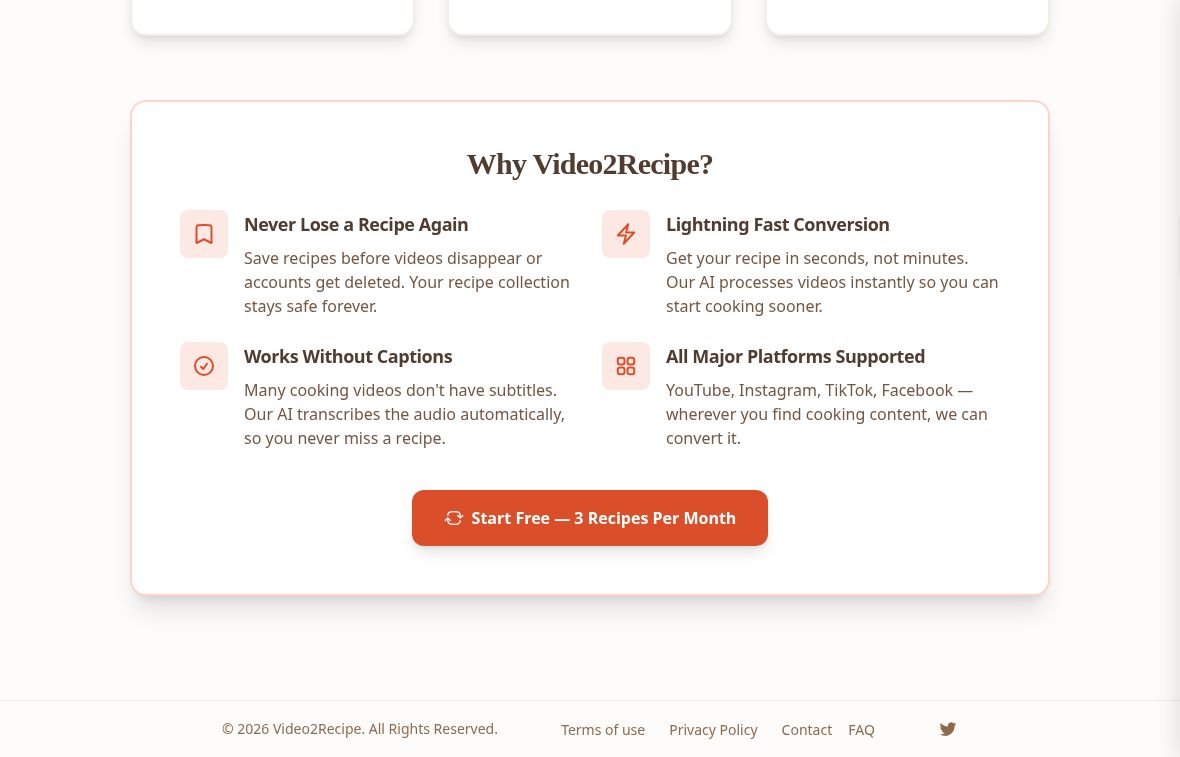
Image: Official Video2Recipe homepage, captured October 19, 2026. Provider marketing claims are shown for product identification; no recipe conversion or performance test was performed.
Video2Recipe AI converts cooking-video links into written ingredient lists and step-by-step instructions. It is designed for people who want a recipe they can scan in the kitchen instead of repeatedly pausing a video. The official website accepts links from YouTube, Instagram, Facebook and TikTok, subject to the video’s content and the account’s access.
How does Video2Recipe work?
You paste a cooking-video URL, request extraction and receive an organized recipe. The official FAQ says the service analyzes a transcript or audio to identify ingredients and cooking steps. Clear spoken explanations matter: a music-only clip or silent demonstration may not contain enough information for extraction.
Videos without existing captions can still be candidates if they have usable spoken narration, because the service advertises audio transcription. That is different from claiming that every caption-free or purely visual recipe video will work.
Key features
- Structured recipe output: separates ingredients from ordered cooking instructions.
- Several video sources: the site lists YouTube, Instagram, Facebook and TikTok. Check free-plan eligibility for the platform you intend to use.
- Multilingual input: the FAQ says it can process videos in multiple languages and deliver recipes in English.
- Printable output: the public demo includes a Print Recipe option.
- Recipe variations: the pricing page advertises AI Recipe Variations, although we did not test the feature.
- Developer access: REST API access is listed on the plans page. Authentication, endpoints, rate limits and integration behavior were not verified.
What the public demo shows
The official demo recipe presents a cooking video with a separate ingredient list, numbered instructions and a print link. It demonstrates the intended layout, rather than proving that every submitted video produces complete measurements or an accurate result. Some demo ingredients lack quantities, so check the source video instead of assuming that every recipe will be fully specified.
Plans and recipe limits
Checked October 19, 2026: the official plans page lists these allowances:
- Free: up to 3 recipes per month, with videos up to 10 minutes.
- Home Cook: up to 50 recipes per month, with videos up to 45 minutes.
- Chef: up to 150 recipes per month, with no stated video-length limit and priority support.
The paid plans are displayed with monthly pricing. Check the provider’s current payment screen for the charge, currency, taxes and renewal terms before subscribing. A plan with no video-length limit still has a monthly recipe allowance; Chef should not be described as unlimited recipe generation.
Free-platform limitation: the pricing page lists all four video platforms under Free, but the FAQ says Free supports YouTube only and the paid tiers support all platforms. Because these official pages disagree, confirm the eligibility of your intended video source before relying on free access or paying to upgrade.
A practical workflow
- Choose a cooking video with clear spoken ingredients and instructions.
- Check its source platform and duration against your plan.
- Paste the URL and generate the written recipe.
- Compare the result with the video, especially quantities, units, omitted ingredients and the order of steps.
- Print the checked version if you prefer an offline kitchen reference.
This is editorial guidance based on the published workflow, not a hands-on conversion test. Avoid treating AI output as an independently validated recipe. If the original video omits an important detail, extraction may not supply a reliable answer.
Who is Video2Recipe useful for?
Home cooks and meal planners are the most direct audience. Food educators and creators may also find the written format useful for preparing notes from their own videos. Developers can investigate the advertised API if its current documentation and limits fit their application.
Republishing another creator’s content raises a separate permission question. Generating a text recipe does not, by itself, authorize copying the creator’s narration, photographs or other protected material.
Limitations and assessment
Video2Recipe is most promising when a cooking video already explains the recipe clearly and you want a more usable written reference. Expect to review the result. The official FAQ acknowledges possible content misclassification and failed conversions, so we do not promise that every URL will work or that conversion will finish within a fixed number of seconds.
The verified route is its website. We did not establish a standalone mobile app or test account storage, downloads or API calls. Those details should be checked before building a longer-term workflow around the service.