TTSLabs is a text-to-speech tool for Twitch streamers. It combines customizable voices, sound clips and alert controls for live broadcasts.
| Name | TTSLabs |
|---|---|
| Overview | TTSLabs lets streamers choose voices and clips, manage queued alerts and filter requests before playback. The provider describes setup through Twitch sign-in, with optional StreamElements or Streamlabs connections. |
| Key features & benefits |
|
| Use cases and applications |
|
| Who uses? | Twitch streamers who want configurable speech alerts and audience sound clips. |
| Pricing | The homepage advertises a Free plan with 400 AI voice alerts per month, 10 enabled voices, 25 enabled sound clips and unlimited classic voice alerts. A paid Pro plan advertises higher access without those listed limits. Check the current offer and payment terms before upgrading. |
| App availability | The current homepage presents an online sign-in and setup flow. It does not establish standalone mobile-app availability or resolve the earlier desktop-application description. |
| Topics | AI-powered text-to-speech, Twitch alerts, custom voices and streamer software. |
Processing speed and moderation
The provider says twenty seconds of speech renders in about three seconds. Treat that as a provider estimate, not a guarantee of instant playback or a measured result for every request. Filtering and queue controls support moderation; review your settings rather than assuming every unwanted message will be blocked.
Source
TTSLabs homepage, features and plan overview. This listing does not report a hands-on streaming or account test.
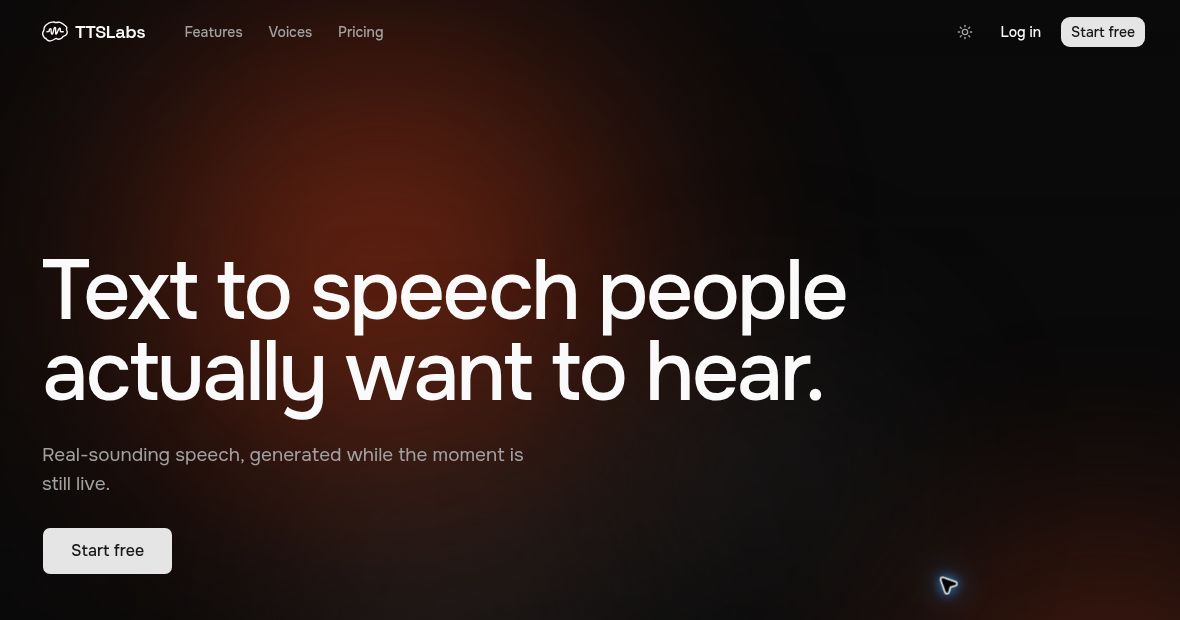
Featured image: screenshot of the public TTSLabs homepage, captured October 27, 2026; not a hands-on product test.
Browse more AI tools.