
Updated October 31, 2026
Legacy feature and current scope: OpenArt Photo Booth was the name used in this article for a photo-based model-training workflow. The exact Photo Booth address returned a 404 during our October 30, 2026 (UTC) check. Retrieved OpenArt help material still describes character and model training within its broader platform, but does not confirm that the old Photo Booth package or checkpoint-download option remains available. This route failure does not establish that OpenArt has closed.
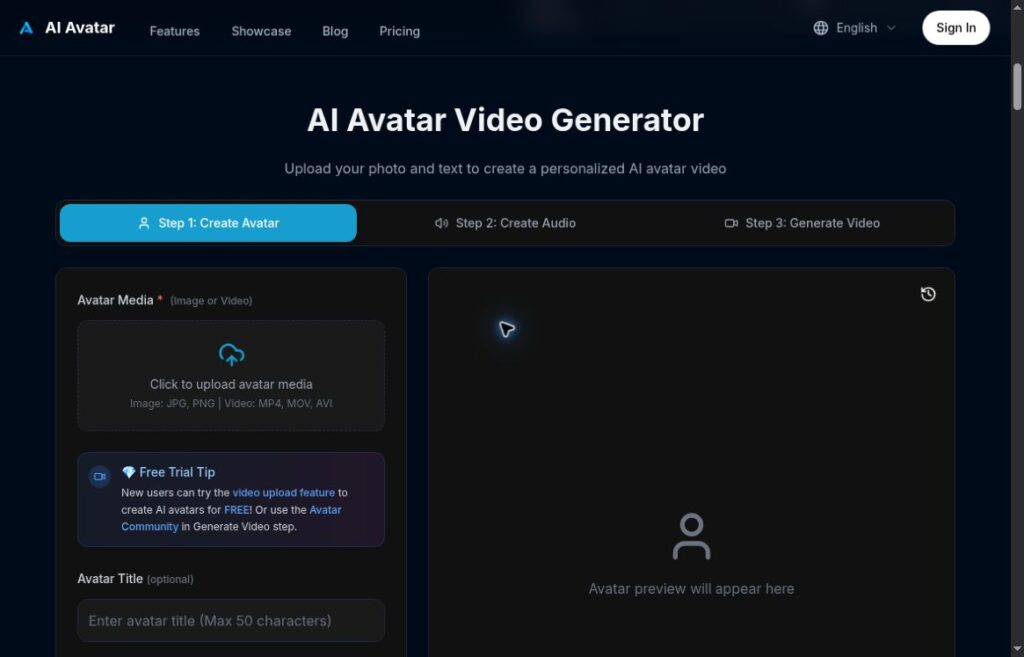
Historical image: The retained image shows an earlier OpenArt training workspace with Start Training and My Models controls. Its capture date is unknown. The pictured controls and preset messaging are not confirmation that the former Photo Booth package, model downloads or those exact options remain available.
| Field | Details |
|---|---|
| Name | OpenArt Photo Booth |
| Overview | The earlier Photo Booth description focused on training image models from photographs of people, animals, objects or visual styles, then using prompts to create related images. OpenArt’s retrieved help distinguishes character-focused training from broader style-oriented model training. That supports related functionality in OpenArt, not a verified continuation of every legacy Photo Booth feature. |
| Key features & benefits |
|
| Use cases and applications |
|
| Who uses? | Potential audiences include artists, designers, photographers, AI researchers and AI enthusiasts. These are possible audiences, not verified customer or adoption claims. |
| Pricing | OpenArt help describes introductory account credits and paid subscriptions billed in USD. Credit costs depend on the operation, and monthly credits do not roll over. A current Photo Booth-specific price, free allowance or package was not verified. Check the actual billing period, renewal, cancellation and feature limits before paying; this article does not quote a current promotional rate. |
| Tags | AI Image Generator, AI Art Creator, Image Synthesis, Digital Art, Model Training |
| App available? | OpenArt help describes desktop and mobile browser access. A separate Photo Booth app was not verified. The retrieved help says a mobile app had not been released, but that statement was not independently checked against current app stores. |
A practical planning example
Imagine developing a fictional woodland mascot for a small project. Prepare reference images you created or are authorized to use, then check whether current character training supports your intended style and budget. If you choose to generate images, compare several poses for consistency and review details before publication. This is a hypothetical workflow, not a test result, a promise of uniqueness or evidence that model files can be downloaded.
Privacy and output-use limits
Retrieved OpenArt help describes creations as private by default; that is not a guarantee of confidentiality under all circumstances. Review the applicable retention and sharing settings before uploading faces or sensitive material. A complete current retention policy was not verified in this review. Do not assume immediate deletion of every copy or infer permission to train on someone else’s photographs.
Commercial use is not a blanket clearance for every model, likeness or source image. Check the current plan and model terms, obtain necessary permissions and assess your intended use. Output permissions do not automatically permit copying OpenArt’s website artwork. No account, photo upload, training, generation or checkpoint download was performed in this review.
Sources and verification limits
Checked October 30, 2026 (UTC): the original Photo Booth address and retrieved official OpenArt Help Center material. The latter is broader platform documentation, not proof of a Photo Booth discontinuation, renaming or migration. The retained YouTube destination from the earlier listing was not verified as a current official tutorial or support channel.