
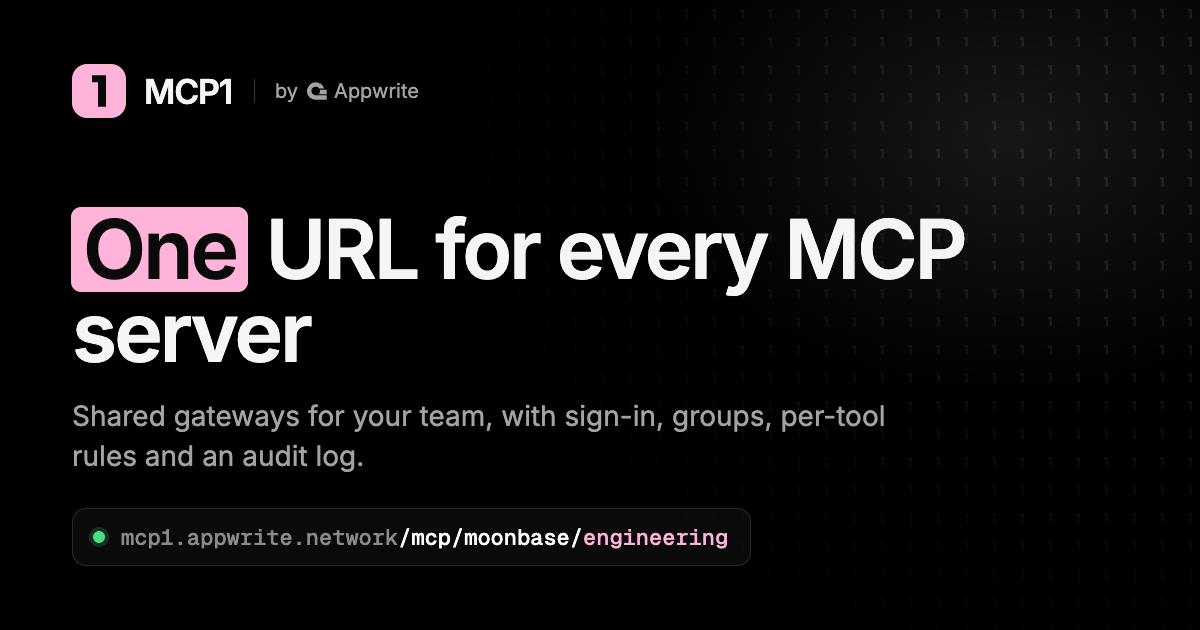
MCP1 by Appwrite is a gateway for connecting AI assistants to multiple remote Model Context Protocol (MCP) servers through a managed entry point. It is aimed at developers and team administrators who want to decide which tools an assistant can use, manage connections centrally, and inspect tool activity without configuring every integration separately in every client.
The practical question is whether your team needs a shared access layer. If one developer uses one integration, another service may add little value. If several assistants need different permissions across several services, MCP1 gives that configuration a central home.
When did MCP1 launch?
Appwrite announced MCP1’s public introduction on November 3, 2026, describing a gateway originally developed for its own team. That dated announcement establishes the recent launch separately from community listings or a directory badge.
What can MCP1 do?
According to the official product page, MCP1 supports clients that connect to remote MCP servers over HTTP, including Claude, Claude Code, Cursor, ChatGPT, and Codex. Its main functions include:
- Shared gateways: bring multiple server connections behind a managed gateway.
- Central connection management: keep service tokens and configuration in one place.
- Group and tool policies: limit the tools available to different groups rather than giving everyone identical access.
- Audit logs: review recorded tool calls when investigating activity.
MCP1 manages connections to services. You still need the relevant third-party accounts and permissions, and an integration’s capabilities depend on its upstream server.
MCP1 pricing and free-plan limits
The published plans checked on November 9, 2026 list these limits:
- Individual: free, with one member, three gateways, and 15 servers.
- Team: $12 per member per month, with limits of 25 members, 25 gateways, and 100 servers.
- Enterprise: $29 per member per month, with limits of 1,000 members, 500 gateways, and 1,000 servers.
The checked pages display amounts with a dollar sign without specifying the currency code, so confirm the billing currency and taxes before subscribing. The billing documentation says invited members also count as seats. These fees do not cover every connected service’s subscription or your AI client.
A practical way to evaluate it
Hypothetical example: a software team wants a coding assistant to read project tickets and documentation, while only a smaller release group should have access to tools that modify records.
A cautious evaluation, using the official documentation, would look like this:
- Create a workspace and add only the servers needed for the pilot.
- Define a restricted group and gateway for the read-only task.
- Connect a supported client and check which tools it actually sees.
- Ask it to summarize a non-sensitive test ticket. Inspect the result and corresponding tool activity.
- Consider write access separately, with explicit approval rules and a low-risk test record.
Use a non-admin test member: the policy documentation says administrators bypass gateway and group restrictions. Also test a task the restricted group should be unable to perform. The useful outcome is a verified permission boundary, not simply a successful answer. This is an evaluation suggestion, not a report of a test conducted for this profile.
Limitations to consider
A central gateway becomes another system your workflow depends on. Review who can administer it, which tokens it stores, and how access is removed when a person or integration no longer needs it. An audit log helps explain activity after the fact; logging alone does not prevent a harmful action.
MCP1’s launch article notes that read-only filtering trusts upstream tool annotations. A mislabeled write tool can appear read-only, so use read-only service tokens or scopes where available as well as gateway filtering. Test the actual client, server, and account combination before allowing changes to business data.
Who should consider MCP1?
MCP1 is most relevant when tool access is becoming difficult to manage across a team. Solo users can assess the free tier, while organizations should compare the per-member cost with the time spent maintaining separate connections. For more tools serving different workflows, browse our AI tools directory.
Source note: This profile is based on official product information checked on November 9, 2026, not hands-on testing. Features and prices can change.
Featured image: screenshot of the official MCP1 mark asset in a browser image viewer, captured November 10, 2026. Inline social card: official MCP1 by Appwrite asset, retrieved November 10, 2026. Source: MCP1 brand assets.