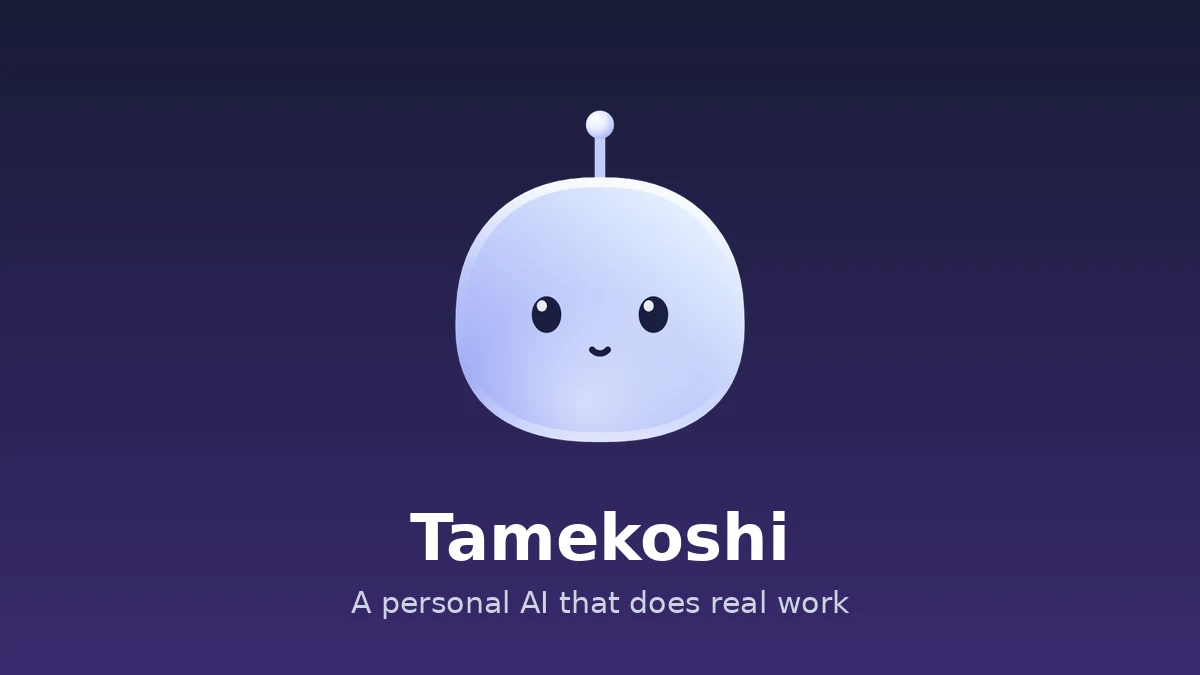
Tamekoshi AI companion is a personal AI that lives at the top of your screen and does real work for you, in the spirit of a Tamagotchi, all grown up. It still has moods, still lights up when you show up, and still sits in a small island at the top edge of the display. The difference is that you do not take care of it: it takes care of your to-do list. The product comes from Tamekoshi, and it launched on Product Hunt on 20 November 2026.
What is Tamekoshi?
Tamekoshi is a desktop companion named Tame. Ask for three things in one message, and it splits them into three subagents that work side by side, each reporting back on its own. It runs real tasks on its own computer, with a browser, a terminal and even an Android phone, and it shows every step. It answers your clients on WhatsApp and Telegram, and you can take over any time. It writes meeting notes with speaker labels, transcribed on your computer, with no bot joining the call. A chat can become a small live app, with orders, stock and margins rendered as cards, charts, tables and forms. Rooms let companions work together, GIFs included.
Key features
- Voice calls from the island: talk to your companion, interrupt, mute or use push-to-talk, with 10 voices in 5 languages, or ElevenLabs if you add a key.
- Background tasks with subagents: hand it a task, keep working, and get the result posted back to the chat when it is done.
- Meeting notes with speaker labels, decisions and action items linked to the lines that back them, with replay at 0.75 to 2 times speed and export to Markdown, text or JSON.
- A catalog of 286 verified apps, including Notion, Linear, GitHub, Sentry, Figma and Stripe, plus your own MCP servers.
- Nearly 80 AI providers behind one picker, including Anthropic, OpenAI, Google, OpenRouter and Ollama, with your own key or a sign-in you already have.
- More than 40 messaging channels, including Telegram, WhatsApp, Slack, Teams, Signal, iMessage and email, with the same companion and memory everywhere.
- Council: up to six models advise the one that answers, and a private Linux computer of its own for builds, browsing and app testing.
Who is it for?
Tamekoshi is for people who want an assistant that does the work instead of only answering questions: founders and freelancers who juggle clients across WhatsApp and Telegram, developers who want a coding agent that opens issues, reviews pull requests and runs checks, and anyone who spends the day in meetings and wants notes without inviting a bot to the call. It fits Windows and Linux users today, and Mac users can join the waitlist for the macOS build, which is in final testing and will live in the notch, or in a slim bar on Macs without one.
Pricing
Tamekoshi is in free beta, version 0.1.1, with no paid plans published on the official site yet. The beta runs on Windows 10 and 11, 64-bit, and on Linux under Wayland or X11, as an AppImage, .deb or .rpm package. macOS 15 or later is coming soon. Because the beta is free, the honest price note is simple: download it, add your own AI provider key or sign in with an account you already have, and expect rough edges, as the makers put it. Prices were checked on the official site on 21 November 2026 and may change when paid plans appear, so confirm them on tamekoshi.com before you commit.
What to know before you try it
Nothing acts without your OK: anything that writes, sends or spends waits for your approval, and payments and security changes always ask, whatever you choose. You can switch to auto-review so reads run on their own while writes still ask, and widening access always goes through a card you click. Setup takes a couple of minutes: download and launch, pick Tame’s look, colour and name, add an AI provider, and connect your coding agents, with any step skippable for later. The mobile app, multiplayer rooms and open source release are on the roadmap, with the code to be announced on the project’s X account when it opens.