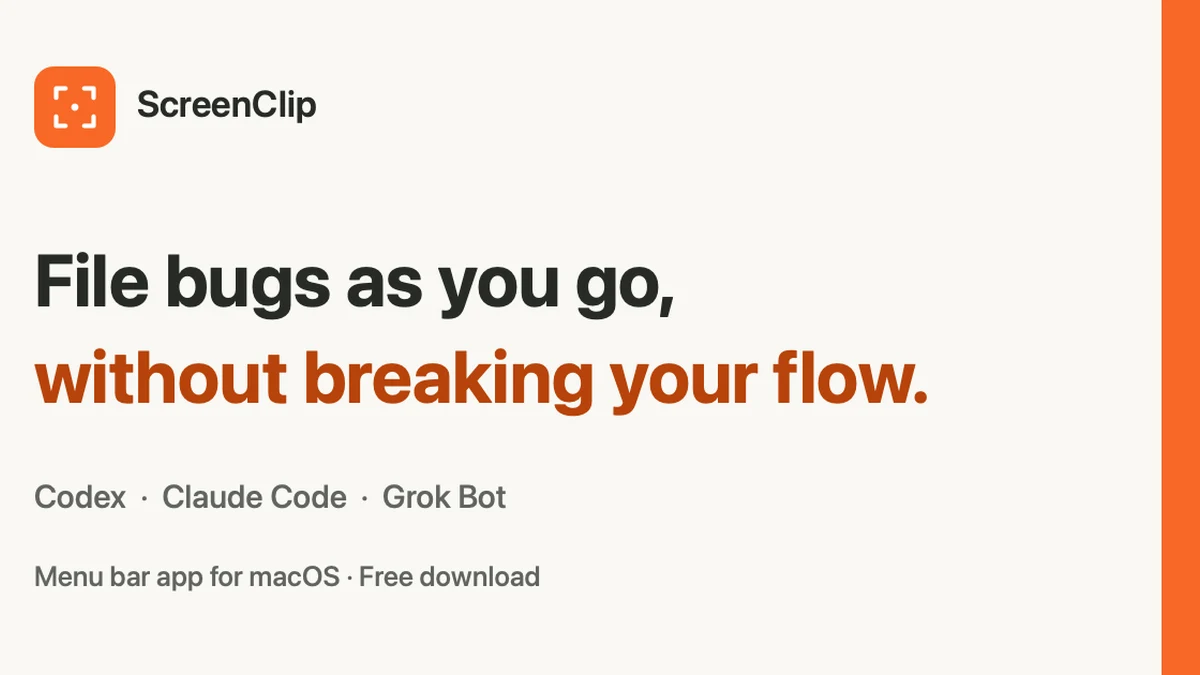
ScreenClip AI coding agents turn a screenshot into a fix. The product appeared on Show HN on 19 November 2026, and it is a macOS menu bar app. Notice something? Capture it, add a few words, and keep going. Your coding agent fixes it in the background, opens a pull request, and ScreenClip tells you when to retest.
What ScreenClip Does
ScreenClip is screenshot feedback for AI coding agents. Press Command-Shift-2 and drag over what you noticed, in any Mac app or website. Type a quick note, mark it up or black out anything private, then send. Your coding agent picks up the report, makes the fix, and opens a pull request, while you keep testing. ScreenClip notifies you when the fix merges, and pull requests for visual fixes include before and after screenshots.
Everything you filed stays in one place. ScreenClip shows your reports, their status, and the pull request, so you can see what needs attention and what is ready to retest. A follow-up capture stays with that report’s agent, and a new capture on the same report continues the work.
Key Features
ScreenClip is built around staying in your flow. File an observation in seconds without switching back and forth or manually starting a new thread in your AI tool.
- Capture any region of a website or Mac app with Command-Shift-2
- Add a note, markup or redaction before sending the report
- Works with Codex, Claude Code, or Grok Bot as your coding agent
- Local agents run in an isolated Git worktree and open the pull request
- Automatic merge only after validation, checks and review rules pass
- Notifications when a fix merges, so you know when to retest
- Report queue with status, so nothing you filed gets lost
Who ScreenClip Is For
ScreenClip fits developers who test their own apps and notice small things as they go. If you catch a clipped control, confusing copy, awkward spacing, or an idea for later while testing, ScreenClip lets you file it in seconds instead of losing it while you keep working.
It also suits teams that already use Codex, Claude Code or Grok Bot. The agent does the fix in the background, ScreenClip runs your validation command, and the pull request carries the flattened report screenshots with your annotations, so reviewers can see exactly what was wrong and what changed.
ScreenClip Pricing
ScreenClip is free for noncommercial use. The app is source-available under the PolyForm Noncommercial 1.0.0 licence, and commercial licensing is available on request. There is no paid plan with a listed price on the official website. Check the official website for current pricing before signing up, since prices may change.
Getting Started With ScreenClip
Starting is simple: download ScreenClip for Mac, sign in to GitHub with the GitHub CLI, add a project with its local repository, base branch and validation command, and connect the agent you use. Pick a default, press Command-Shift-2, and file your first report. ScreenClip is worth a look for any developer whose coding agent should see the bug the way you saw it.
Image: official ScreenClip product visual, via screenclipai.com.