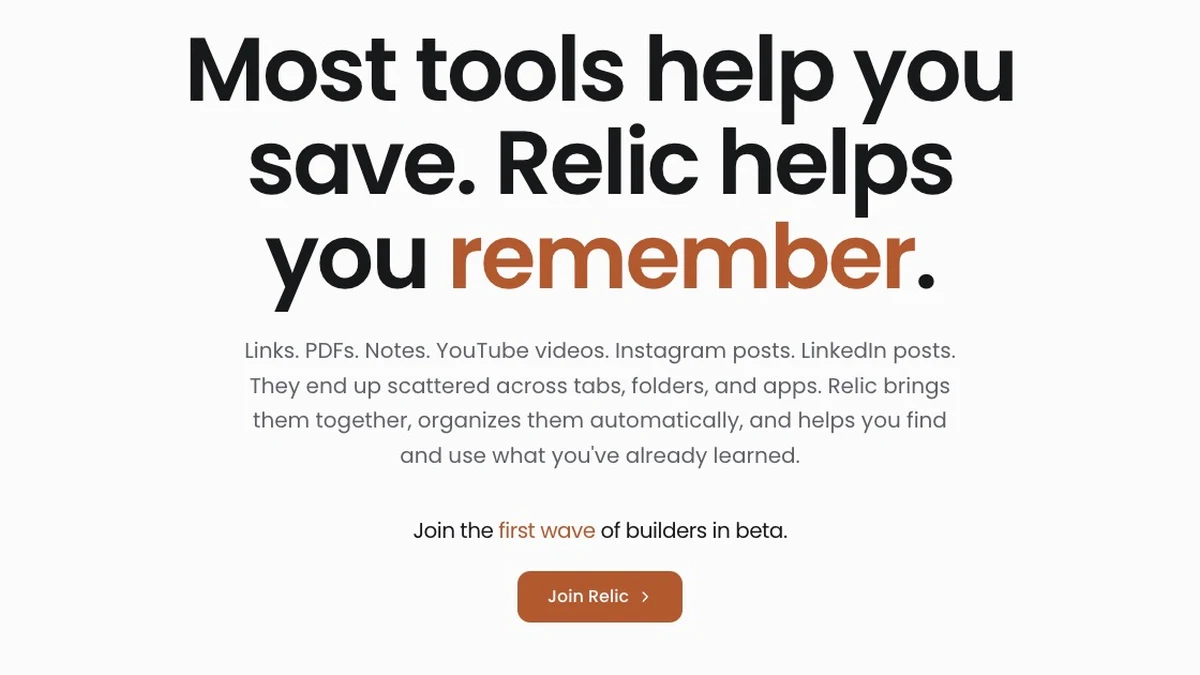
Relic AI second brain helps you remember what you save. The product appeared on Show HN on 19 November 2026, and its beta is open and free right away: sign up with your email and your welcome note takes you straight into the app. Links, PDFs, notes, YouTube videos, Instagram posts and LinkedIn posts usually end up scattered across tabs, folders and apps. Relic brings them together, organises them automatically, and helps you find and use what you have already learned.
What Relic Does
Relic is an AI second brain for everything you save. Save a web link, a PDF or paper, a YouTube video, a Notion page, a Google Drive file or your browser bookmarks, and Relic summarises and tags each save automatically. Ask your library in plain language, and Relic answers from what you actually saved, connecting related ideas along the way and citing the exact sources it used.
Most knowledge is not lost because you never learned it. It is lost because you cannot retrieve it when it matters. Every week, on the day you pick, a Digest brings back the saves worth reading next, so what you have already found is there when you need it.
Key Features
Relic is built around answers that come only from your own library. ChatGPT knows the internet. Relic knows what you saved, and every answer links the source it used.
- Capture from links, PDFs, YouTube, Notion, Google Drive and bookmarks
- Automatic summaries and tags on every save
- Ask your library in plain language, with cited answers from your own saves
- YouTube transcripts and summaries, including whole playlists
- Weekly Digest that resurfaces the saves worth reading next
- Chrome extension to save one page, or a batch of open tabs at once
- Relic MCP connects your library to Claude and ChatGPT, with no key to paste
Who Relic Is For
Relic fits anyone whose reading list has become a backlog. If you save articles for later, keep PDFs for a project, or watch YouTube videos you want to revisit, Relic turns that scattered pile into a library you can ask questions of, instead of a folder you never open.
It also suits people who used Pocket. Relic covers that use and goes further: it summarises what you save, organises it automatically, and lets you ask questions across all of it, so saved articles do not disappear into a backlog.
Relic Pricing
Relic is free during the beta. Paid plans come later, and the site says you will always see the price before you are asked to pay anything. There is no paid plan listed on the official website yet. Check the official website for current pricing before signing up, since prices may change.
Getting Started With Relic
Starting is simple: sign up with your email, save a few links or a YouTube video, and ask your library a question about something you saved. Add the Chrome extension to save pages in one click, or import your bookmarks and pick exactly what you want to keep. Relic is worth a look for anyone who saves a lot and wants to remember it.
Image: official Relic product visual, via relic-app.com.