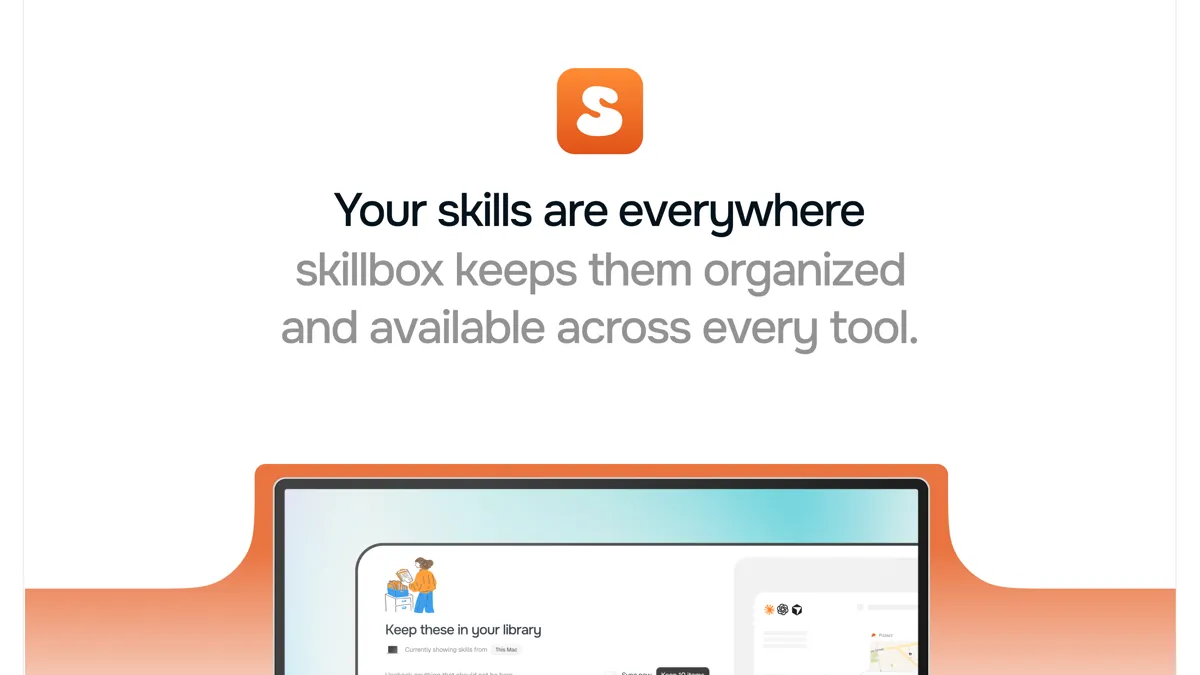
Skillbox is a home for the AI skills developers now collect faster than they can manage. One skill came from GitHub, another lives in a project folder, and three more are installed for Cursor but missing from Claude Code. Skillbox gathers them into one library and keeps them in sync across your tools. The product launched on Product Hunt on 11 November 2026, where it placed fifth for the day. You can see the official site at https://skillbox.so/.
What is Skillbox?
AI coding tools now run on skills: small packages of instructions, files, and context that teach an agent how to do a specific job. The useful ones never stay in one place, and eventually nobody knows which copy is current or why one agent behaves differently from another. Skillbox answers that mess with a single library. Import skills from your computer, GitHub, GitLab, or Explore, and Skillbox remembers where each skill came from and gives you one place to find it again.
Activating a skill delivers it to the tools on your machines, everywhere or only inside the project where it belongs. A frontend project should not load the same setup as a release repository, so Skillbox lets you choose by project. When a skill changes at its source, the incoming version stays separate until you review it.
Key features
- One library for your AI skills, imported from your computer, GitHub, GitLab, or Explore.
- Delivery across your tools, with per-project activation and sync across connected machines.
- Source tracking and updates, with version comparison and a choice of automatic or reviewed updates.
- Skillbox Trim, which shortens noisy command output before your agent reads it, while the full output stays on your machine.
- Skillbox Trust, which checks new skill versions for prompt injection, data exfiltration, secrets, and obfuscated code, with findings labeled in STRIDE and OWASP terms.
Who is it for?
Skillbox fits developers and teams whose agents already depend on skills, and who have felt the cost of keeping those skills scattered. If your Claude Code setup differs from your Cursor setup, or your team keeps passing around the one good skill by chat message, a shared library with version control is the fix.
The security checks matter for the same audience. Skills are executable instructions from the internet, and Skillbox checks them with the Cisco Skill Scanner before they can reach your machines, requires your explicit opt-in for executables, and ties every exception to one version. A passing check is not a guarantee a skill is harmless.
Pricing
Skillbox has three plans, priced in pounds. The Free plan costs £0 a month, free for as long as you like with no card required, and includes one library, delivery across your tools, source tracking, Skillbox Trust, and Capture, for up to 3 devices and 100 followed sources. The Individual plan costs £6.99 a month for one person, billed monthly after a 7-day trial, and adds context trim, Skillbox AI, and Try in chat, with no device or source limits.
The Team plan costs £12.99 per active member a month and adds shared workspaces, team standards, workspace usage, a weekly report, and more library storage. Trim, AI, and Try in chat start a 7-day trial when you turn them on, and need a card to begin. You can see current pricing on the official Skillbox pricing page.
Pricing may change; see the official website for current pricing. Details above reflect the official site as checked on 13 November 2026.
Getting started
Download Skillbox for Mac and start free with no card. Import the skills already on your machine, browse Explore for your next useful skill, and activate a small set for one project. When a skill updates, review the changed instructions before you accept the new version. To try the AI features, turn on Trim or Try in chat to start the 7-day trial.