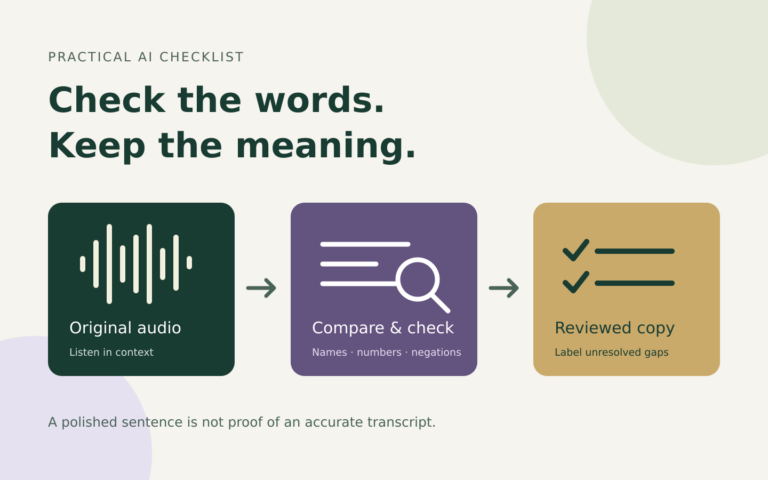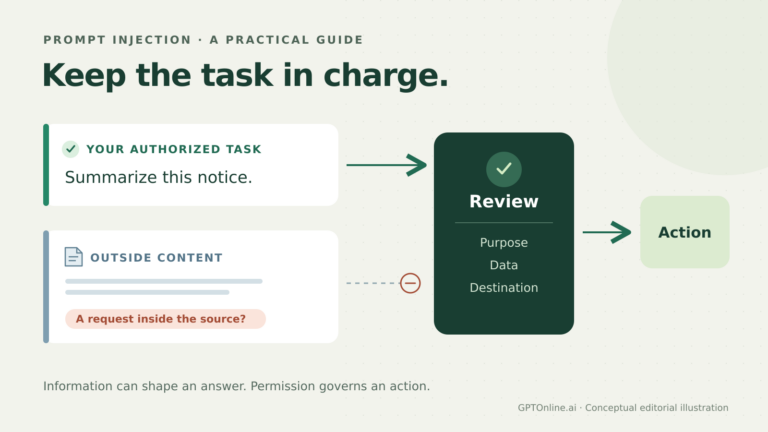
AI can help turn a rough image description into clear alt text. It can also add a location, emotion, identity, or number that the image does not establish. A fluent sentence is not evidence that every detail is true.
The safest workflow starts with the image’s job on the page, gives the AI verified context, and checks the draft against the actual image. Keep the final decision with a person who understands both the picture and the surrounding content.
Choose the image’s role before drafting
Ask what someone would miss if they could not see the image. The answer depends on where it appears, not just what it depicts. The W3C alt decision tree provides a useful starting point.
- Informative: Communicate the relevant information, rather than inventorying every visible object. A photo in an assembly guide may need to explain the position of a part. See W3C’s informative-image guidance.
- Decorative: If the image adds no information or function, an HTML image should have an empty alt attribute:
alt="". Omitting the attribute is different. See W3C’s decorative-image guidance. - Functional: An image-only link or button needs an accessible name explaining its action or destination. If an image merely accompanies equivalent text within the same link, repeating that text may be unnecessary. See W3C’s functional-image guidance.
- Complex: A chart, map, or detailed diagram may need a short identification plus a fuller text equivalent. Do not squeeze its essential information into an overloaded sentence. See W3C’s complex-image guidance.
Give the AI context it cannot safely guess
Provide the image, page topic, nearby caption, and reason for including it. For a linked image, include the verified destination. For a chart, supply the underlying data rather than asking the model to estimate tiny labels.
Keep supplied facts separate from visual observations. “This is the author named in the caption” is context you can verify; “this looks like a famous author” is a guess. If the tool cannot inspect the image, ask it to edit your own verified description, not invent one from a filename.
Remove claims the evidence does not support
Review every noun, adjective, number, and implied relationship. Can you point to the detail in the image or to trustworthy context? If not, remove it or ask for clarification.
Do not infer ethnicity, religion, disability, gender identity, or other sensitive traits from appearance. Avoid guessing a person’s name, occupation, relationship, feelings, or intentions. A visible smile does not establish happiness; a white coat does not establish a medical qualification. Mention relevant visible details without attaching an unsupported story to them.
Unclear text needs the same restraint. Do not publish an AI reading of a blurred sign as a verified quotation. Ask for a sharper source or confirm the wording elsewhere.
Four hypothetical before-and-after examples
The following examples are invented teaching scenarios, not descriptions of images reviewed for this article.
A product detail
Context: A bag listing uses a close-up to show its interior pockets.
Before: “Premium waterproof bag with a secure laptop compartment.”
After: “Open bag with a padded inner sleeve and two smaller pockets.”
The revision describes the stated visible features. It does not invent water resistance, quality, security, or a device size.
A decorative banner
Context: Abstract colored waves decorate a page; all information is already in the text.
Before: “Beautiful blue waves representing innovation and success.”
After: An empty alt attribute, alt="".
The editor decides the image is decorative in this placement. The AI does not need to supply a metaphor.
An image-only action
Context: A verified button downloads a PDF schedule and has no other accessible label.
Before: “Downward arrow in a circle.”
After: “Download the event schedule (PDF).”
The useful information is the action. The destination and file format must be checked, not inferred from the icon.
A chart with supporting data
Context: A fictional chart shows 40, 55, and 50 registrations in January, February, and March.
Before: “Registrations rise rapidly every month.”
After: “Monthly registrations from January to March; values and trend described below.”
The accompanying text gives the three values and explains that registrations rise, then fall. A real chart also needs its relevant labels, units, and relationships preserved. Only point readers “below” when that explanation actually exists there.
A reusable drafting and review prompt
Help draft alt text for this image. Page purpose: [purpose]. Why this image is included: [reason]. Nearby text: [text]. Verified facts or destination: [facts]. First suggest whether it is informative, decorative, functional, or complex, and explain any uncertainty. Use only visible details and the verified context I supplied. Do not infer identities, sensitive traits, feelings, or unreadable text. Draft a concise alternative, or recommend an empty alt attribute when appropriate. If a longer description is needed, list the missing information. Separately flag every detail I should verify before publishing.
Check the result where readers will encounter it
Compare the draft with the image again, then read it alongside the page text. Remove repetition and lead with the information that matters. W3C recommends concise, purpose-focused alternatives rather than unnecessary openings such as “image of.” See its alt-text tips.
Check that your publishing system has placed the text in the image’s actual alt attribute. A caption, media title, and alt text are different fields. Confirm that decorative images remain empty and that image-only controls have meaningful accessible names. Test the published page’s output with appropriate accessibility checks, including assistive-technology review where available.
For data visuals, also check the AI-generated chart before sharing it. Accurate alt text cannot repair inaccurate source data. This workflow supports careful editing; it is not a legal-compliance guarantee or a substitute for a broader accessibility review.