Updated October 19, 2026. Reviewed and revised for current information.
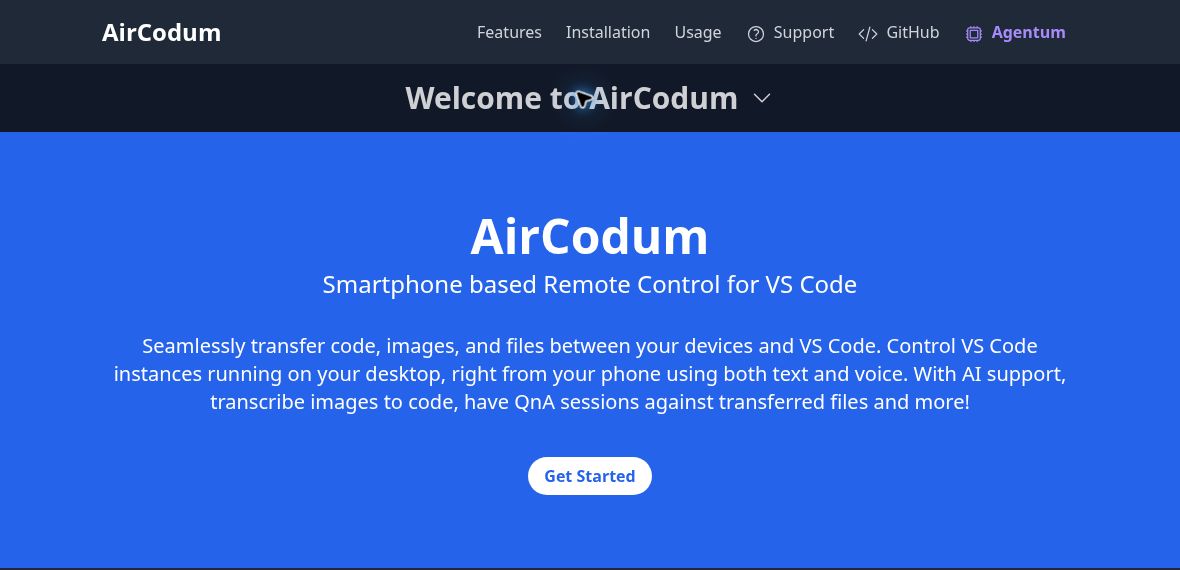
Image: Official AirCodum homepage describing smartphone remote control for VS Code, captured October 19, 2026. Feature wording is the provider’s public presentation; no app was installed, device paired, remote desktop accessed or AI output tested.
AirCodum is a smartphone companion for controlling Visual Studio Code on your own computer. The official product site describes file transfer, voice commands and a VNC mode for viewing and controlling the desktop. AI assistance is an optional part of this workflow.
What AirCodum is designed for
- Remote editor access: navigate files, send commands and interact with a running desktop development environment.
- File transfer: move text, code snippets, images and documents from your mobile device into VS Code.
- Voice input: use the phone’s speech-recognition service to send text or commands.
- Optional AI help: use coding chat and image-to-text features through the provider configured in the desktop extension.
This can be useful for checking a build, reviewing an ongoing task or transferring a code-related screenshot when away from the keyboard. It does not remove the need for a computer running a compatible VS Code extension, and it is not a hosted no-code application builder.
Apps and connection requirements
AirCodum has a VS Code extension and mobile apps for Android and iOS. Current extension documentation describes QR-code or manual pairing, saved computer/workspace connections, and Local Wi-Fi, Tailscale or configured TLS connection methods. The computer must remain running and reachable.
Version compatibility matters: the extension requires a pairing-capable version of the original AirCodum mobile app. AirCodum Agentum is a separate product. Follow the current extension instructions rather than older setup examples that omit pairing.
Important access and privacy limits
The official Android listing states that Local Wi-Fi uses unencrypted traffic and should be limited to a trusted network. It describes Tailscale or a configured TLS endpoint as encrypted alternatives. VNC and native keyboard actions affect the computer’s shared foreground desktop, not an isolated desktop for each VS Code window. Optional AI/OCR may send content to the configured provider; speech input uses the device’s speech service.
Keep pairing credentials private and review the current permission prompts before enabling remote control. Test with a non-sensitive workspace before using it for client or confidential code.
Pricing
The extension documentation labels the Android app free and the iOS app paid. No universal current subscription price was established. Check the relevant regional app-store listing and any separate AI-provider charges before deciding. Expired promotional codes on the homepage should not be treated as an active offer.