Updated October 26, 2026
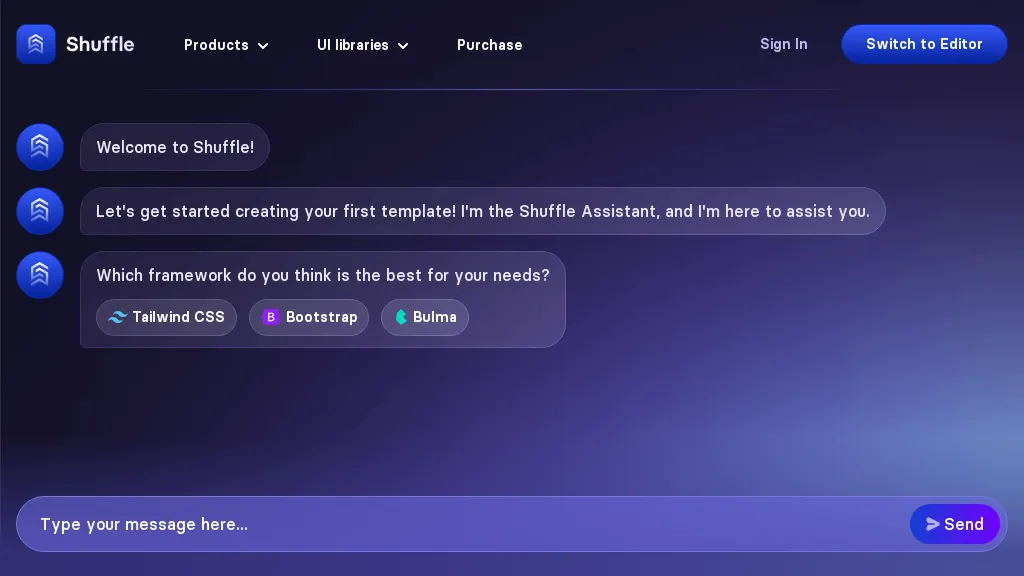
Historical Shuffle Assistant screenshot; capture date unrecorded. The linked assistant was marked deprecated when checked October 26, 2026. This image identifies the old interface, not current builder functionality.
| Name | Shuffle |
| Overview | Shuffle is a web-based UI template builder with AI-assisted tools for web development. It provides a visual interface for creating a variety of layouts; over one million combinations are advertised. It offers editors for popular UI frameworks like Tailwind CSS, Bootstrap, Material-UI, and Bulma. Users can access more than 8,000 UI components that are organized by framework, making it easier to incorporate ready-made elements into their projects. The platform includes features such as a one-click SVG pattern generator and a Visual Studio Code extension for enhanced coding efficiency. Catering to both novices and seasoned developers, Shuffle offers a vast array of templates including Flex Landing, Zospace Landing, Artemis Dashboard, and Yofte E-commerce. The linked /chat page marks that version of the AI assistant as deprecated and due for removal, and directs visitors to a newer AI option. This is an assistant-endpoint notice, not a shutdown of the wider Shuffle builder. Check current editor access and review generated layouts before using them in a project. Subscription options are flexible, with plans starting at $24 per month, allowing users to choose their preferred payment method while agreeing to Shuffle’s terms of service. |
| Key features & benefits |
|
| Use cases and applications |
|
| Who uses? |
|
| Pricing | The linked assistant page lists plans starting at $24 per month, with annual and one-time lifetime license options. Confirm which editor and billing period an offer covers; no ongoing free allowance was verified on the checked page. |
| Tags | Web Development, AI Tools, UI Design, Frontend Development |
| App available? | Web-based editors with a Visual Studio Code extension. No standalone mobile app was verified in the checked source. |
Sources: Official assistant status, editor links and published licenses; Provider terms. Checked October 26, 2026.