
Updated October 25, 2026
| Name | Plask |
| Overview | Plask is an advanced motion capture animation tool powered by AI, designed for users to capture, edit and share animations in their web browsers, with results depending on source footage and setup. It supports professional file formats such as glb, fbx, and bvh, making it suitable for both individual creators and collaborative teams. With a focus on efficiency and user-friendliness, Plask offers unique capabilities to extract motion data from videos, can be used for educational projects, and offers a Freemium plan alongside paid plans. The earlier education-discount reference should be confirmed with the provider rather than assumed to be a current universal offer. |
| Key features & benefits |
|
| Use cases and applications |
|
| Who uses? | Animators, game developers, 3D artists, and filmmakers. |
| Pricing | The Freemium plan lists 15 seconds of motion capture per day and 1 GB storage, with FBX, GLB and BVH exports. Monthly plans checked on October 25, 2026 show Standard $40 per month for 10 minutes of processing and 3 GB storage, and Pro $140 per month for one hour and 10 GB storage. The annual-billing equivalents of $18 and $50 per month are separate offers, not month-to-month rates. Plask Live/API usage has separate credit requirements; check the applicable plan and terms for commercial use. |
| Tags | AI, motion capture, animation tool, browser-based software. |
| App available? | The main Plask Motion editor is browser-based. Plask also documents Live integrations for Blender and Unreal Engine; its current camera setup requires macOS 14 or later, an internet connection and API credits. These integrations are separate from a claim that all workflows work in a browser or that a native phone app is available. |
Sources: Official motion-capture and integration overview · Current free and paid plan comparison · Service, output and commercial-use terms
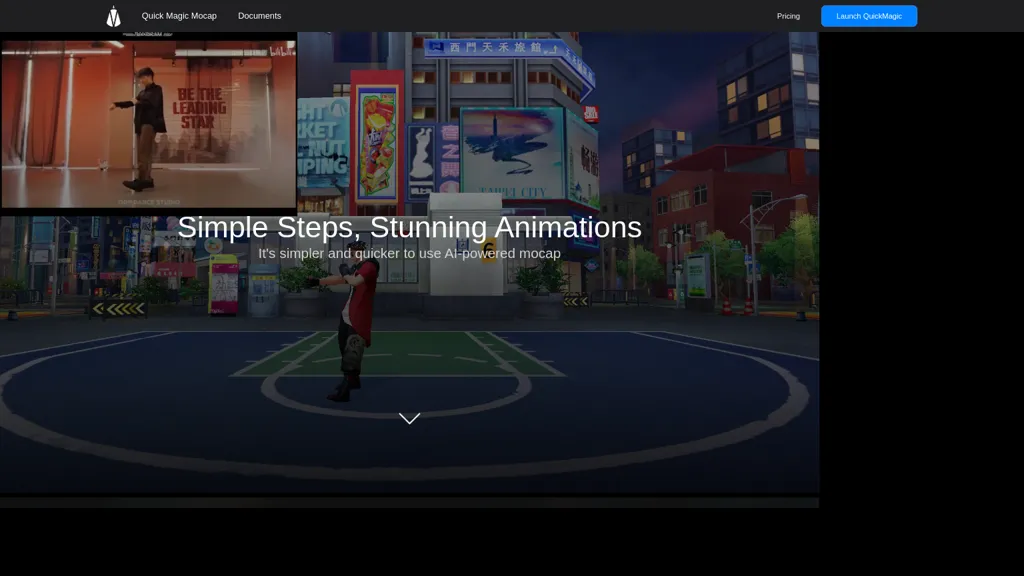
Historical image: The existing Plask homepage shows its earlier AI motion-capture positioning with cookie and chat panels. It is not a current plan comparison or proof of motion-capture accuracy.